Processes and Software Building 13: Validation of Electronic Crossmatch

The electronic/computer crossmatch is vital to the hospital blood bank’s operation.  It allows us to reduce unnecessary work and redeploy a very limited, precious workforce.  As demonstrated in the previous post, it has many rules for current and previous testing and historical transfusion records.

This is NOT a one-time validation:  it must be repeated to check for regression errors when updating the software version, regardless if there are any changes to its logic.  It required many Super-Users to perform:

  1. A test environment distinct from the live was used.
  2. Patients had to be created and specific test results entered to match the algorithm below.
  3. Donors had to be created and components made (including testing, production, release, inter-depot transfer)
  4. Hospital blood bank had to receive the created units and enter them into active stock (and repeat the ABO/D testing to do this)

This is a sample validation plan created by me and used at HMC Doha for the Medinfo Hematos IIG software:

  1. Special Electronic Crossmatch Testing
    1. Make 100 patients:
    2. 60 patients matching electronic crossmatching criteria:
      1. 2 ABO/D determinations, one current within 72 hours
      2. Second determination from history or second current sample
      3. No ABO/D typing discrepancies
      4. Negative antibody screen
      5. No history of antibodies
    3. 40 patients with contraindications to electronic crossmatch:
      1. 10 with history of antibody
      2. 10 with current antibody
      3. 10 without 2 ABO/D determinations
      4. 10 with emergency release
    4. Try to release RBC unit without further testing in each case.

Super Users had to capture screen shots of the transactions and send them to me as Division Head, Transfusion Medicine/LIS for review and acceptance.

Criteria for Acceptability:

  1. All tested processes must complete without error, including recognition of ABO/D discrepancies as such.
  2. System only allows computer release (electronic crossmatch) in those cases meeting computer-crossmatch criteria as shown in the following interim policy.

INTERIM POLICY:  ELECTRONIC (COMPUTER) CROSSMATCH

Revised Date:  1/2/18

Principle:

In selected patient categories, no classical crossmatch may be required for release of RBC components.  The criteria are specified here as applicable in our Medinfo Hematos IIG computer system HIIG.

Policy:

  1. An electronic crossmatch without antiglobulin or immediate-spin phase testing may be used for the following patient categories:
    1. The current ABO/D type matches the historical ABO/D type.
    2. The ABO/D type (forward and reverse) is clearly defined without any discrepancies.
    3. Two determination of the ABO/D group must be made:
      1. One from a current specimen (within the past 72 hours)
      2. The second by one of the following methods:
        1. Testing a second current specimen
        2. Comparison with previous records of ABO/D typing
        3. Retesting the same specimen
    4. The current antibody screen is negative
    5. There is no history of RBC antibodies or a non-negative antibody screen.
  2. General computer system safeguards:
    1. The system contains the donor unit number, component name, confirmed ABO/D typing, two unique recipient identifiers, recipient ABO/D, antibody screen typing, and interpretation of compatibility
    2. A method exists to verify correct entry of data before release of blood or blood components.
    3. The system contains logic to alert the user to discrepancies between donor ABO/D group on the unit label and those determined by blood confirmatory tests and to ABO incompatibility between the recipient and donor unit.
  3. HIIG will enforce the above rules.

References:

  1. HIIG Workflow 1004, Patient Testing, 2013
  2. Section 5.16, Standards for Blood Banks and Transfusion Services, Current Edition, AABB, Bethesda, MD, USA
  3. FDA Guidance for Industry:  Computer Crossmatch (Computer Analysis of the Compatibility between the Donor’s Cell Type and the Recipient’s Serum or Plasma Type), April, 2011

Processes and Software Building 12: Electronic (Computer) Crossmatch

As much as 90% of the RBC component allocation can be performed without an actual crossmatch test—AHG or immediate-spin provided that certain criteria are met.

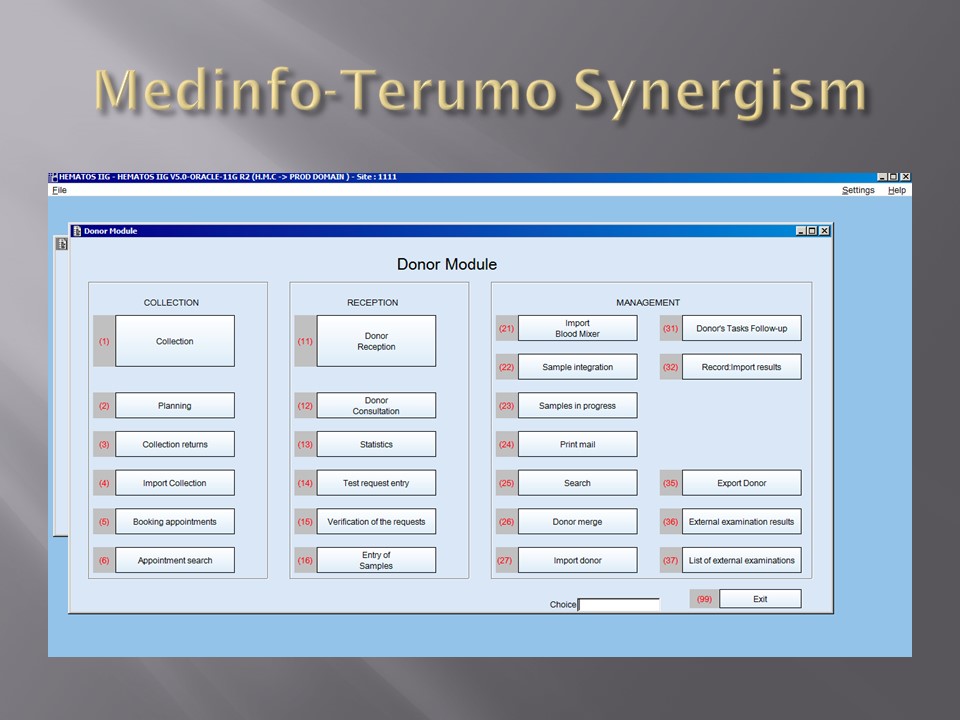
Enforcing these rules, however, can be cumbersome unless one has blood bank software that verifies that each rule is met.  In the Medinfo patient module, the transfusion history database is checked automatically.  If the rules are met, then Medinfo allows the selection (allocation) of RBC units without performing a crossmatch test.  Otherwise, it will check to see if the AHG crossmatch has been done within the past 3 days.  If not, it will prompt for new crossmatch testing with a new specimen.  If the situation is urgent, one can go to Emergency Mode and release components without the crossmatch.

The following is the latest document I prepared on this process before leaving HMC.  Please note that there was an extensive validation before this was activated for patient use.

INTERIM POLICY:  ELECTRONIC (COMPUTER) CROSSMATCH

Revised Date:  1/2/18

Principle:

In selected patient categories, no classical crossmatch may be required for release of RBC components.  The criteria are specified here as applicable in our Medinfo Hematos IIG computer system HIIG.

Policy:

  1. An electronic crossmatch without antiglobulin or immediate-spin phase testing may be used for the following patient categories:
    1. The current ABO/D type matches the historical ABO/D type.
    2. The ABO/D type (forward and reverse) is clearly defined without any discrepancies.
    3. Two determination of the ABO/D group must be made:
      1. One from a current specimen (within the past 72 hours)
      2. The second by one of the following methods:
        1. Testing a second current specimen
        2. Comparison with previous records of ABO/D typing
        3. Retesting the same specimen
    4. The current antibody screen is negative
    5. There is no history of RBC antibodies or a non-negative antibody screen.
  2. General computer system safeguards:
    1. The system contains the donor unit number, component name, confirmed ABO/D typing, two unique recipient identifiers, recipient ABO/D, antibody screen typing, and interpretation of compatibility
    2. A method exists to verify correct entry of data before release of blood or blood components.
    3. The system contains logic to alert the user to discrepancies between donor ABO/D group on the unit label and those determined by blood confirmatory tests and to ABO incompatibility between the recipient and donor unit.
  3. HIIG will enforce the above rules.

References:

  1. HIIG Workflow 1004, Patient Testing, 2013
  2. Section 5.16, Standards for Blood Banks and Transfusion Services, Current Edition, AABB, Bethesda, MD, USA
  3. FDA Guidance for Industry:  Computer Crossmatch (Computer Analysis of the Compatibility between the Donor’s Cell Type and the Recipient’s Serum or Plasma Type), April, 2011
Processes and Software Building 11: Middleware and Truth Tables

I try never to forget that in most cases, the simplest solution is the best.  This applies to software as well.  The ideal situation is to have one interface to the blood bank software.

In many laboratory softwares, there is a middleware to interpret the raw data as it comes out of the equipment which may reformat it and interpret it.  This approach means that you have to have one interface then middleware and then finally the software.

Inevitably, both the middleware and the laboratory software will need updating.  Can you assume that they will still work after either or both are updated?  Will there be regression errors?

A good example of regression errors is the Microsoft Windows Feature Update (sometimes referred to as the Update from Hell!).  Previously working functionality gets broken, data can be lost, etc.

In Medinfo, you store a truth table of possible results and interpretations.  Medinfo will directly read the machine interface data, interpret it according to the rules you make.  The data can be numeric or alphanumeric or both.  Each test, each equipment can have its own unique rules if necessary.

In my opinion, it is best to avoid middleware if your blood bank software can perform this function directly.  When you upgrade it, it is much less likely to show errors—and you only have to deal with one vendor.  Can you be certain that the middleware vendor and the blood bank software vendor will work well together to resolve any issues?

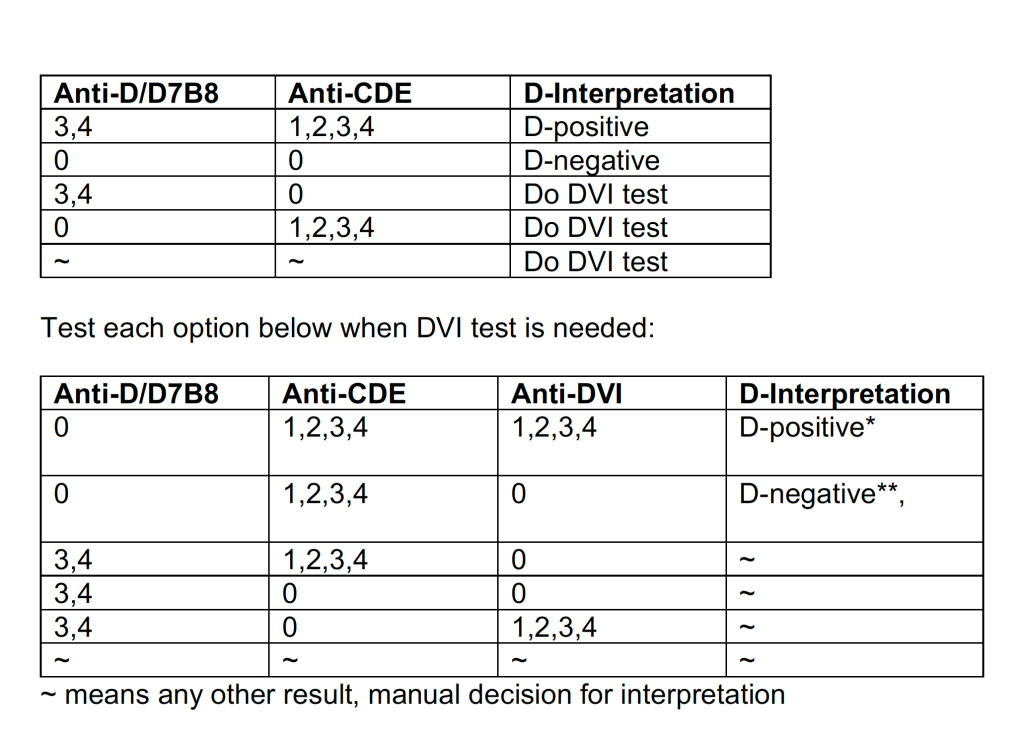
The following are some examples of truth tables, i.e. the rules for interpretation and disposition of interface results actually used at HMC Doha during my tenure there:

Example 1:  Blood Component Production Truth Table

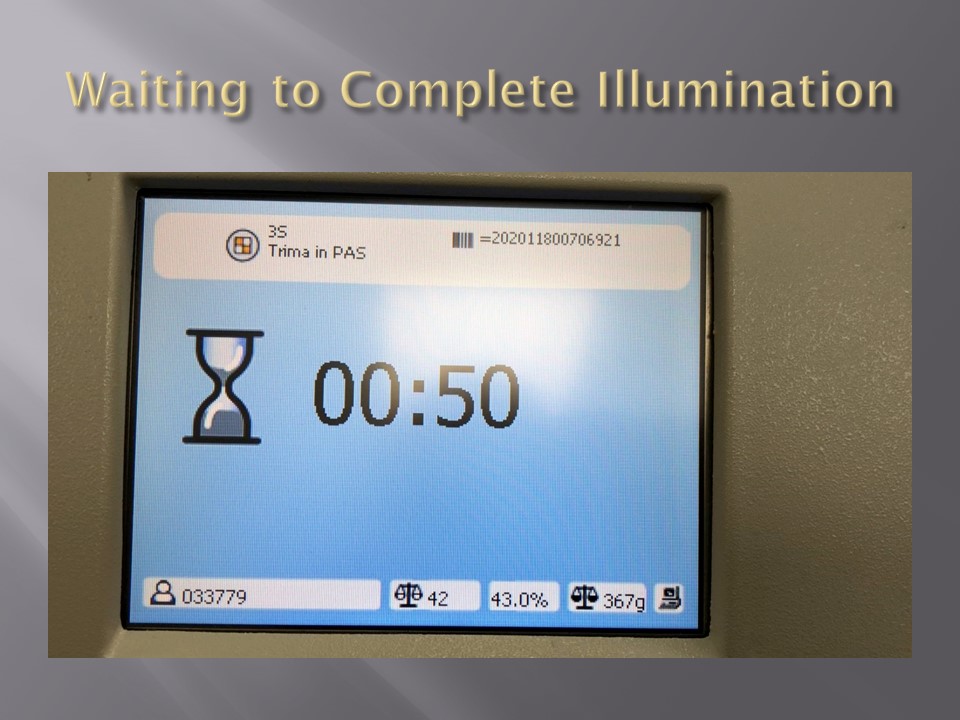
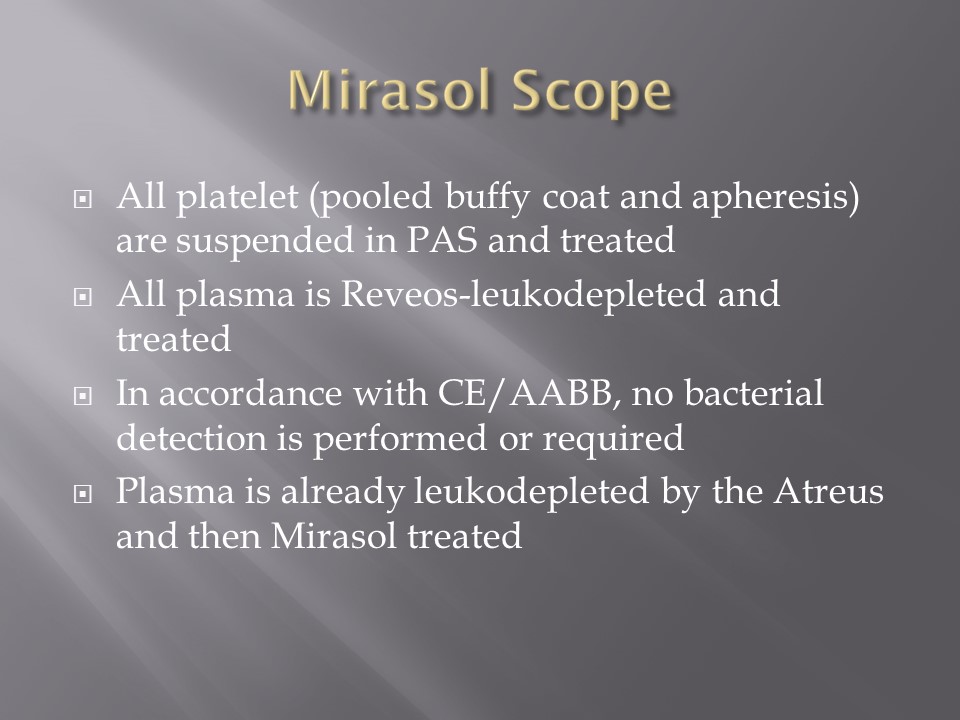
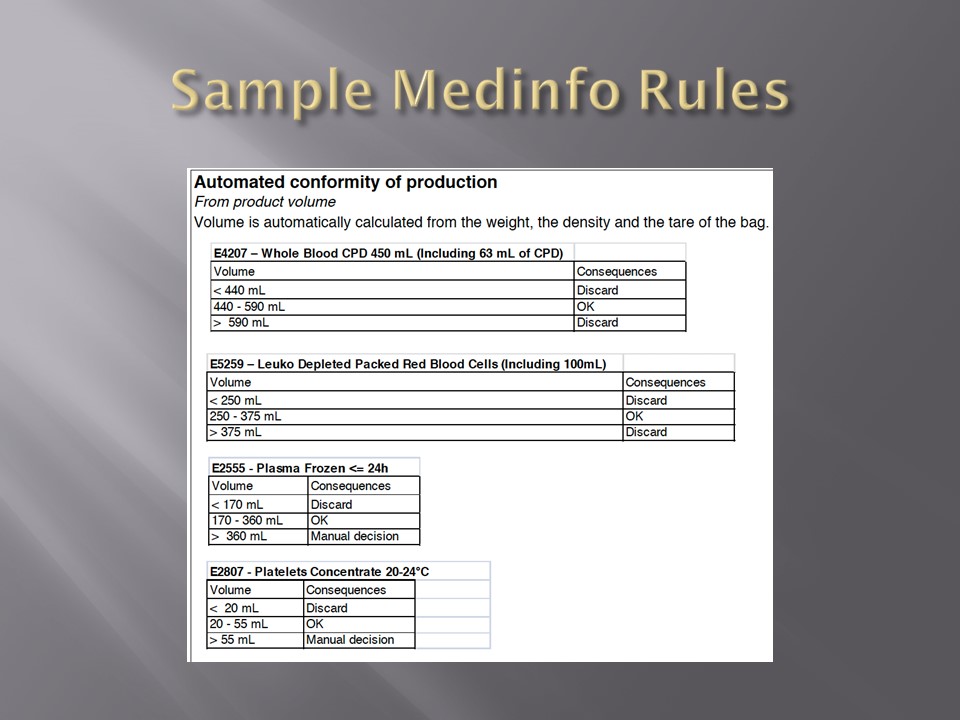
Production can only proceed if the volumes are within the specified ranges.  This is very important if you are going to perform pathogen-inactivation since the ultraviolet illuminator requires a specific range, even more so if you are adding Mirasol (riboflavin) and PAS (platelet additive solution).


Example 2: ABO/D Antigen Typing:

One manufacturer’s requirements:

Example 3:  Complicated D Typing Algorithm:

The acceptable range for automatic interpretation is much more complicated for D typing with the Ortho Vision MAX and uses 3 different monoclonal cocktails:

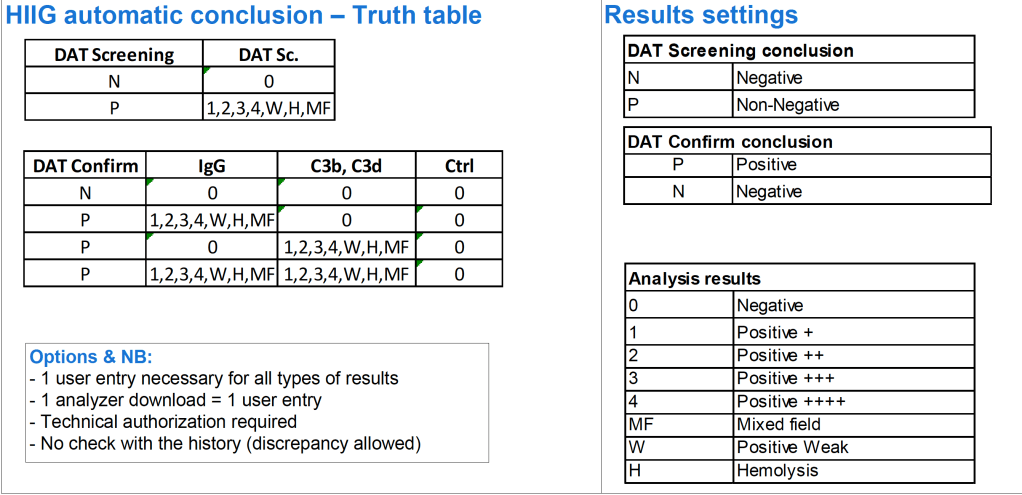
Example 4:  Direct Antiglobulin Test Algorithm:

Both alphanumeric and numeric results are used.

Example 5:  Four-Cell Antibody Screen:

Truth table for interpretation requires both alphanumeric and numeric results:


Conclusion:

If you are fortunate to have a dedicated blood bank software, you may not need middleware.  Otherwise, you may need to use it for linking to general laboratory systems.  Hopefully, your vendors will cooperate with each other.

To Be Continued:

2/7/20

Processes and Software Building 10: Hospital Blood Bank/Transfusion Services Overview

The following post is based on my experience 2011-2020 at HMC through 16/4/20:

I have had many posts about the Blood Donor Center from registration, collection, processing, testing, and dispatch (inter-depot transfer).  The hospital transfusion service or hospital blood bank continues the process on selection of the appropriate blood component for the patient.  Specifically, it:

  1. Verifies the ABO/D type of RBCs and ABO type of plasma components received
  2. Physically examines each unit checking for leaks, labelling errors, etc.
  3. Receives into stock the various components
  4. Performs basic type and screen (group and save) testing of the patient including ABO/D type and antibody screen
  5. Identifies antibodies if the antibody screen is non-negative
  6. Performs direct antiglobulin test and elution if positive
  7. Modifies components (thawing, aliquoting, irradiating, washing, pooling)—although in some sites, these latter functions may be performed in the Blood Donor Center
  8. Performs compatibility testing and selects the appropriate method (electronic, immediate-spin, antiglobulin phase crossmatch)
  9. Releases blood components to outside staff (nurses, doctors, etc. as allowed by the local authority)
  10. Investigates transfusion reactions

When I was at HMC which included many hospital blood banks, we standardizes our methodologies/processes as much as possible, but we still had some differences based on the equipment at each site.  When we built the blood bank computer system, we had to build a specific process for each test, taking into account the methodology and the type of reagents used.  We used the manufacturer’s recommendations when establishing the criteria for each test.

There were manual and multiple automated tests, e.g. for ABO/D typing.  Rules were established when automated release was allowed and when a manual review was necessary.  Complicated cases were referred to the transfusion medicine physician for review and comment.

In our system, all tests could be ordered and performed from all sites.  Transfusion medicine physicians could review all work from all sites.  For technologists, they were restricted to the sites they worked or supervised except to review results.

All patient results across the entire system from the current and previous system were available and could be used to make/enforce rules.

In general, certain categories of results were referred to the transfusion medicine physician for review, but any test could reviewed by him/her, especially if a clinician requested it.  Everything was documented in the software.

Component modification (thawing, aliquoting, irradiating, pooling, washing) processes were the same at all sites AND the blood donor center.  Each modification changed the ISBT designation of the component, a new ISBT label was printed, and the outdate of the components were updated.

Antibody workups were still performed manually, but direct antiglobulin tests could be  manual or automated.  In each case,  review with an interpretative comment was made by the transfusion medicine physicians and might include recommendations for selection and use of components.  Rules enforced by the software could be made to enforce these recommendations.

To Be Continued:

1/7/20

Processes and Software Building 9: Enforcing GMP

Enforcing Good Manufacturing Process Through A Dedicated Blood Bank Software

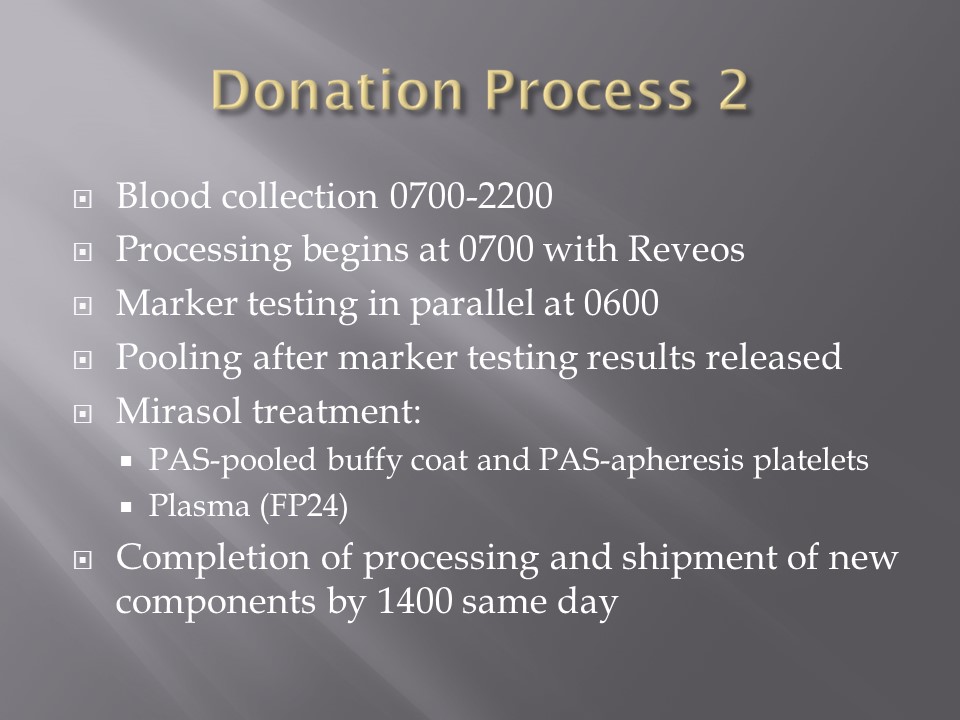
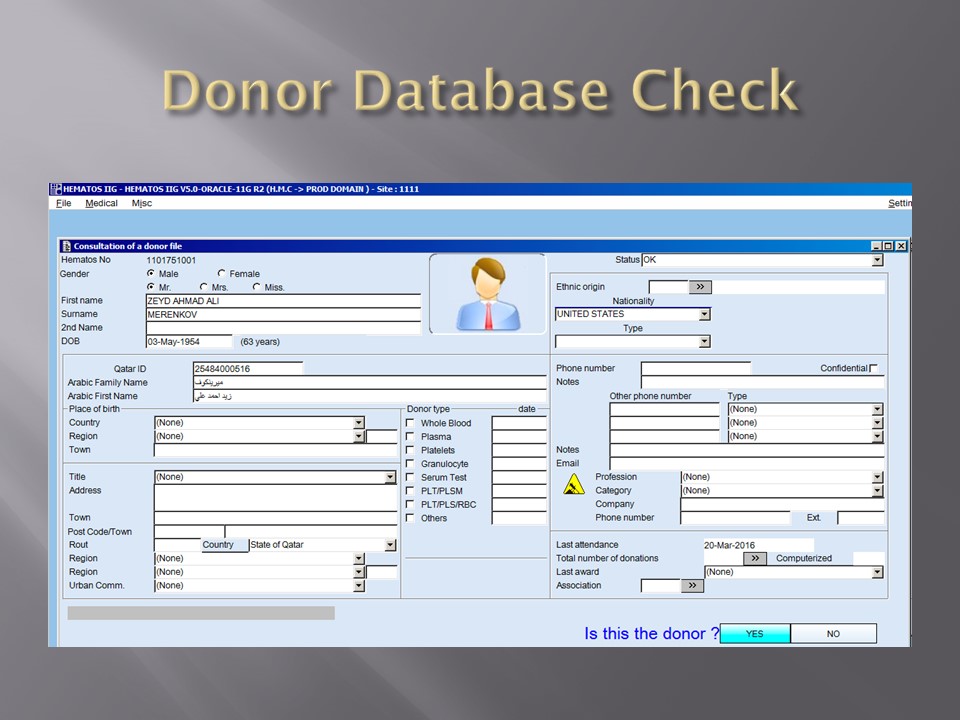
Blood components are a drug and like medications must be consistently produced and follow Good Manufacturing Practices GMP.  The following system that I set up for HMC Doha Qatar blood collection and processing is an example of the impact of Medinfo donor software on enhancing our safety and GMP compliance.  In earlier posts, I provided the Medinfo flowcharts for these processes.

This is an outline of the processes I built in conjunction with the Medinfo software engineers:

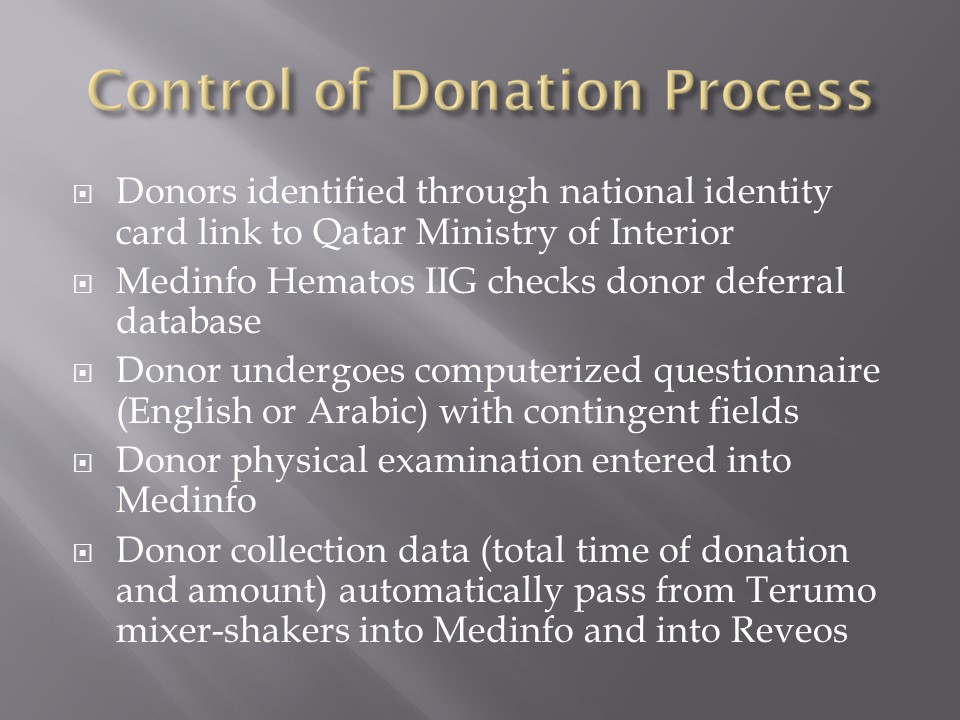
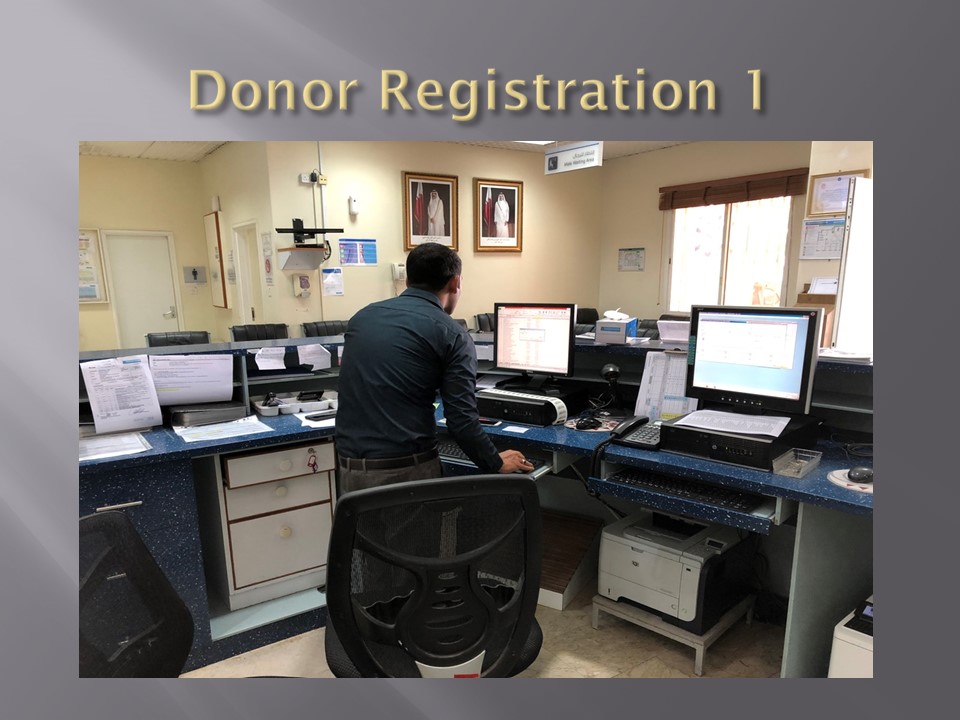
  1. Registration:
    1. Read the barcode on the specified picture ID (usually a Qatar Residency/Citizen card).
      1. Retrieve the prospective donor’s demographics in English and Arabic from the Ministry of Interior.
      2. Check the donor deferral database (Qatar has only one), defer if contraindicated according to the rules built into Medinfo.
    2. Choose the type of donation (apheresis or whole blood;  volunteer, directed, or autologous).
    3. Print a consent form and ISBT specimen labels for the donation.
  2. Pre-Collection Screening:
    1. Perform the donor questionnaire on-line in English or Arabic:  this has contingent fields and could exceed 60 questions depending on the answers provided.
    2. Proceed to donor physical exam (vital signs and arm check).
  3. Collection:
    1. Collect the whole blood or apheresis component and specimen tubes:  determine if the collection meets the volume requirement and time limit.
    2. Send the specimens for donor marker and donor immunohematology testing.
    3. Send the raw components for processing.
  4. Donor Marker Testing:
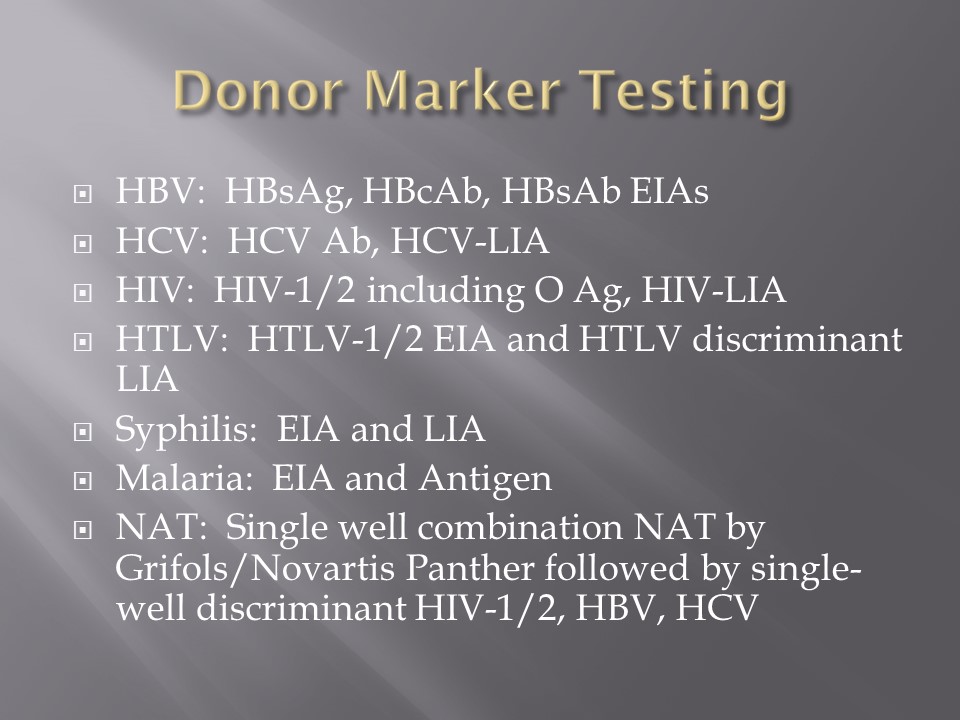
    1. Perform NAT, EIA, and LIA marker testing according to algorithms defined in Medinfo.
    2. Perform follow-up reflex marker testing according to Medinfo criteria.
  5. Component Processing:
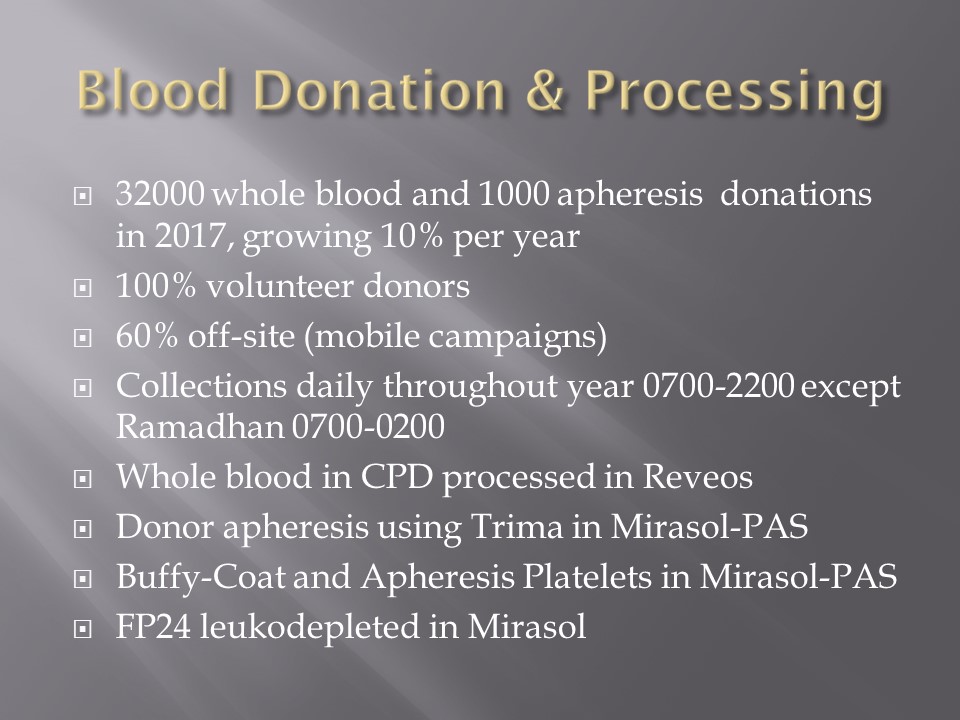
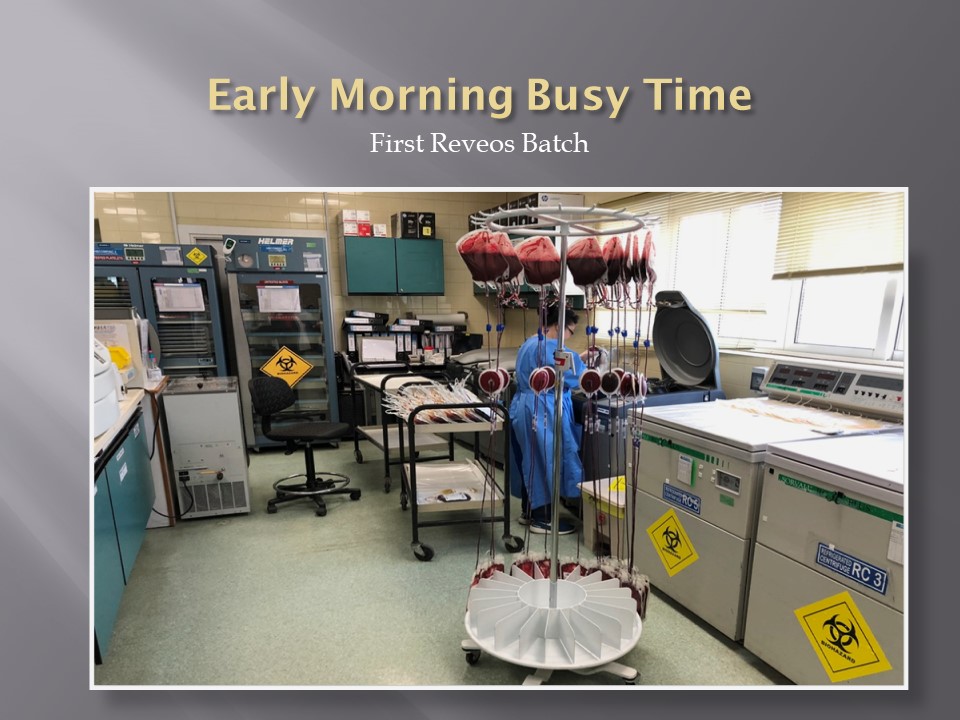
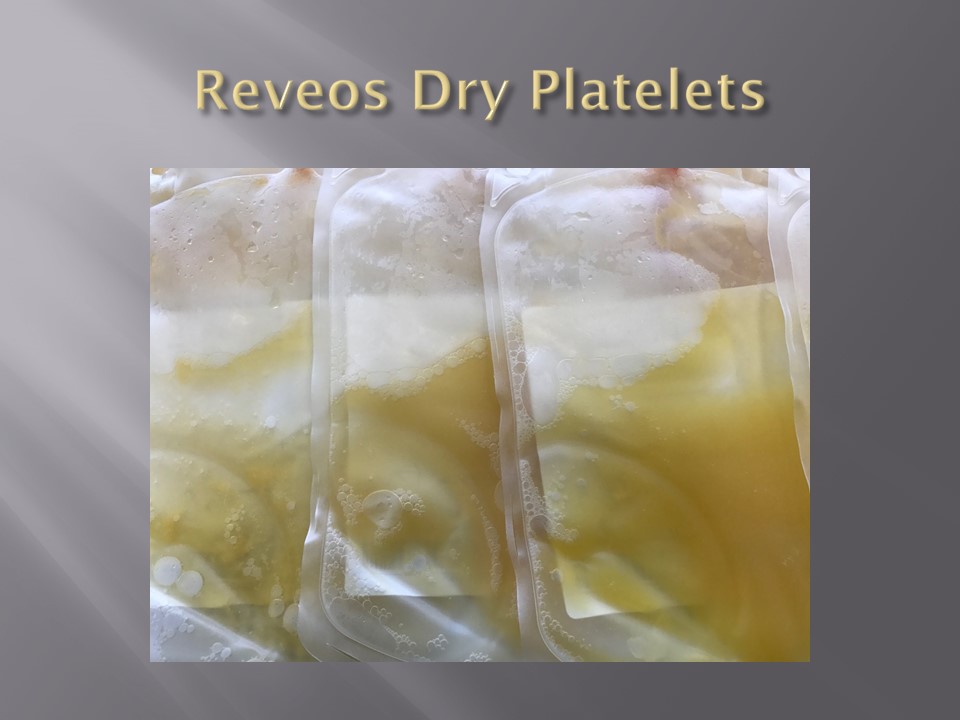
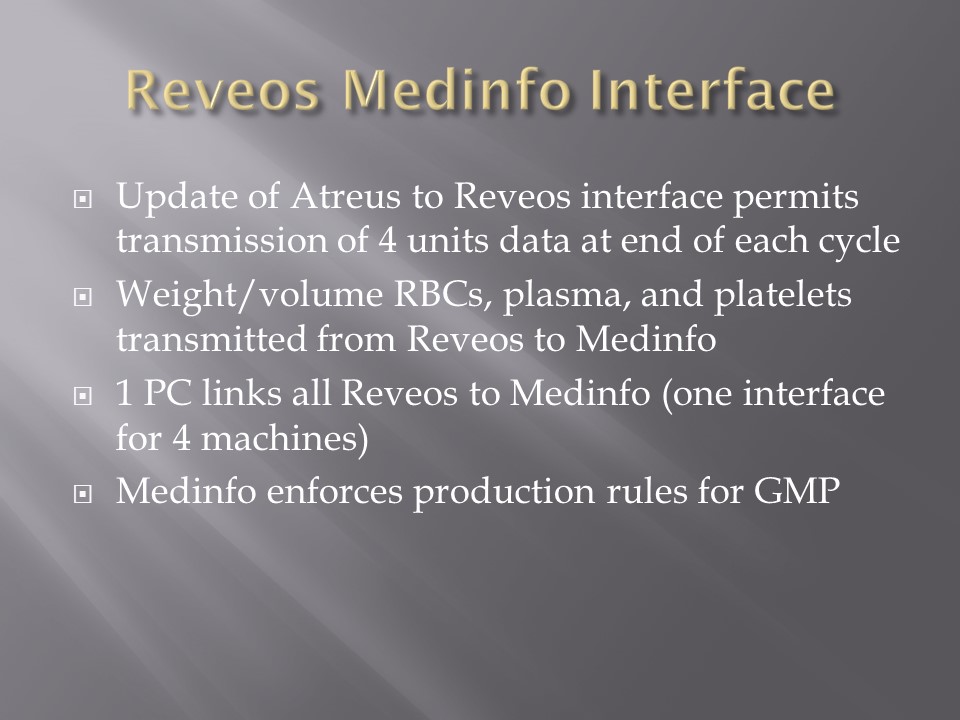
    1. Process the raw whole blood in the Reveos machine into PRBCs, leukodepleted plasma, and buffy coat platelets.
    2. Filter/leukodeplete the RBCs.
    3. If marker test results pass:
      1. Pool the buffy coat platelets according to the platelet yield index for a yield of 2.4E11/dose.
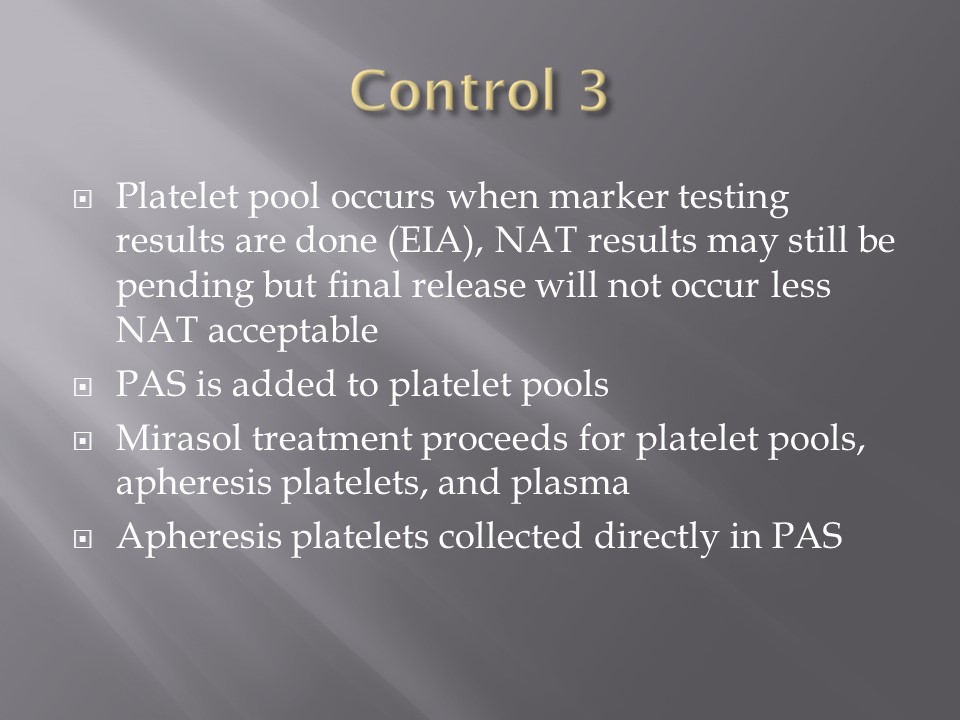
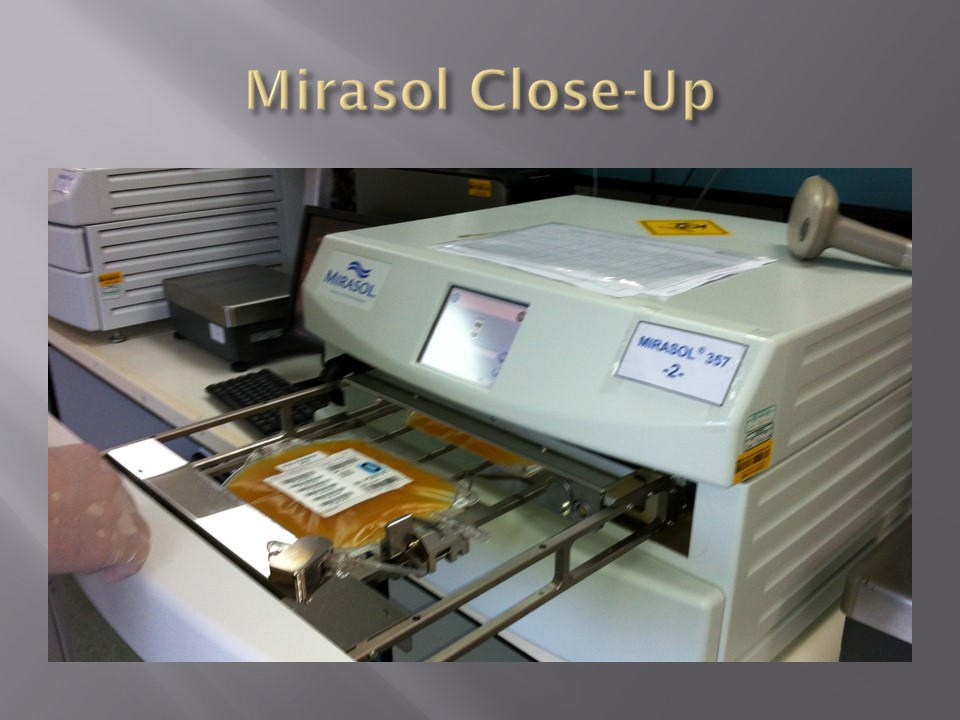
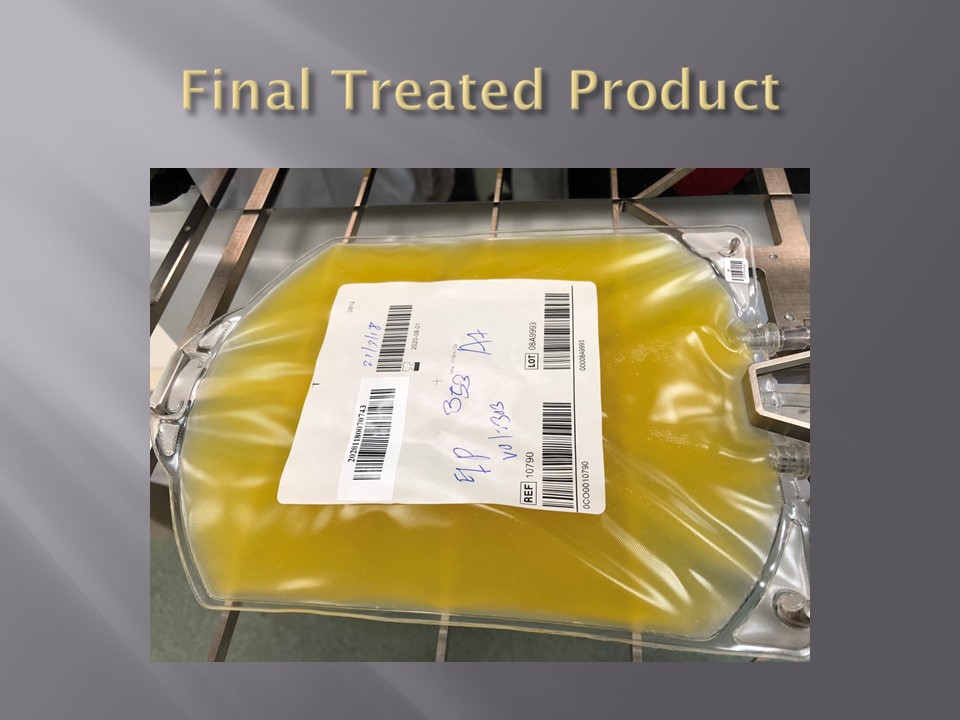
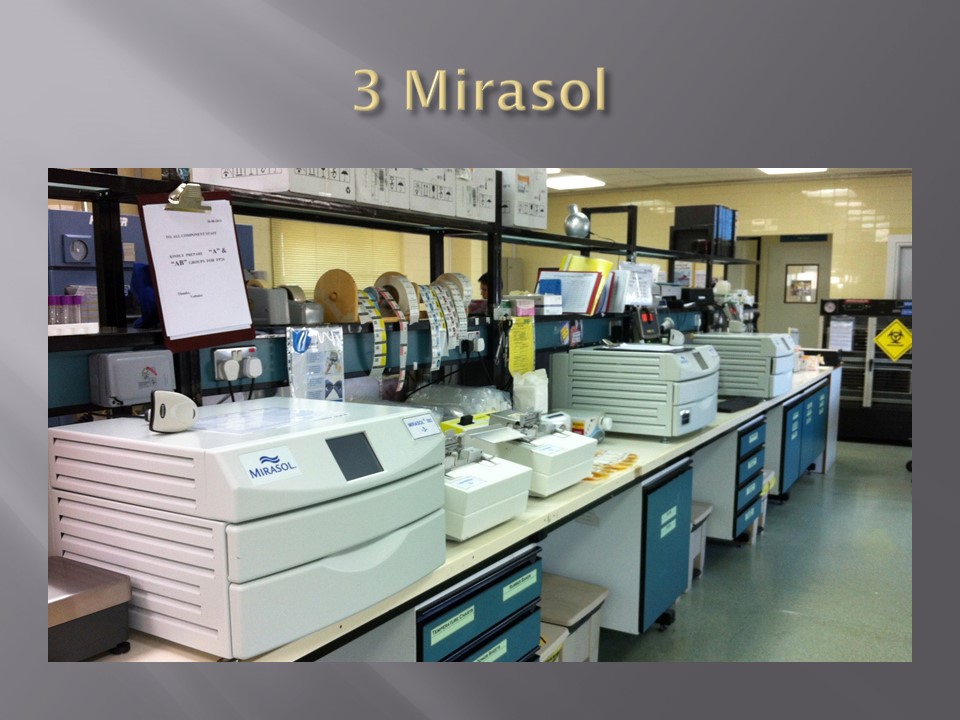
      2. Add platelet additive solution PAS and pathogen inactivate (Mirasol).
      3. Pathogen inactivate the whole-blood-derived plasma.
      4. Divide the apheresis plasma into 200-250 ml aliquots and pathogen inactivate.
    4. Divide the apheresis platelets to provide a yield of 2.4E11 in each dose, then pathogen-inactivate (PAS had been added at the time of the apheresis collection).
  6. Donor Immunohematology Testing:
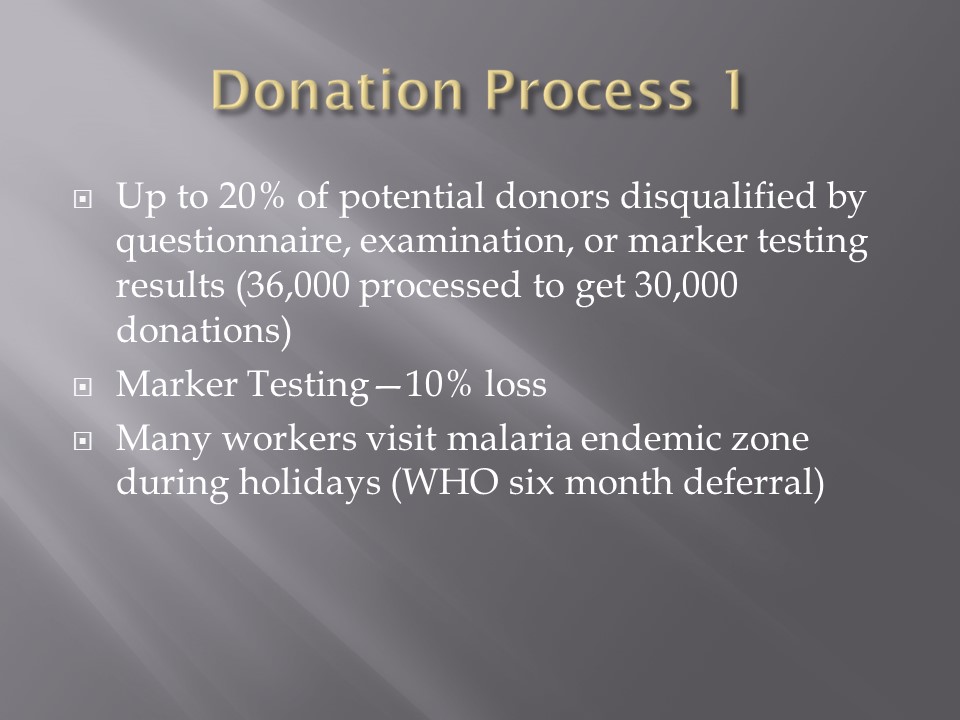
    1. Perform ABO/D testing and antibody screen (identification if positive):
    2. If antibody screening positive, discard the component.
      1. If ABO discrepancy, send for manual review and approval, otherwise discard.
  7. Labelling, Storage, and Transfer:
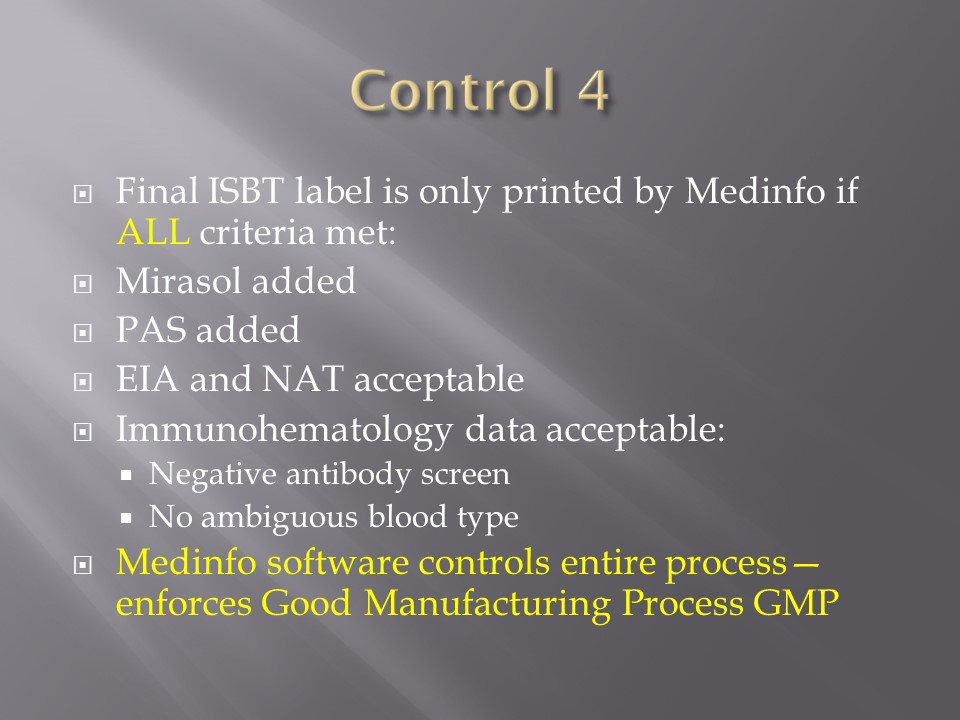
    1. If all criteria were met, attach the final ISBT label (this can only be printed based on the acceptance of each component).
    2. Place the components into storage (37C, 1-6C, or <= minus 18C).
    3. Distribute to the hospital blood banks using Inter-Depot Transfer function.

I emphasize that only if all criteria across all areas pass is the final ISBT label printed.  Medinfo is not a label printing program.  It enforces the rules ruthlessly.  My technical staff tell me that it is merciless—as it should be for patient safety.

Attachments:  None—please refer to earlier posts regarding collection, processing, donor testing, and inter-depot transfer.

28/6/20

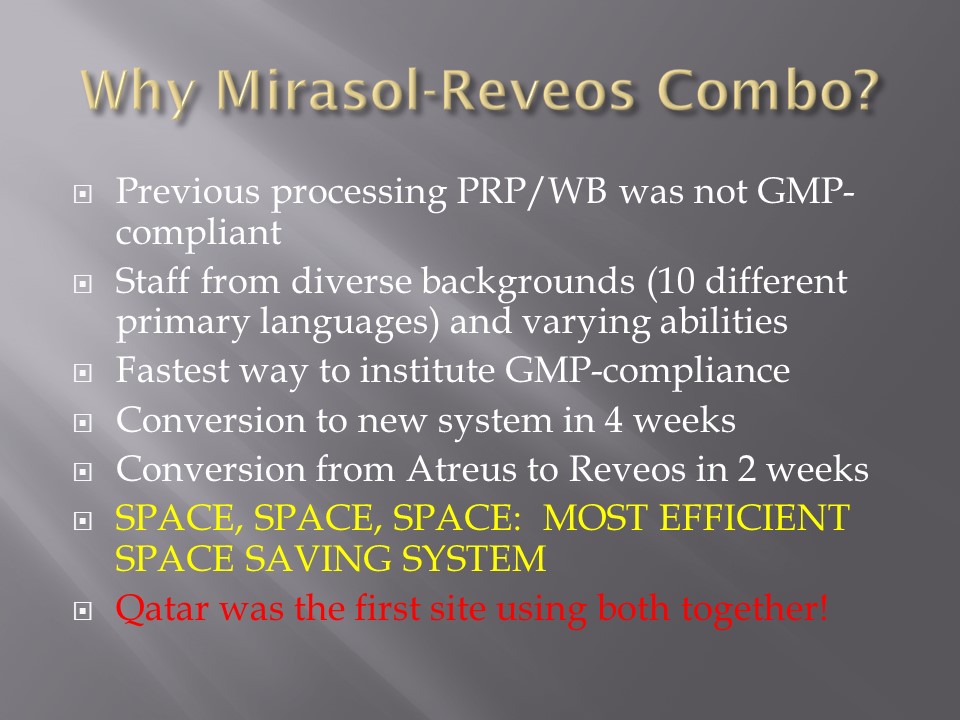
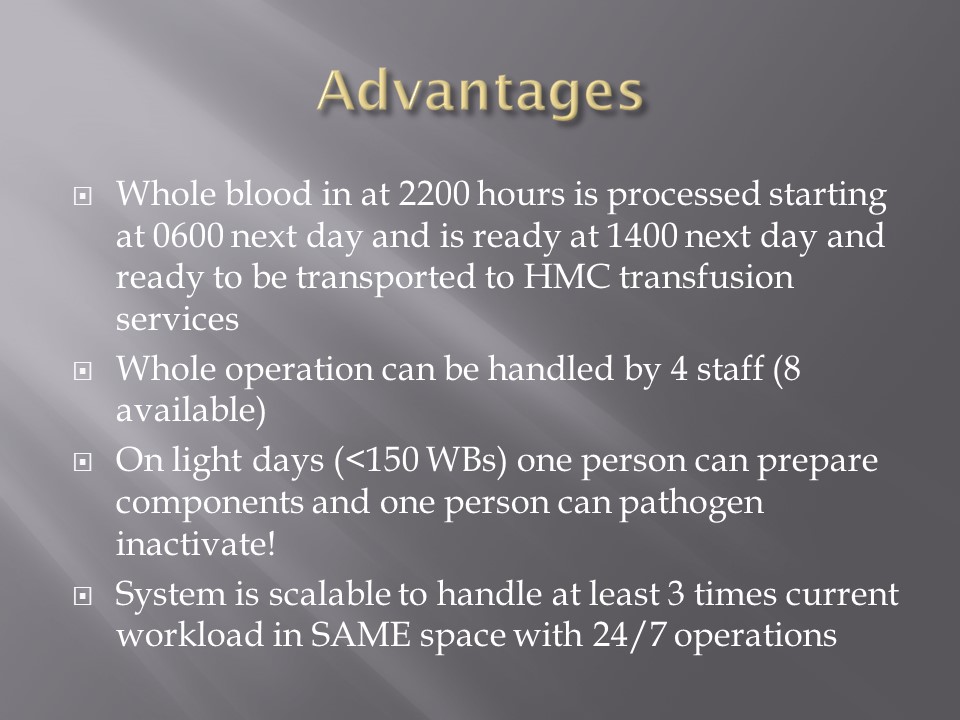
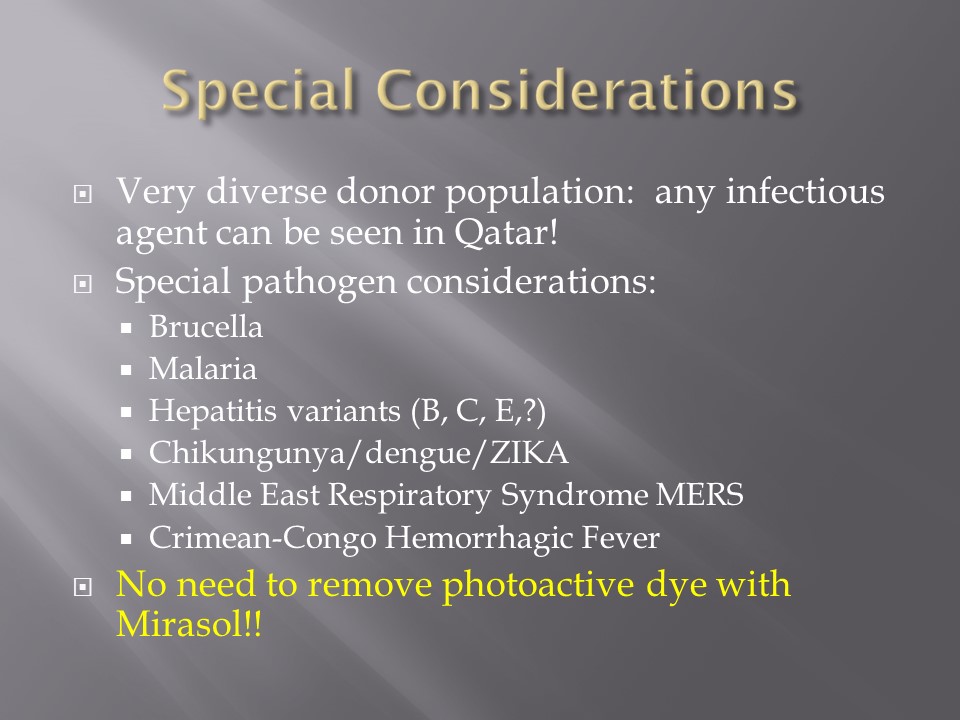
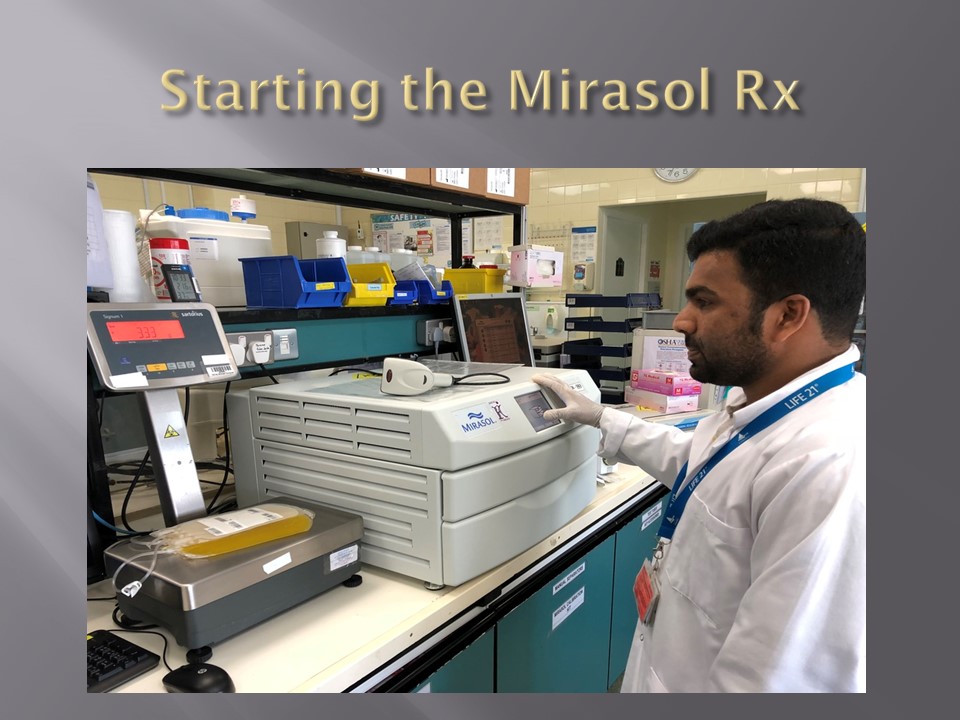
Processes and Software Building 8: Reveos and Mirasol

Automated Component Processing:  Reveos and Mirasol Pathogen-Inactivation

The production instruments have more complicated interfaces than the testing equipment discussed in the previous post:

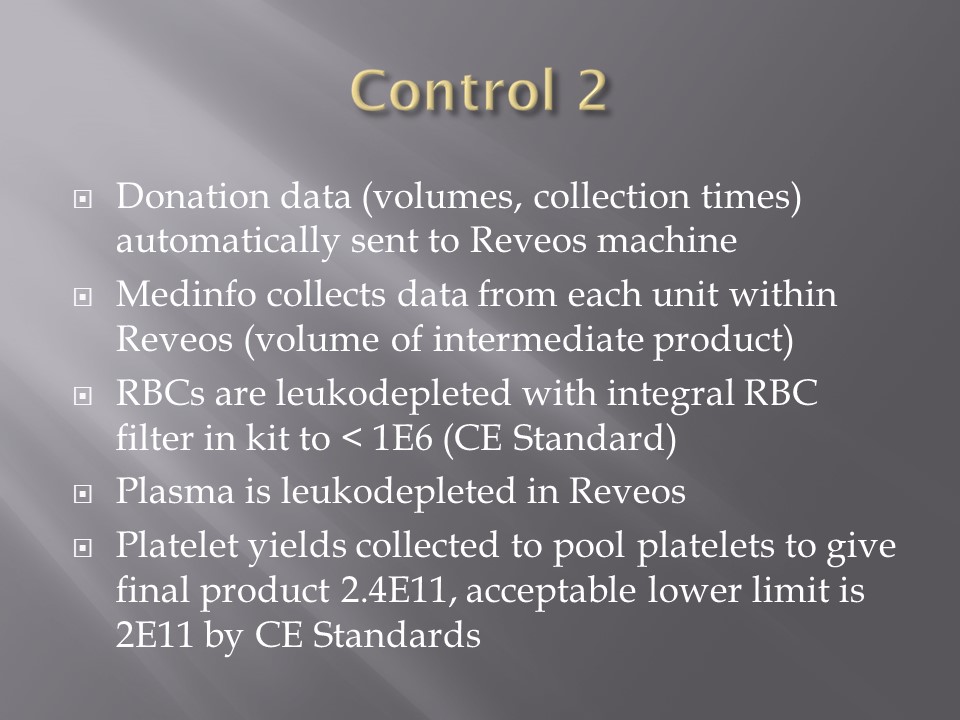
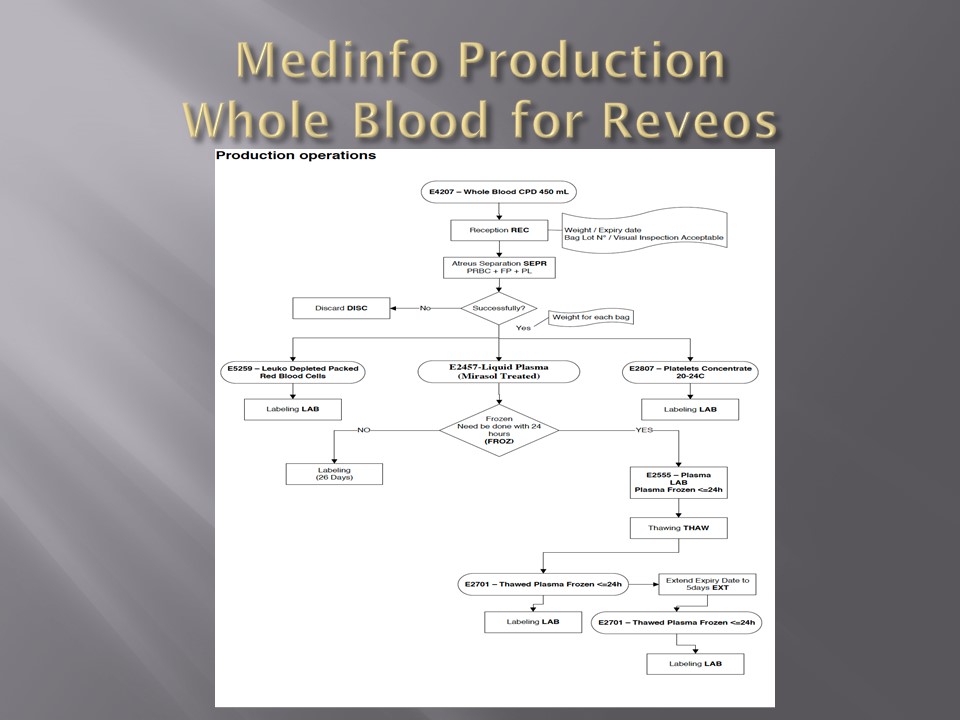
In the collection area (on-site or remote), the cvolume of the whole blood and collection time are recorded in Medinfo and based on the rules, production may only occur within specified volume and collection time.  Otherwise, Medinfo will block further processing.

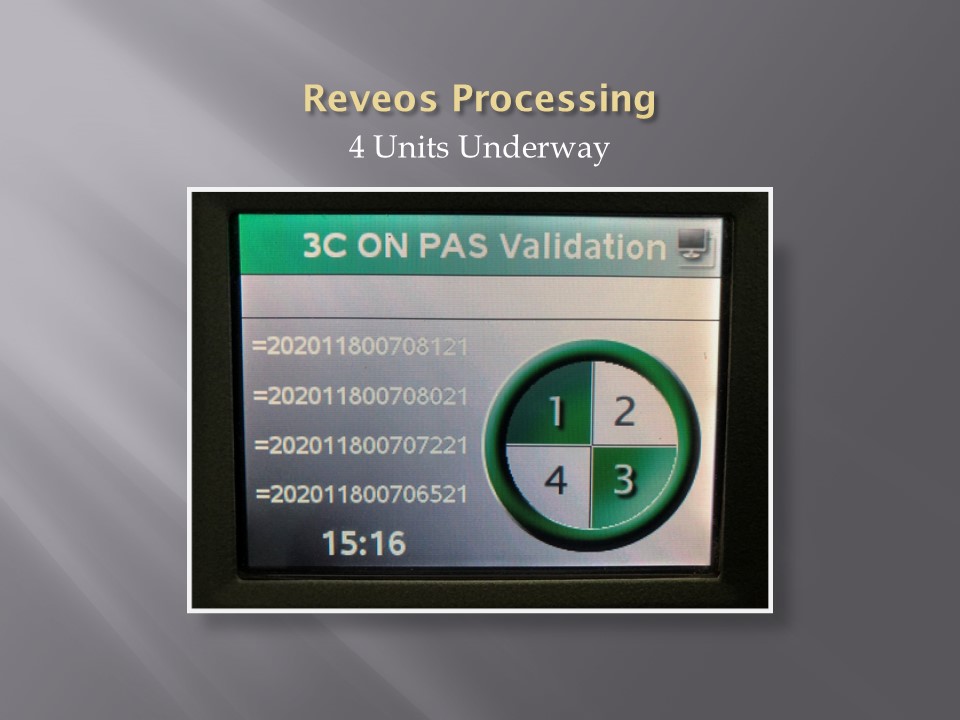
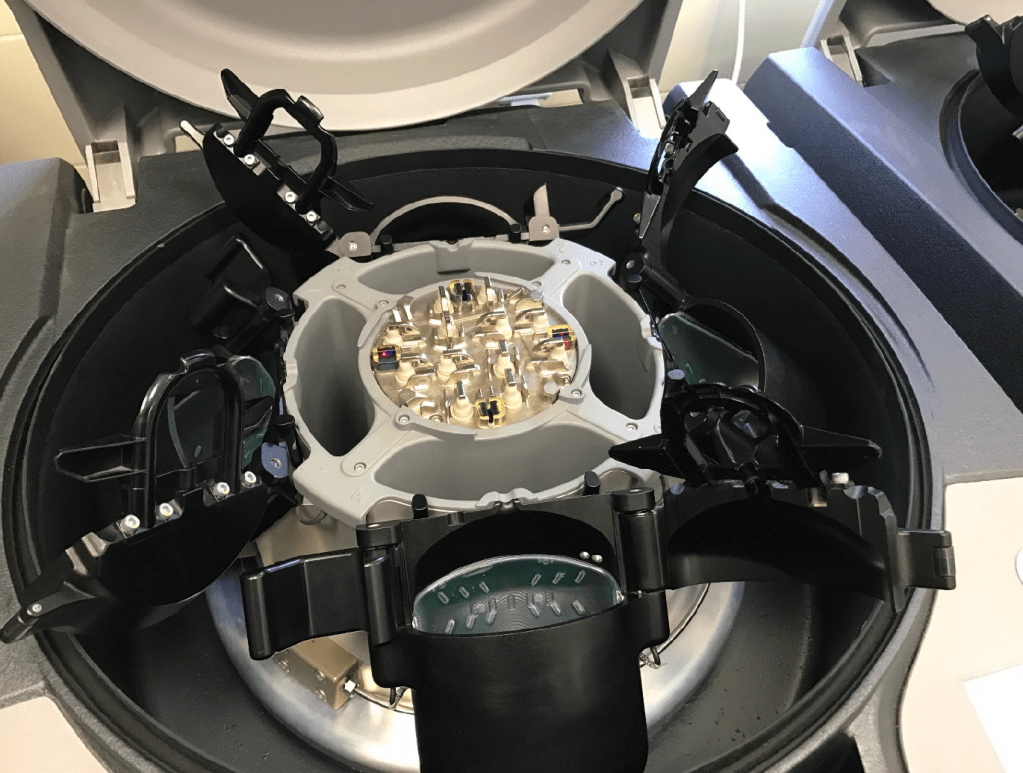
The ISBT unit number of the whole blood units are read by the Reveos.  Only those units passing the collection criteria will proceed to separation.

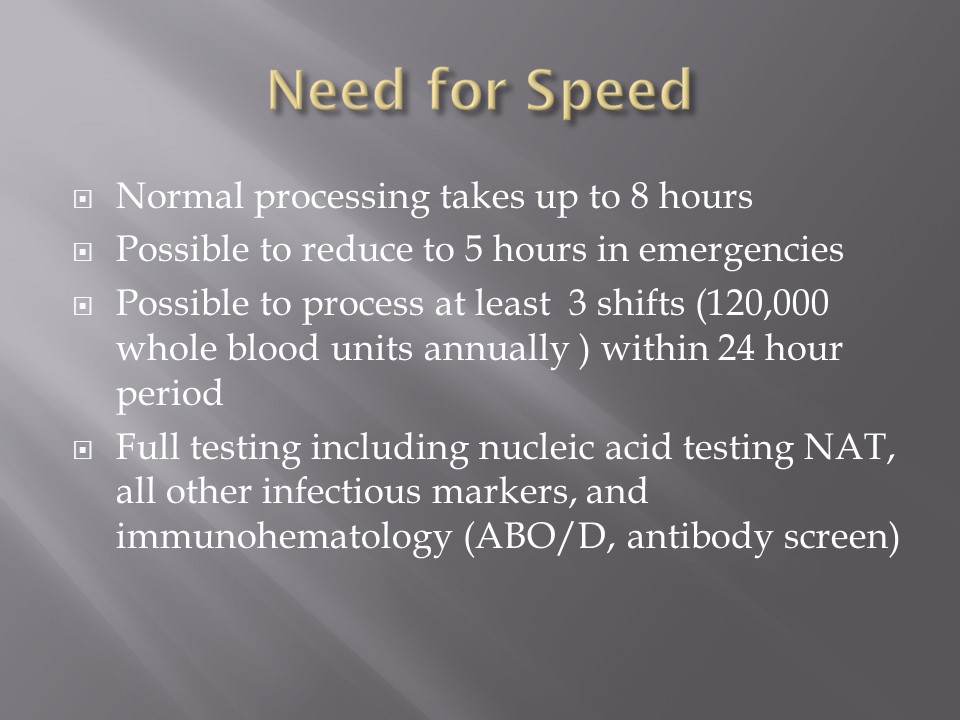
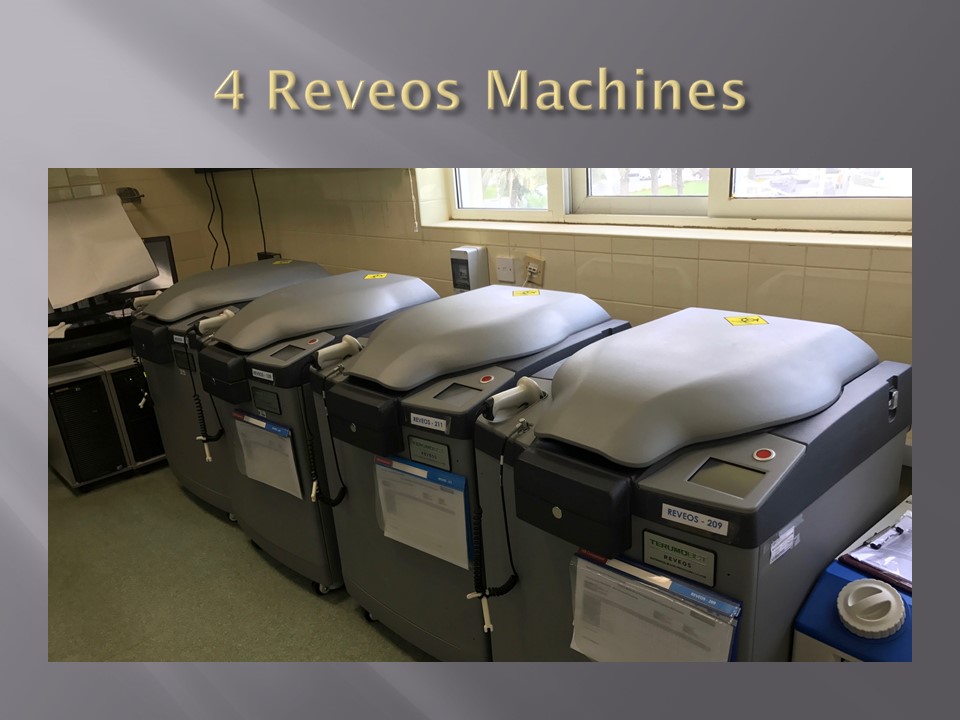
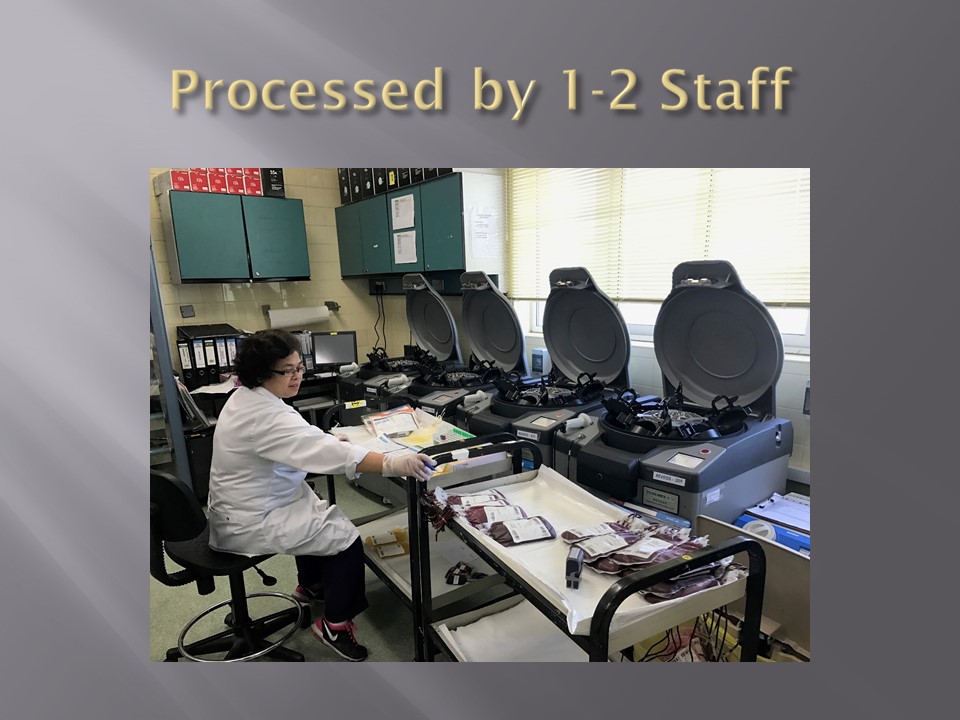
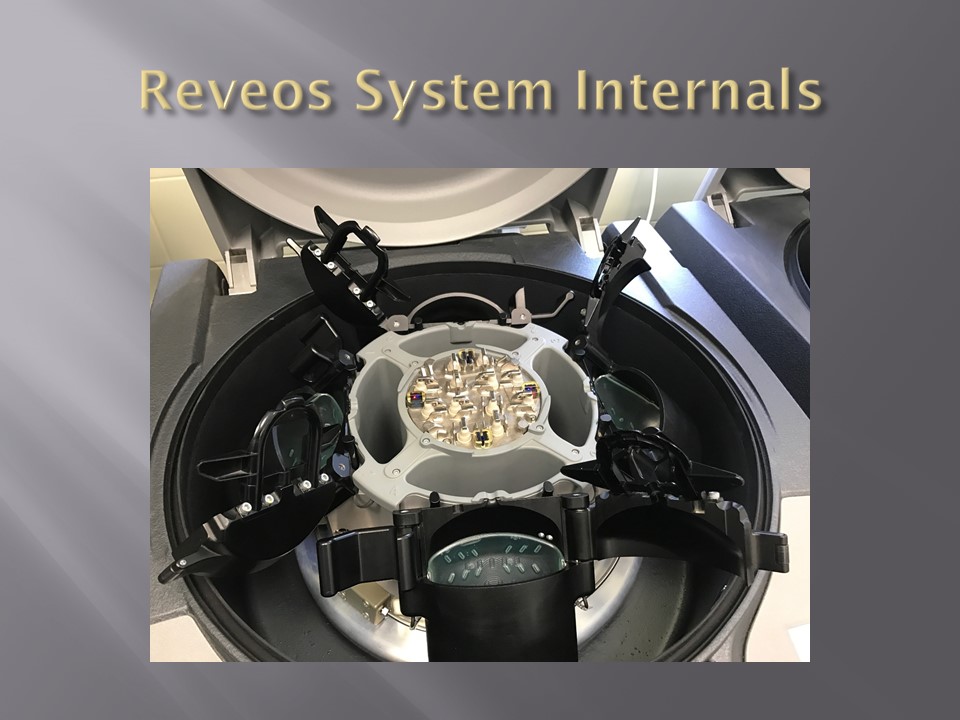
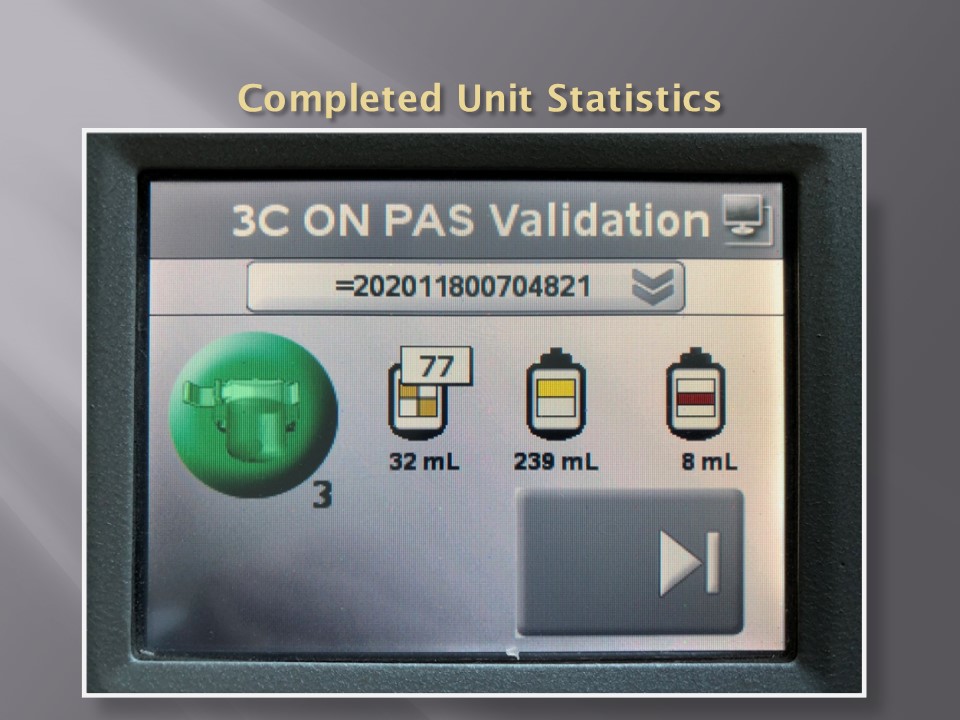
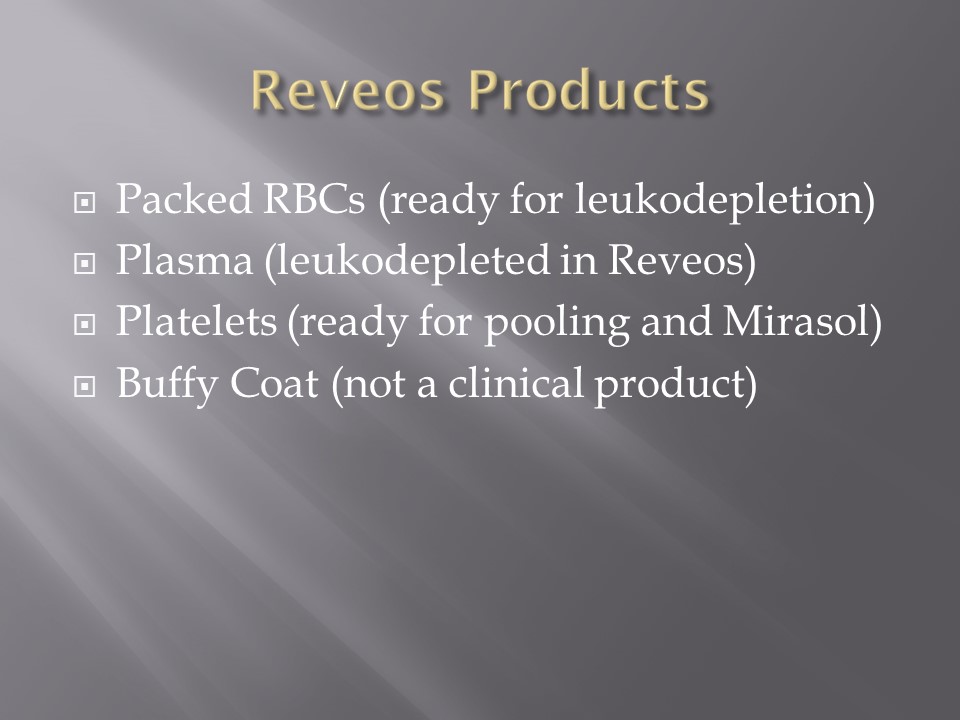
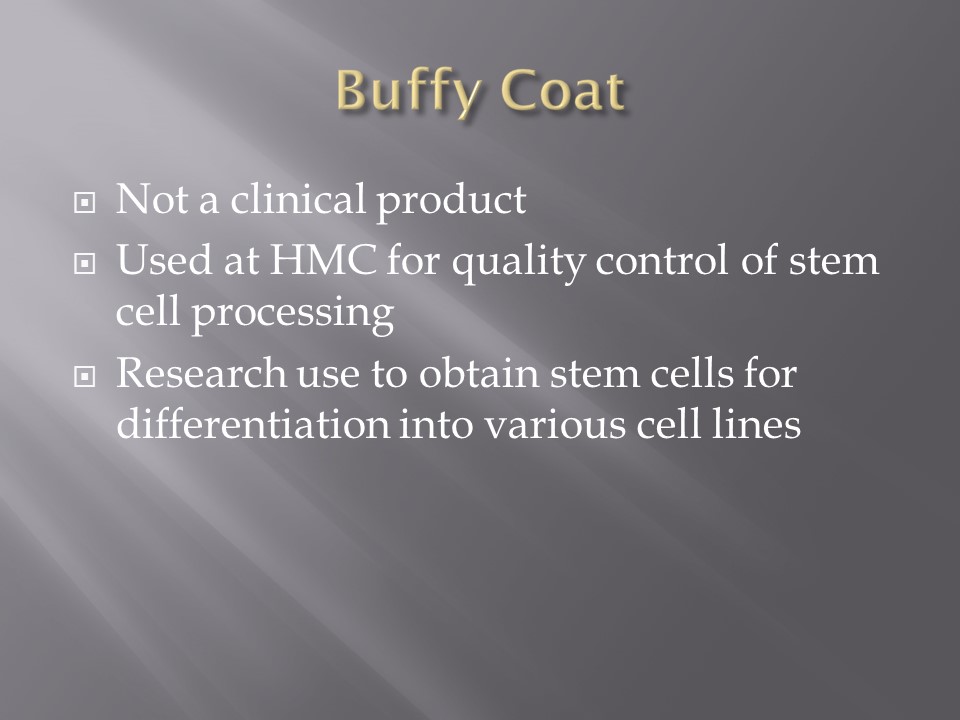
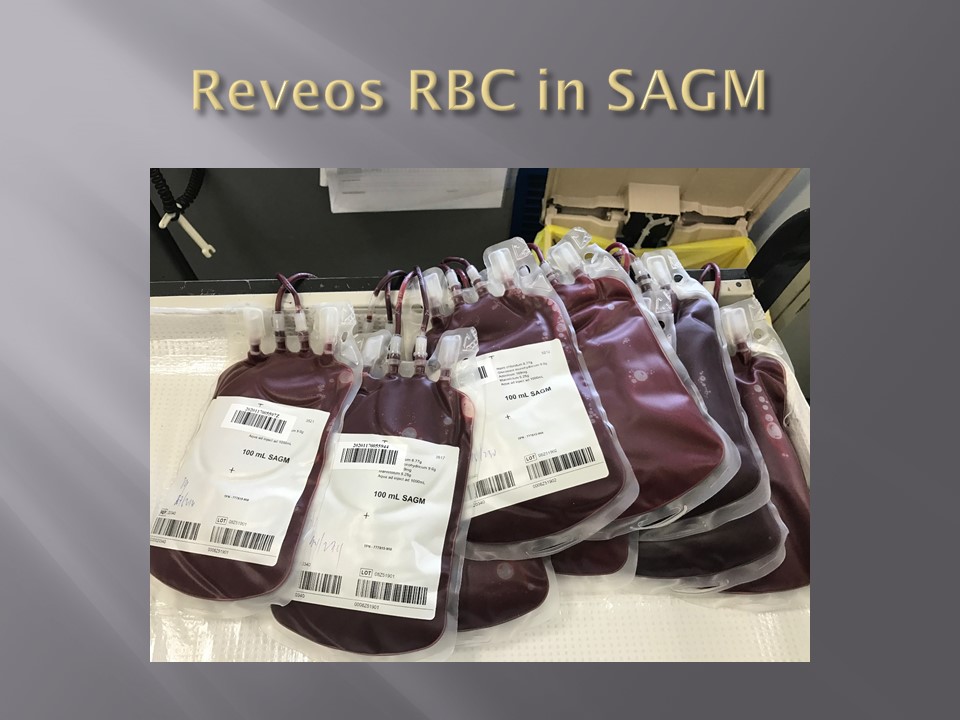
In about 20 minutes, the Reveos machine will simultaneously process four units of whole blood into packed RBCs, leukodepleted plasma, buffy coat platelets, and residual buffy coat.  The volumes of the RBCs, plasma, and platelets are recorded in Reveos.  For the platelets, the platelet yield index is also provided.

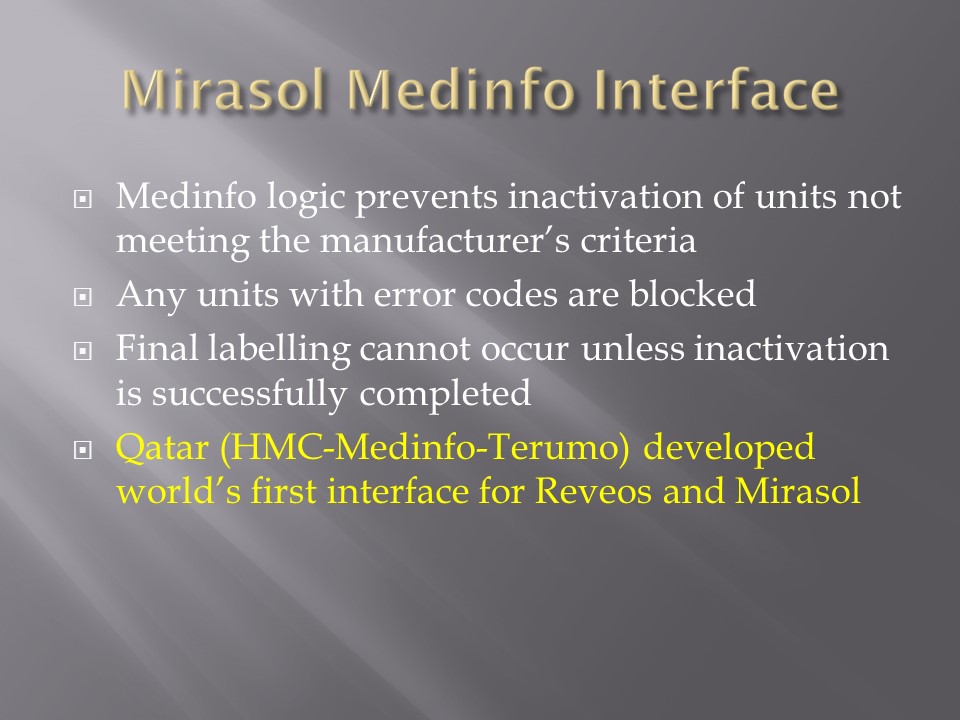
Within Medinfo, these parameters are compared to criteria of acceptability according to the manufacturer.  Volumes for the platelets and plasma must be within certain ranges to permit pooling and pathogen inactivation and additive solution.  Medinfo will not permit these subsequent procedures if the values are out of range and the intermediate components will be discarded.

Here is a sample of Reveos acceptable ranges for component volumes:

E4207 – Whole Blood CPD 450 mL

Volume Consequences

< 400 mL Discard

400 – 500 mL OK

> 500 mL Discard

E5259 – Leukodepleted Packed Red Blood Cells

Volume Consequences

< 230 mL Discard

230 – 330 mL OK

> 330 mL Discard

E2807 – Platelets Concentrate 20-24°C

Volume Consequences

< 20 mL Discard

20 – 55 mL OK

> 55 mL Manual decision

E2555 – FP24:  Plasma Frozen <= 24h

Volume Consequences

< 170 mL Discard

170 – 360 mL OK

> 360 mL Manual decision

All these production parameters are permanently stored in Medinfo as part of the production record of that unit.  The actual location (bucket) of the whole blood unit in the Reveos is also available.

RBCs are manually leukodepleted and the final volumes recorded in Medinfo based on weight.  Based on the platelet yield index, platelets are pooled and the final volume recorded.   Those permissible volumes are next treated with platelet additive solution PAS and then pathogen inactivated.  The acceptable volumes are based on the process used, e.g. platelets in plasma versus platelets in PAS.

How a sophisticated blood bank software like Medinfo enforces good manufacturing process at all stage of production will be a future topic.

To Be Continued:

26/6/20

Processes and Software Building 7: Interfaces 2

Blood Bank instruments may perform tests and release test results in a numerical or alphanumeric format or both.  For example, nucleic acid and enzyme immunoassay may release a qualitative result (e.g. positive, reactive, borderline/grayzone, negative, nonreactive).  Alternatively, the machine may release the signal to cutoff ratio (S/CO) as a numeric result.

Blood bank software may use either kind of result on which to base interpretative rules for acceptability of the donor.  The qualitative result criteria are based on the quantitative SC/O but the equipment automatically interprets this.  The S/CO ratio of 1 is the cut-off point.  Thus a value of 0.99 is negative and the value 1.01 is positive.  But is it really so clear-cut since the difference between the two is so small?  Thus, some people have added the term grayzone for values close to but below the cutoff.  Could a value of 0.95 be an early infection?
I personally prefer to see the actual cutoff but use the manufacturer’s criteria for interpretation.  As a physician, it is good to review the S/CO on serial exams.  If a borderline or grayzone result becomes positive, then perhaps the original result indicated early infection.  The question still remains, what is the grayzone?  0.95 to 0.99, 0.90 to 0.99, etc.  Some accrediting schema have not used grayzone for interpretation.

With Medinfo’s blood bank software, I could chose either option or both—or at least store the S/CO as a nonreported result for subsequent review.  I could even chose, test by test, in a series between reporting either S/CO or the qualitative result.

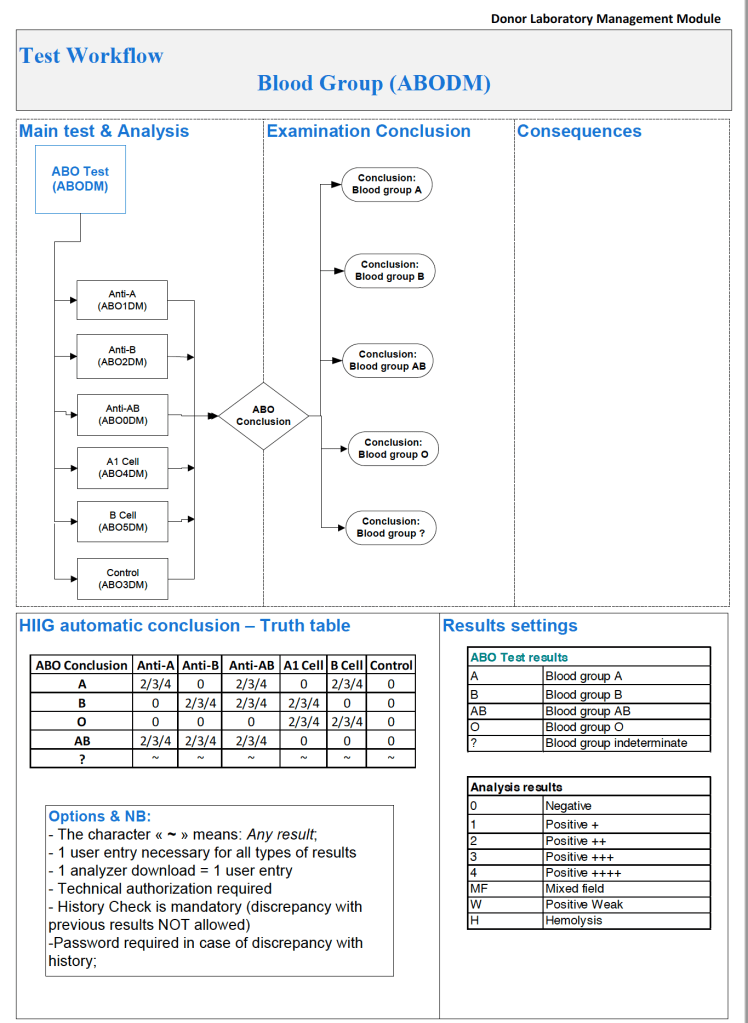
Semiquantitative results, e.g. in {0, 1+, 2+, 3+, 4+} are qualitative and could also include mixed field (mf) and hemolyzed (h).  I showed examples of this with ABO/D antigen typing in a previous post—see attachment.

On the contrary, the results from blood production equipment may include parameters such as time of preparation, original volume, final volumes for each component, platelet yield index as an indirect measure of platelet count.  When there is pooling, the final total volume is critical to determine if pathogen-inactivation procedures and platelet additive solution can be used.  This is a much more complicated interface.

The blood production equipment interface issues will be considered in a future post.

Attachment:

ABO/D sample typing process in Medinfo

To Be Continued:

24/6/20

Processes and Software Building 6: Interfaces–General Considerations

When buying equipment while planning/implementing new laboratory software, I originally had a rule not to purchase anything that the vendor did not have a ready interface.  Even that was not so clear since some vendors had interfaces listed as alpha, beta, and completed.

Could you use an alpha or beta interface?  Was it safe for patient care?  What was the development cycle for new interfaces with your vendor—months, years?

Even if the vendor had a completed interface?  How “complete” was it?  Did it accept all data from the machine?  Did the data stream require reformatting?  Who would write the transformational script?

Even if the vendor could support it, could your local IT organization and the local agent’s IT staff do it?  I had plenty of headaches over this.  The best equipment with the best interface that the local agent could not support was worthless to me.

Some finished interfaces took months to install because of connectivity issues?  What version of the operating system was used?  Was it secure?  Did our IT department accept that version (e.g. Windows 7) and the provided malware protection?  I have seen malware spread across a network from the interface software installed by the vendor, threatening the entire corporate system. 

Did the solution require middleware?  What were the implications of having middleware and its affect on the main software program, especially at the time of its upgrade or the main software?

I have seen vendors using Windows 2000 for their interface software as late as 2017.  It was difficult for some of them to update to current, more secure versions.  Anyway, our corporate IT department gave them all a deadline to update to the current operating system—they all complied or risked losing all connectivity to the network.

Almost every instrument vendor has told me that they can communicate with my laboratory system.  I guess that is true:  one talks in Russian and the other Sanskrit—they do communicate but is it effective?  Talking is not necessarily communication!

I remember one open EIA machine that had a TCP/IP port but it was not functional by the standard protocols.  One had to emulate a serial port to get some rudimentary communication.  The port’s light blinked, however.  I never imagined that someone would put a nonfunctional port as a mere decoration.

On the other hand, I have had excellent experience with another software vendor Medinfo.  Even if the vendor did not have the interface developed, they could build it from scratch in a few weeks.  Paradoxically, it was faster for these new interfaces than some so-called already interfaces.

I must emphasize:  This is a collaborative team effort between the blood bank information system, software vendor, instrument vendor, and your institution’s IT staff.  There must be excellent cooperation between them for a successful result.

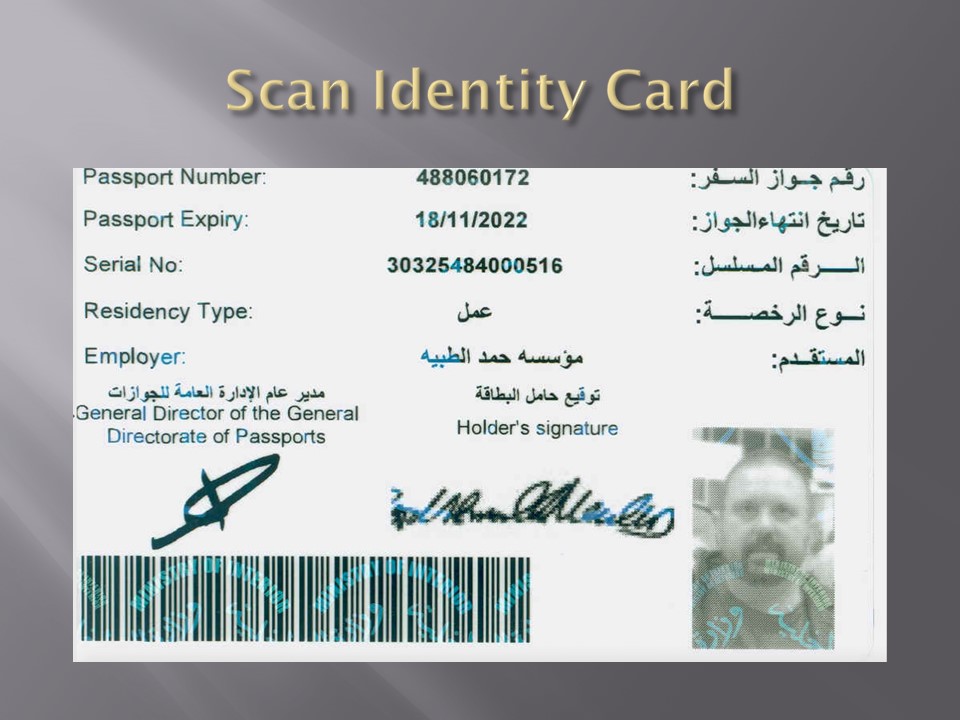
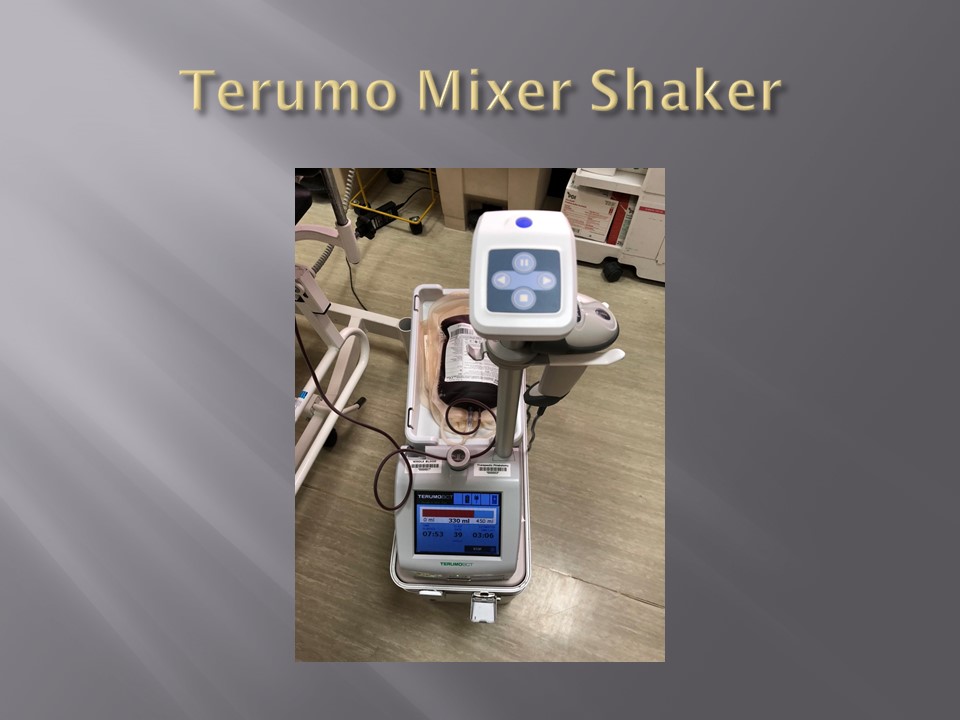
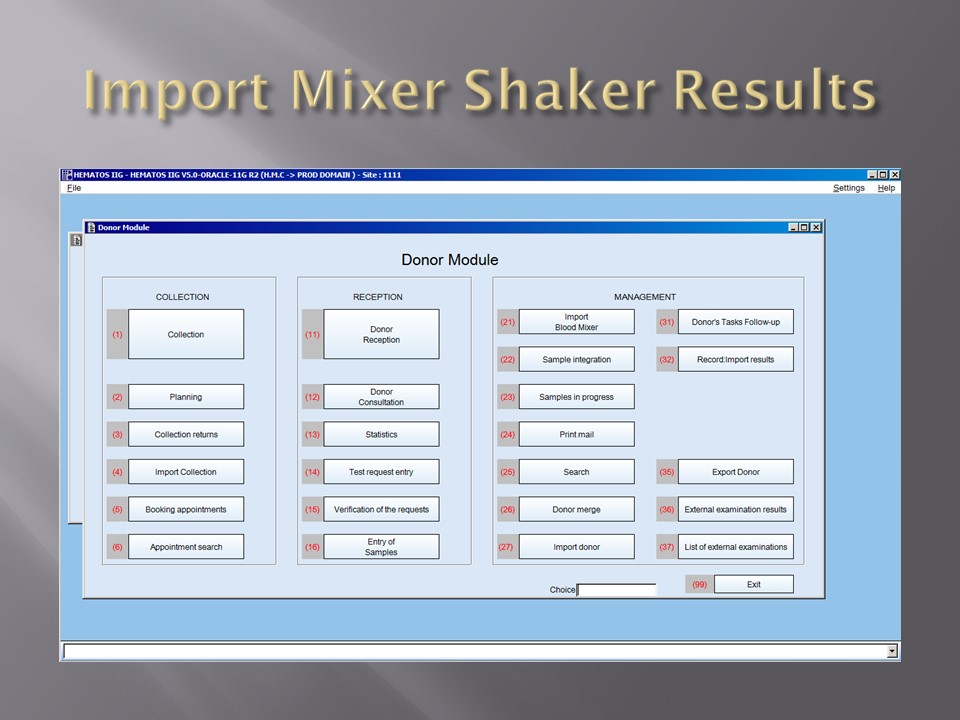
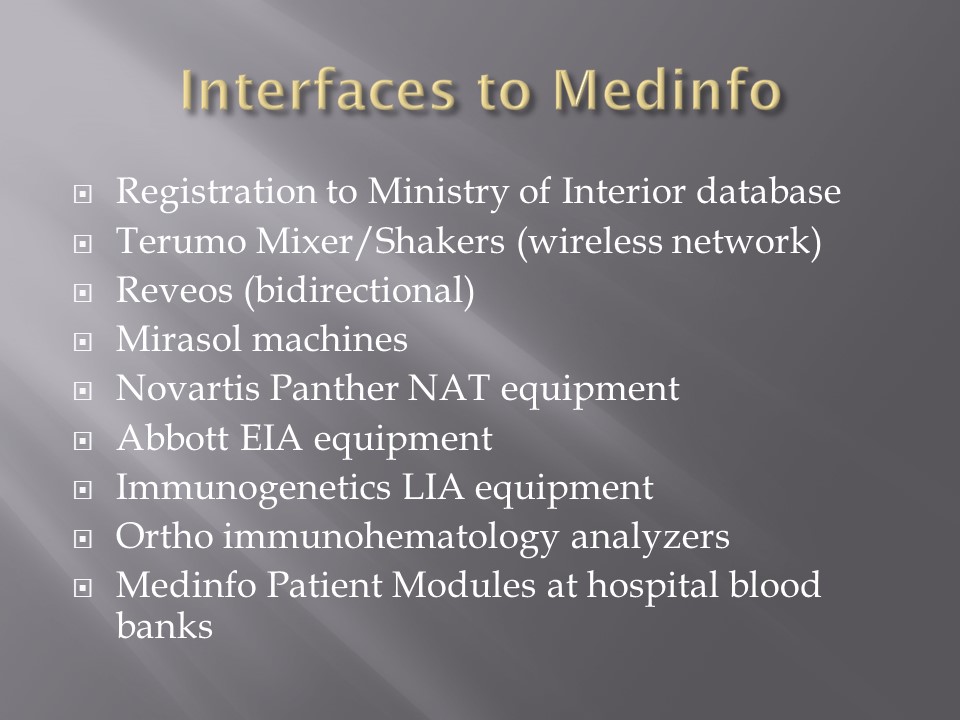
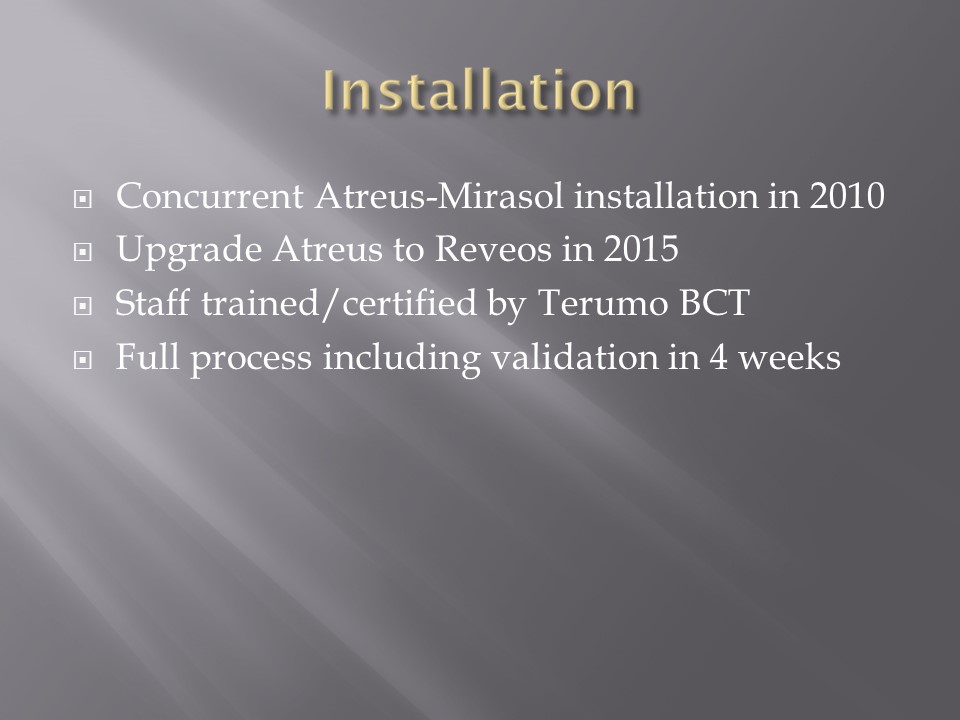
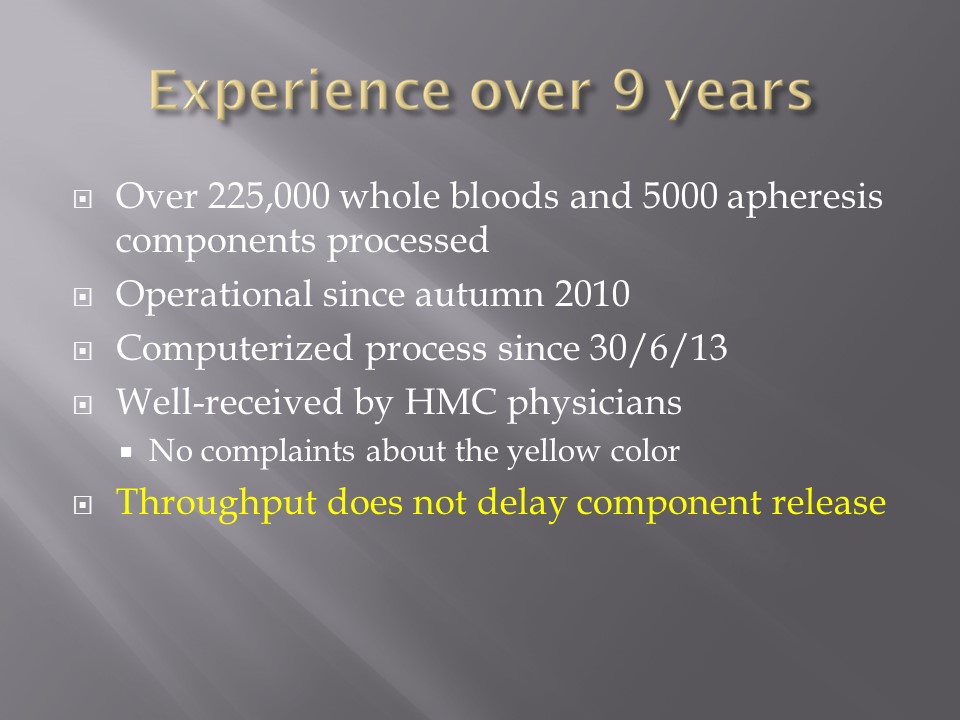
When installing the Medinfo Hematos IIG software, many of our most important interfaces (the Terumo mixed shaker, Trima, Reveos and its predecessor Atreus, Mirasol illuminator) had no developed interfaces when we started,  This was a risk;  but actually those interfaces were developed in a few weeks and fully functional.  In fact, we were the first site in the world to have those interfaces working—and without any Middleware.

In general, the blood bank software vendor installed the completed interface and did some low-level testing.  Then, my blood bank computer team did the testing.  The final responsibility for testing and acceptance was with the end-user blood bank team.

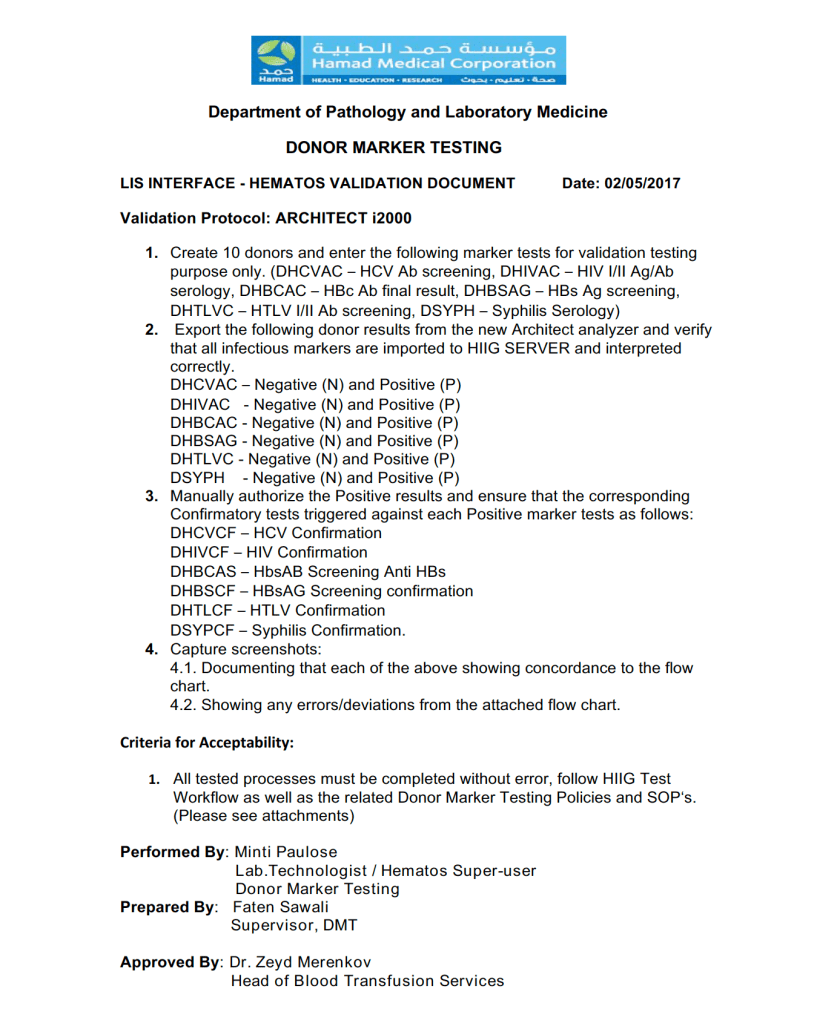
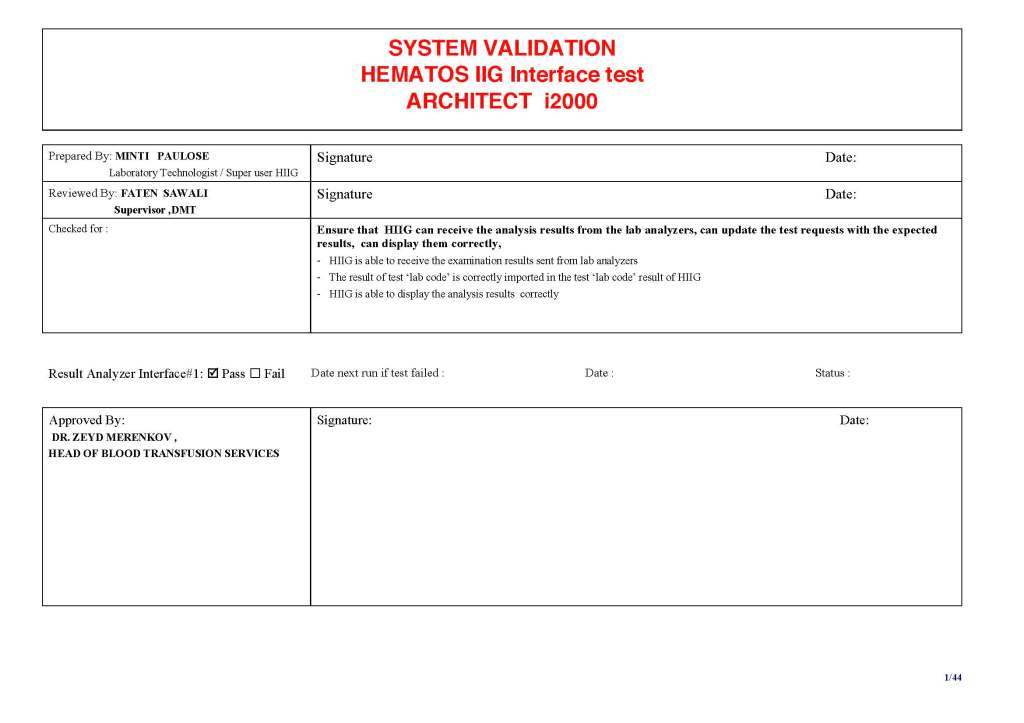
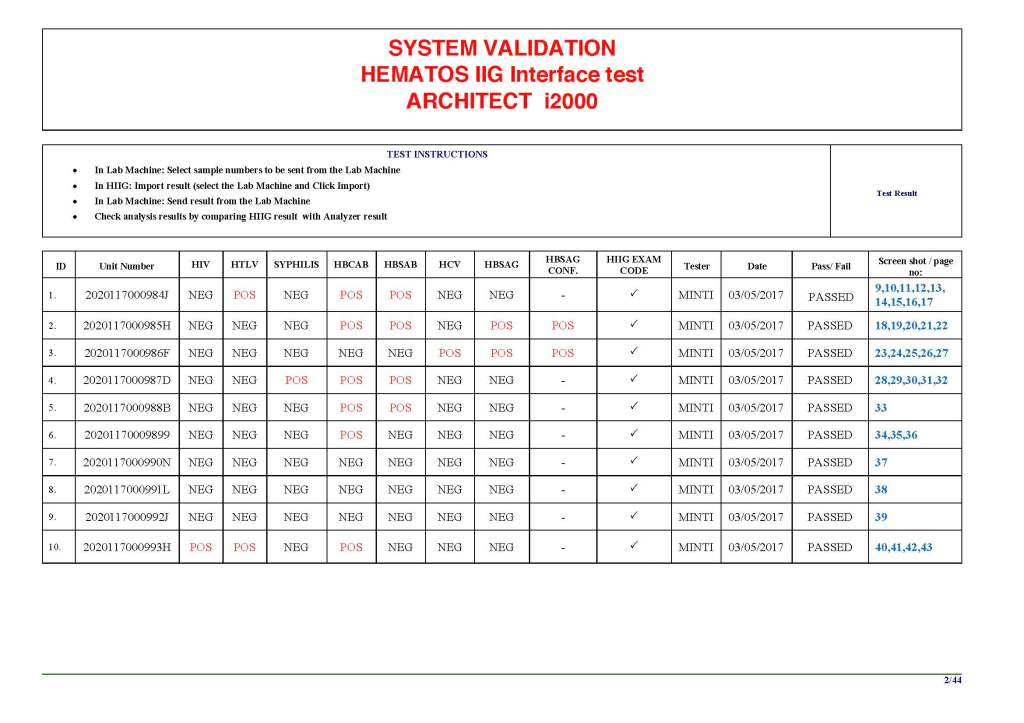
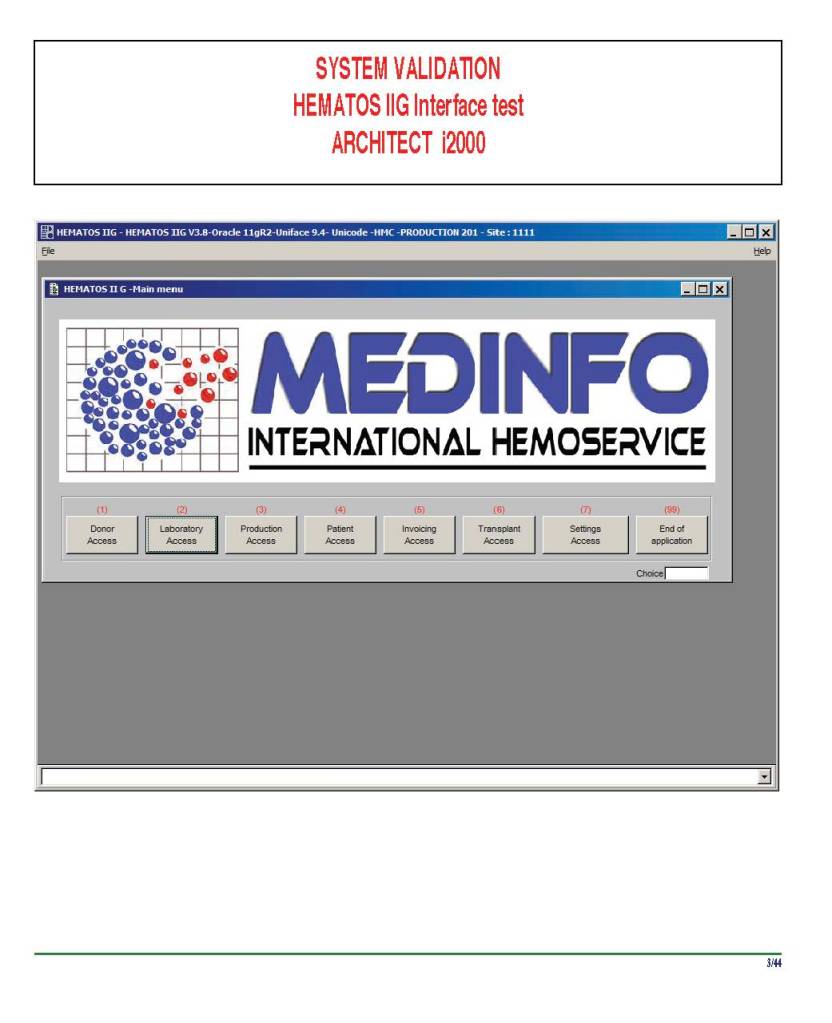
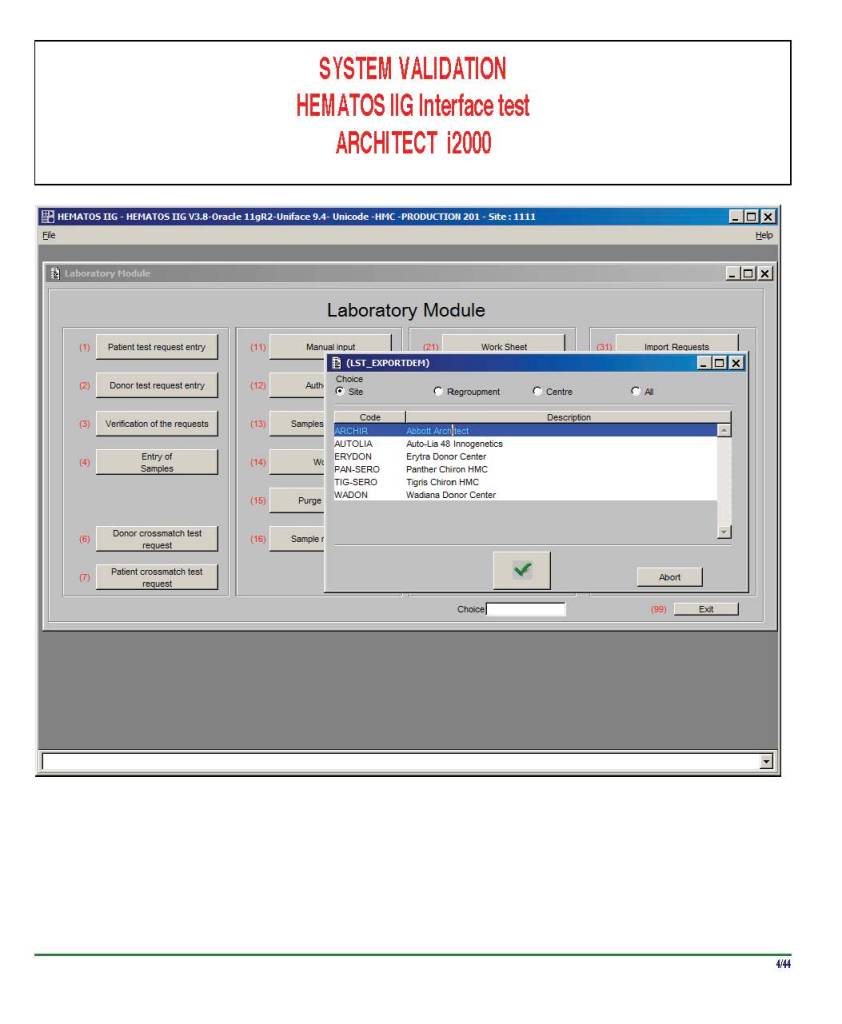
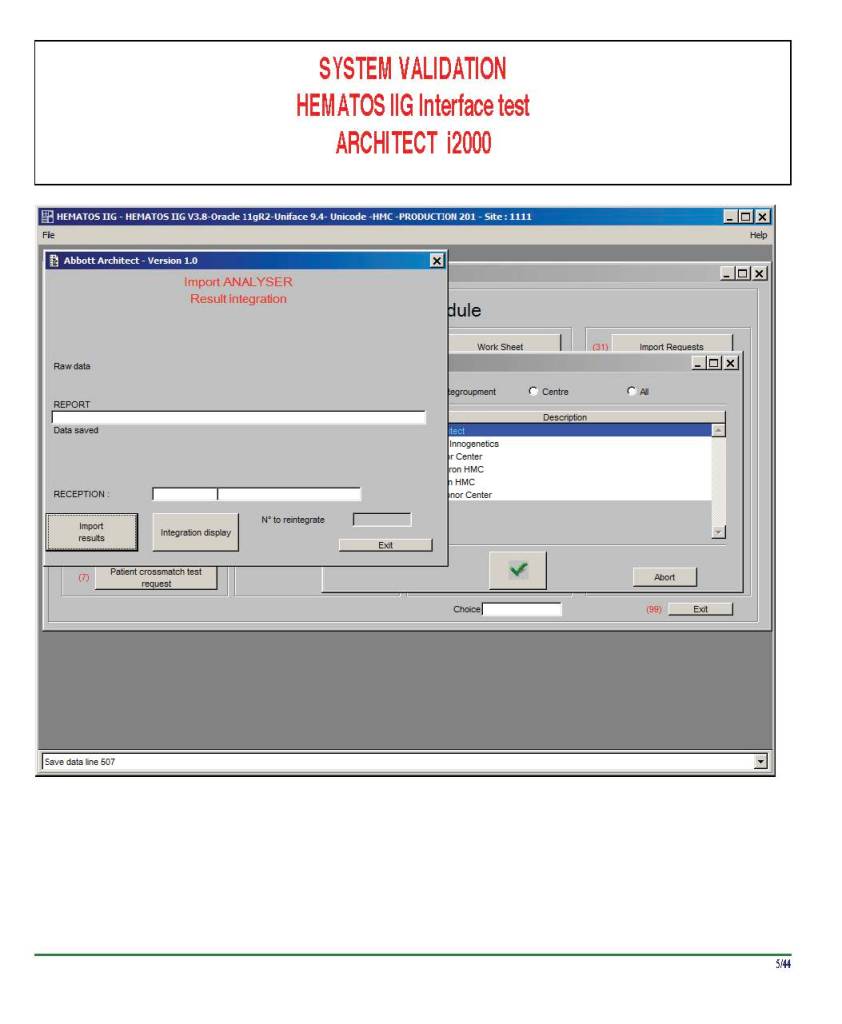
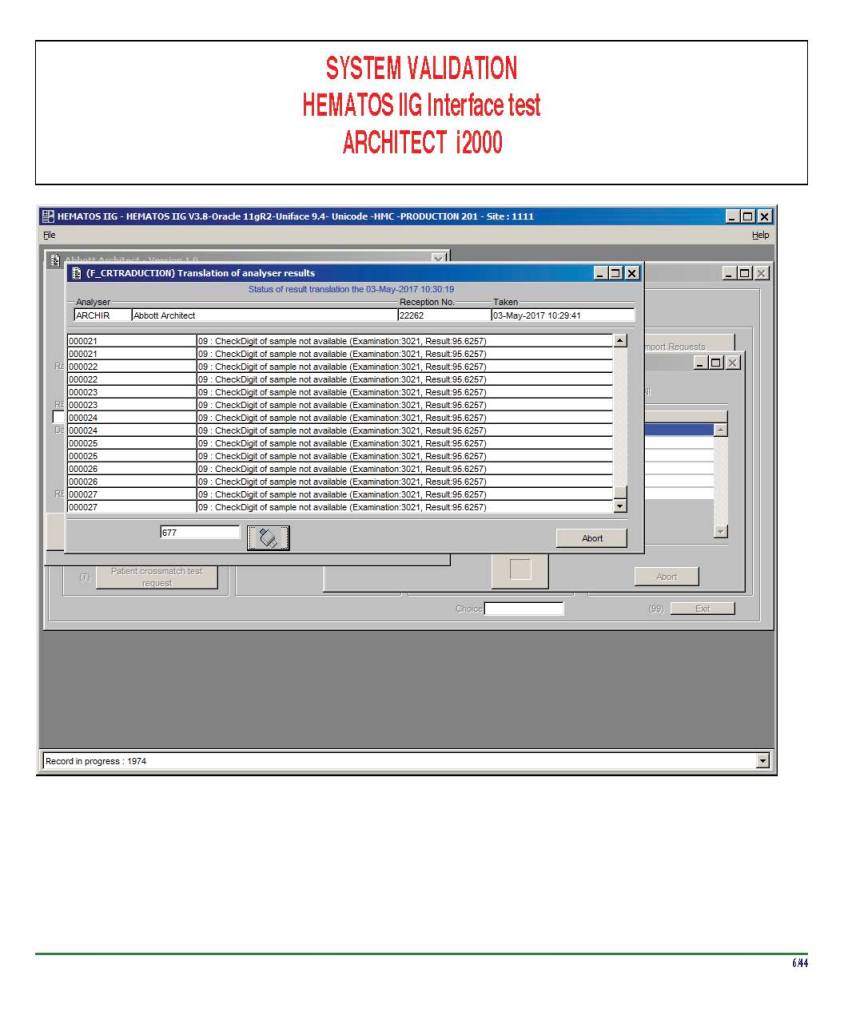
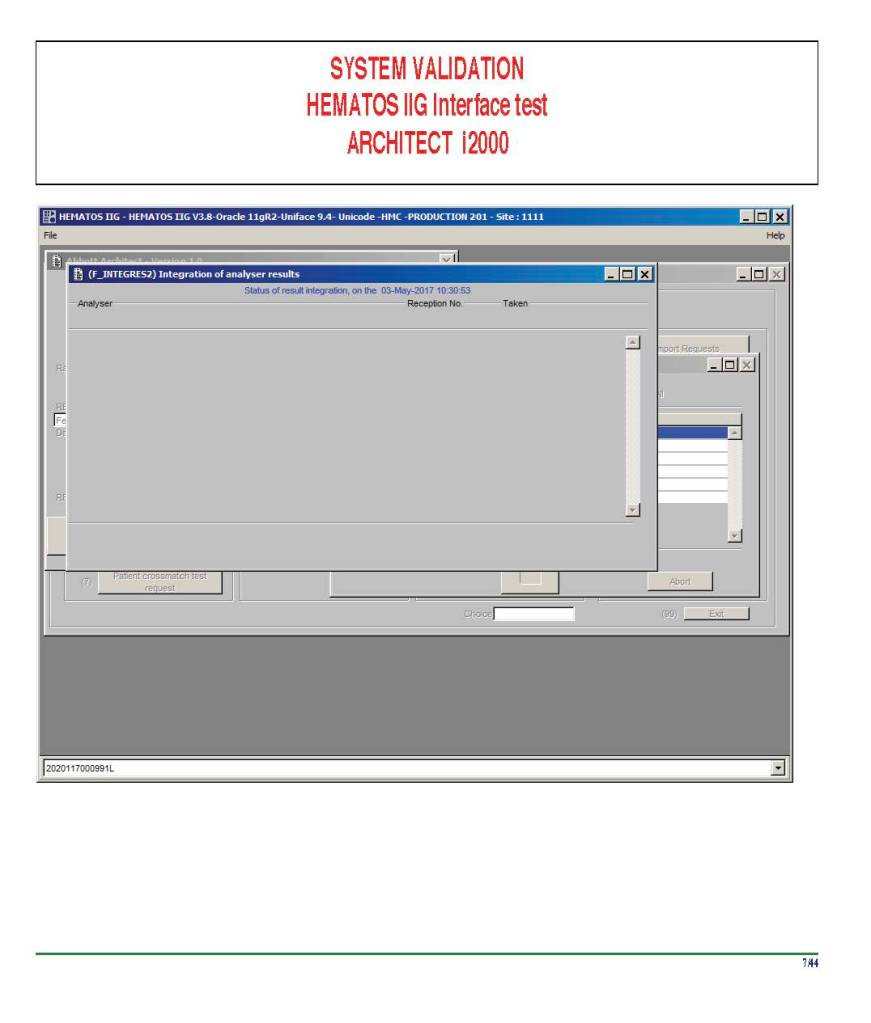
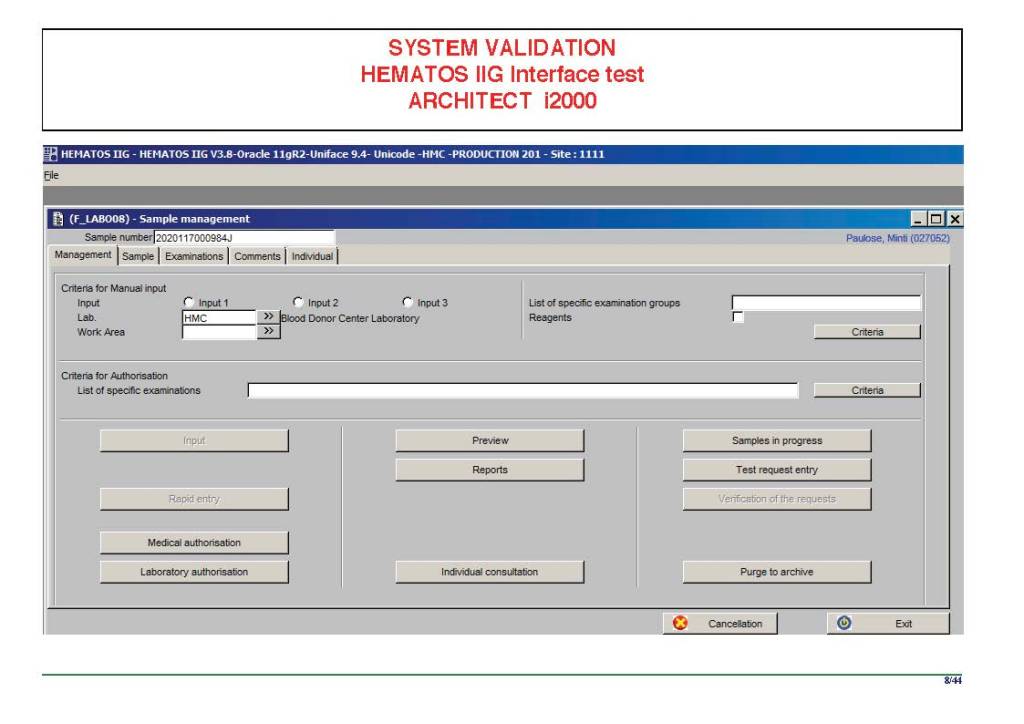
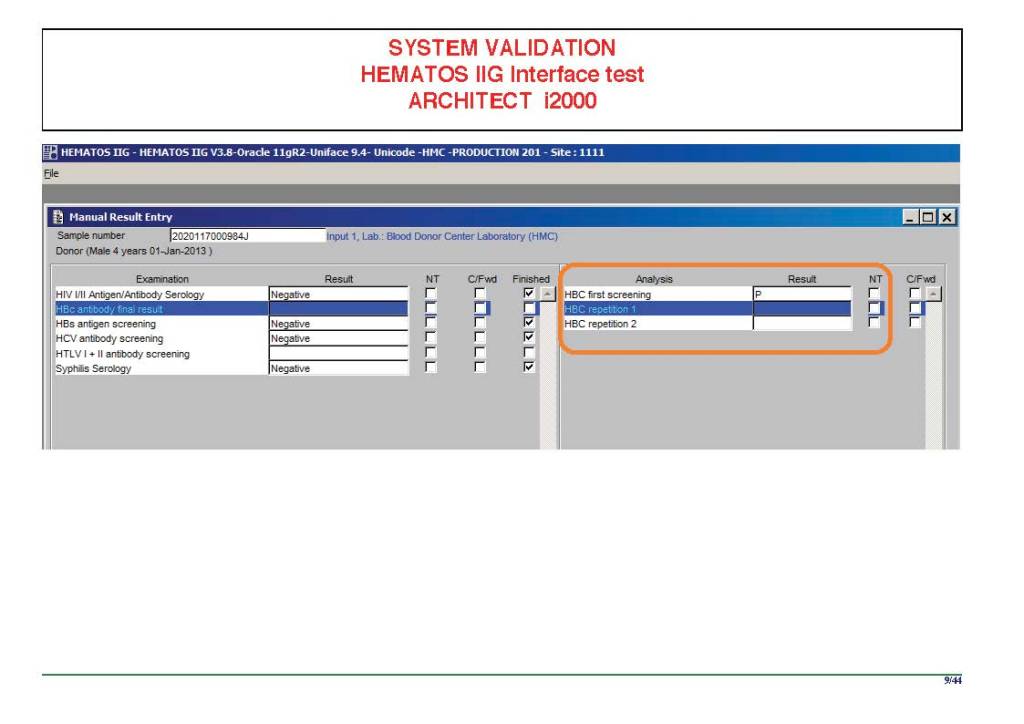
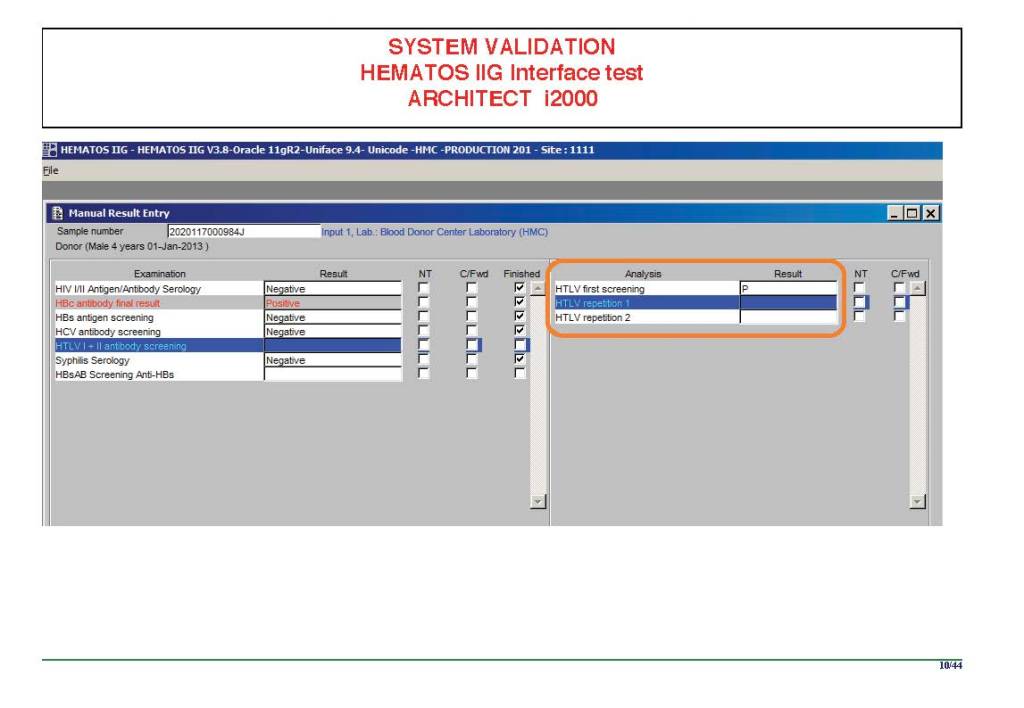
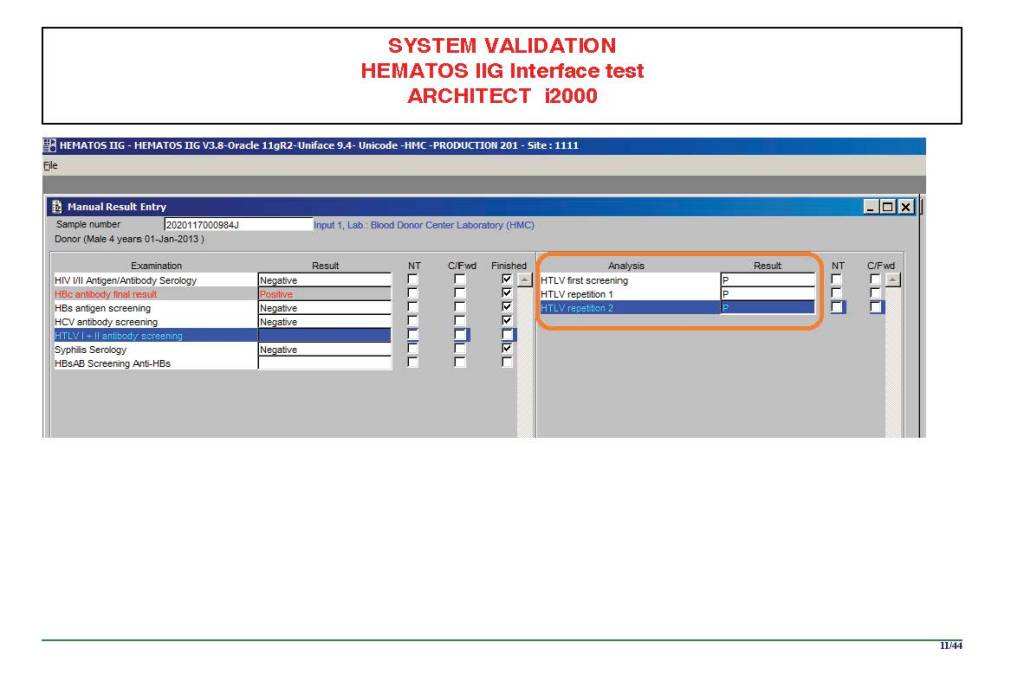
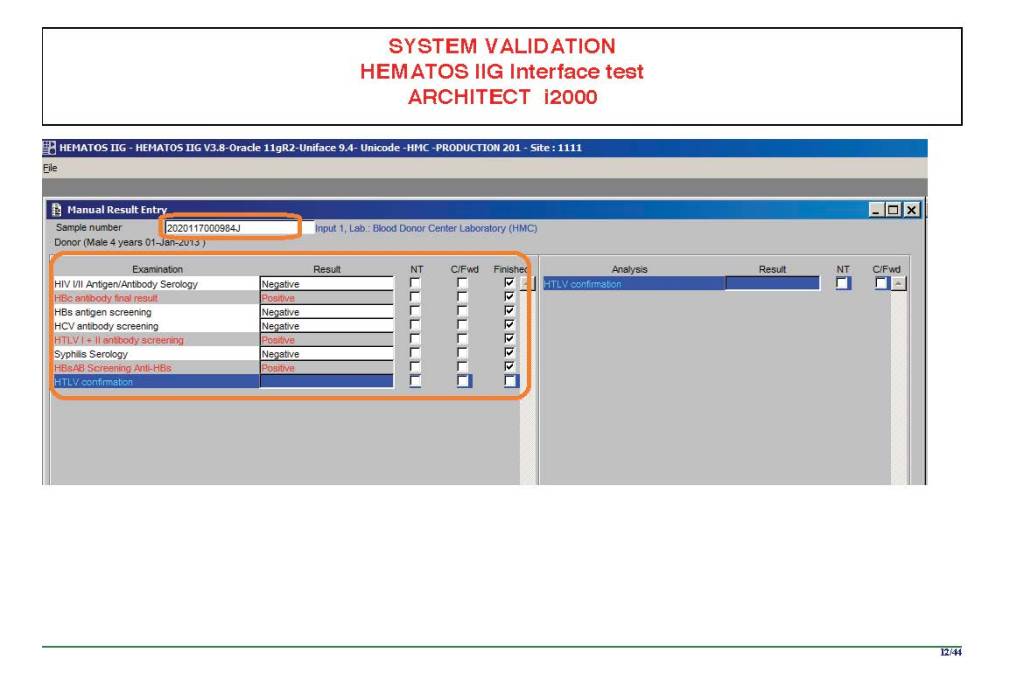
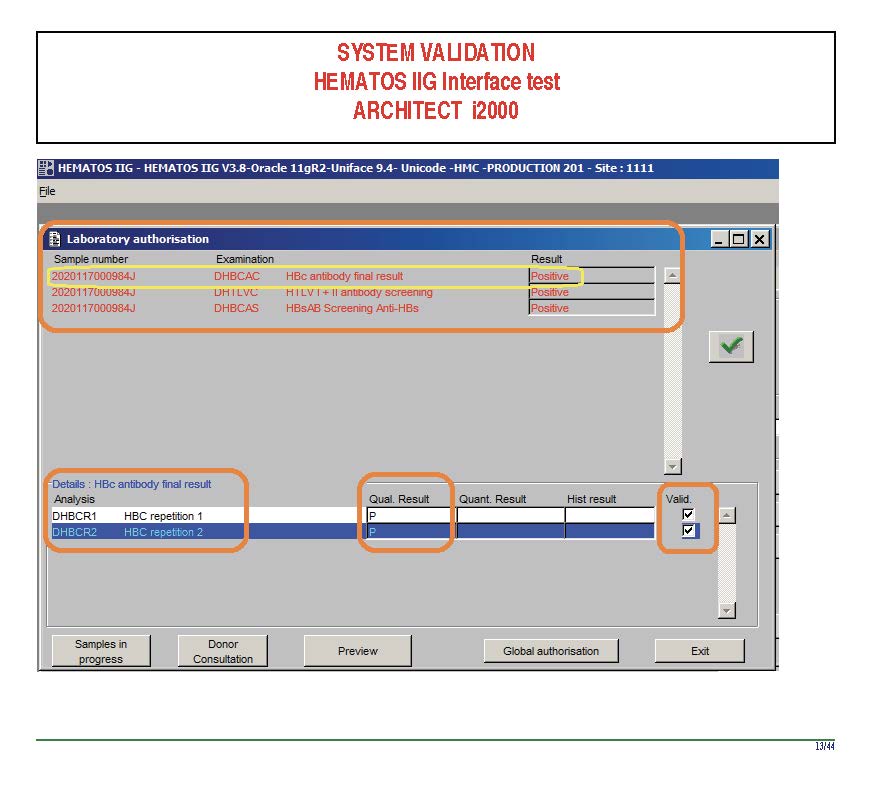
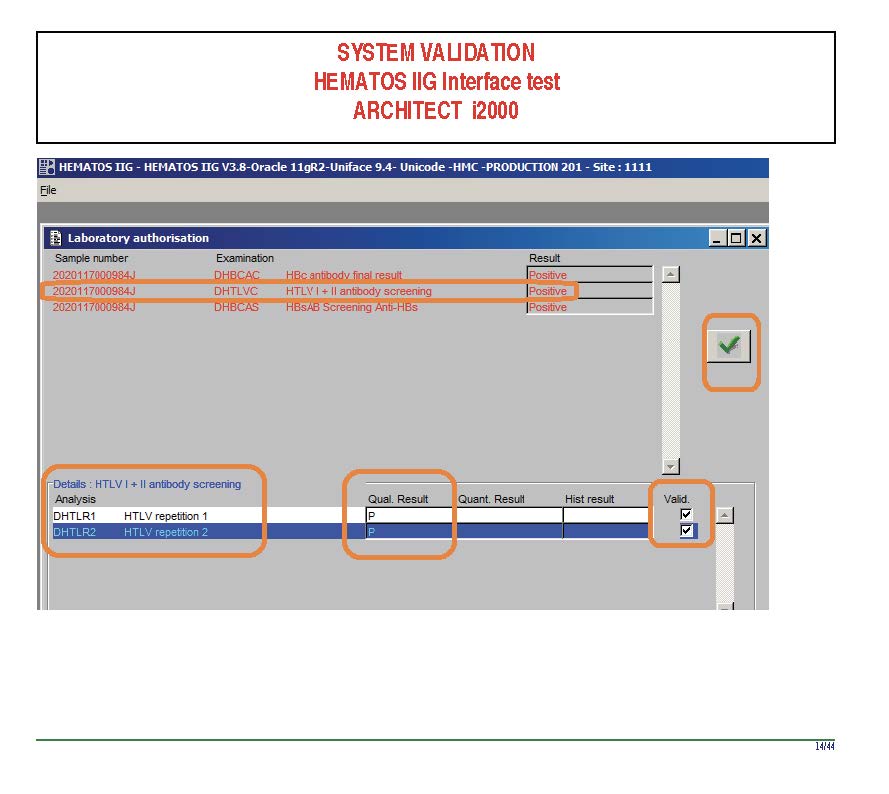
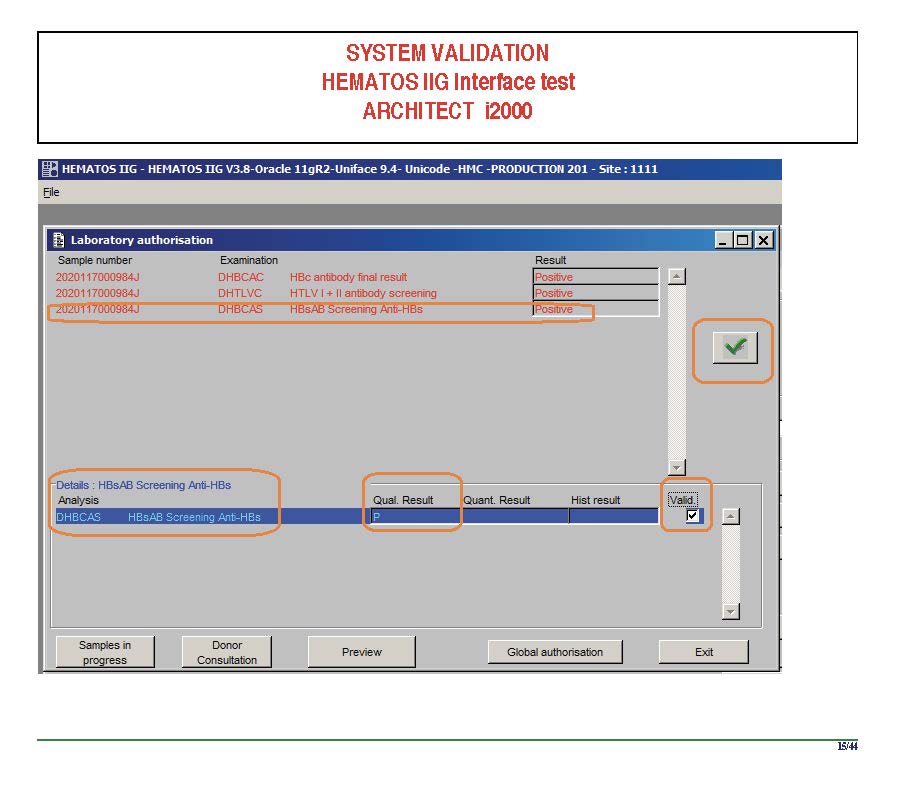
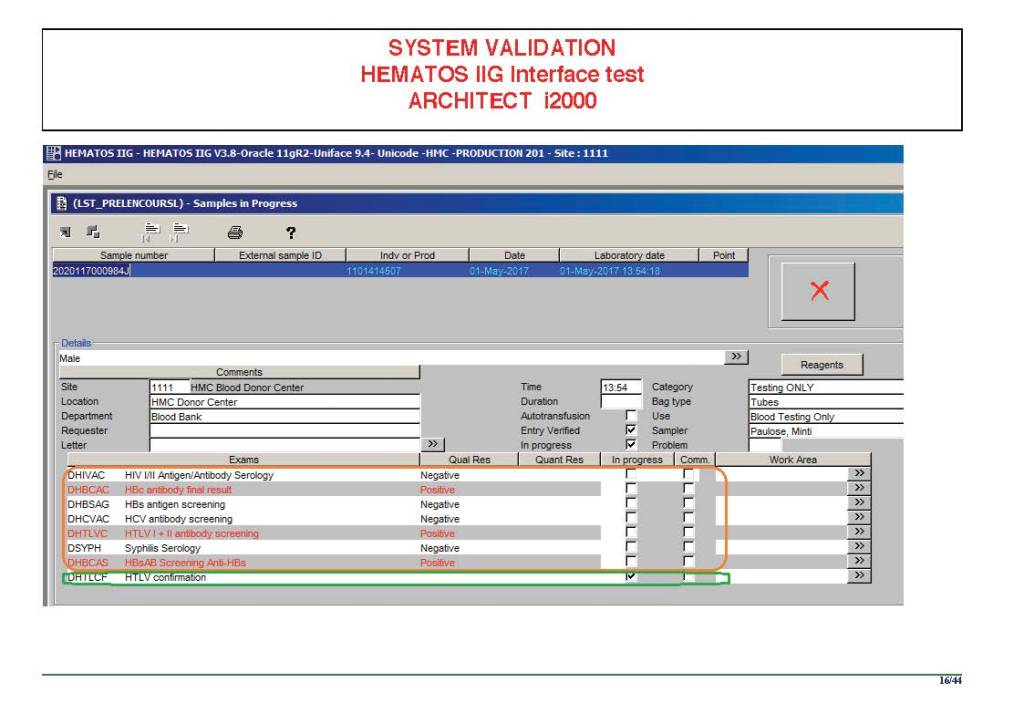
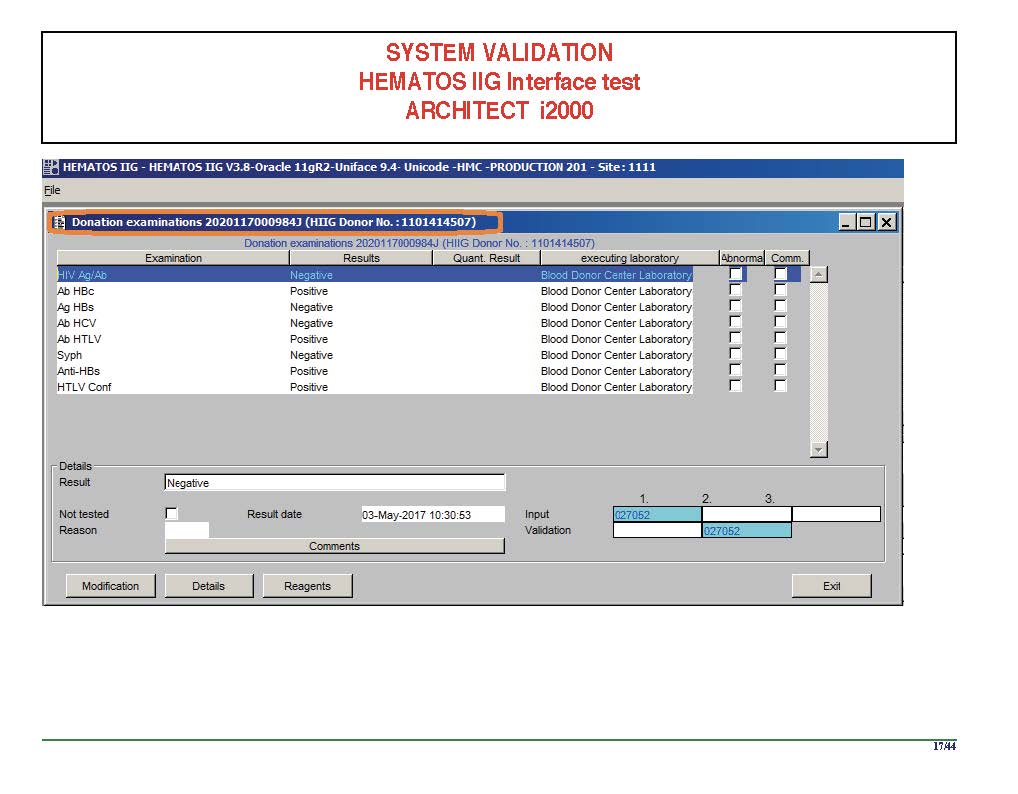
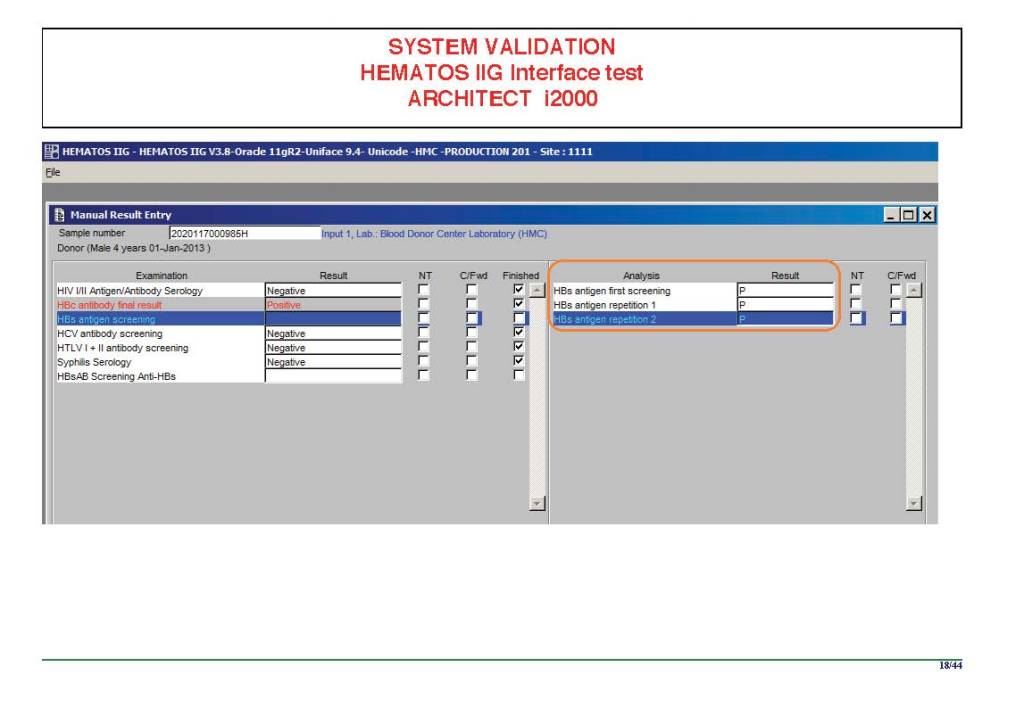
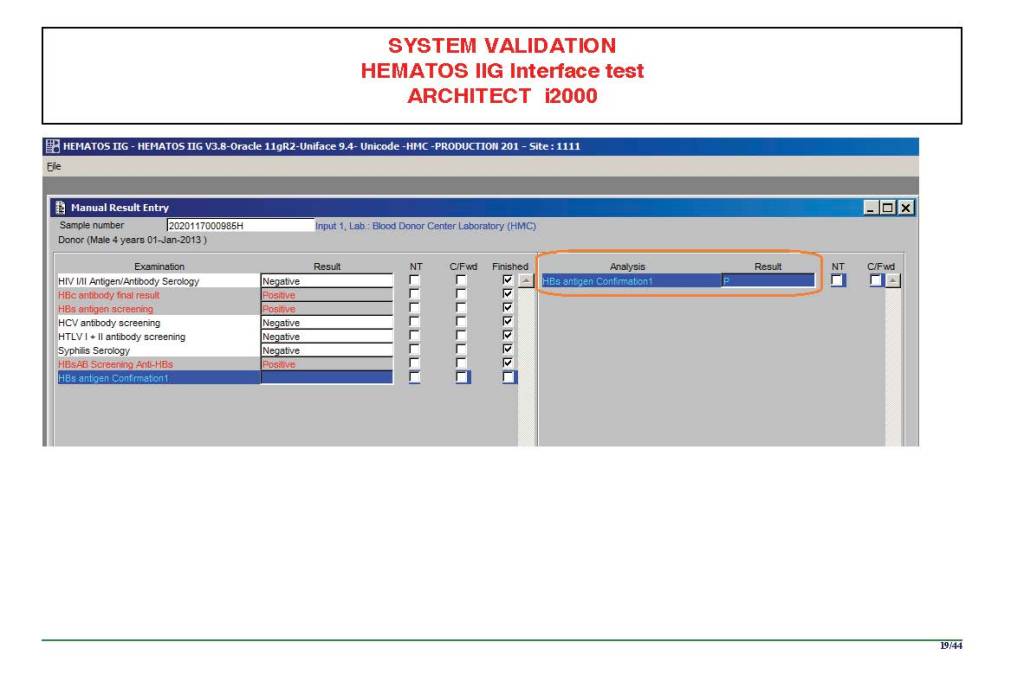
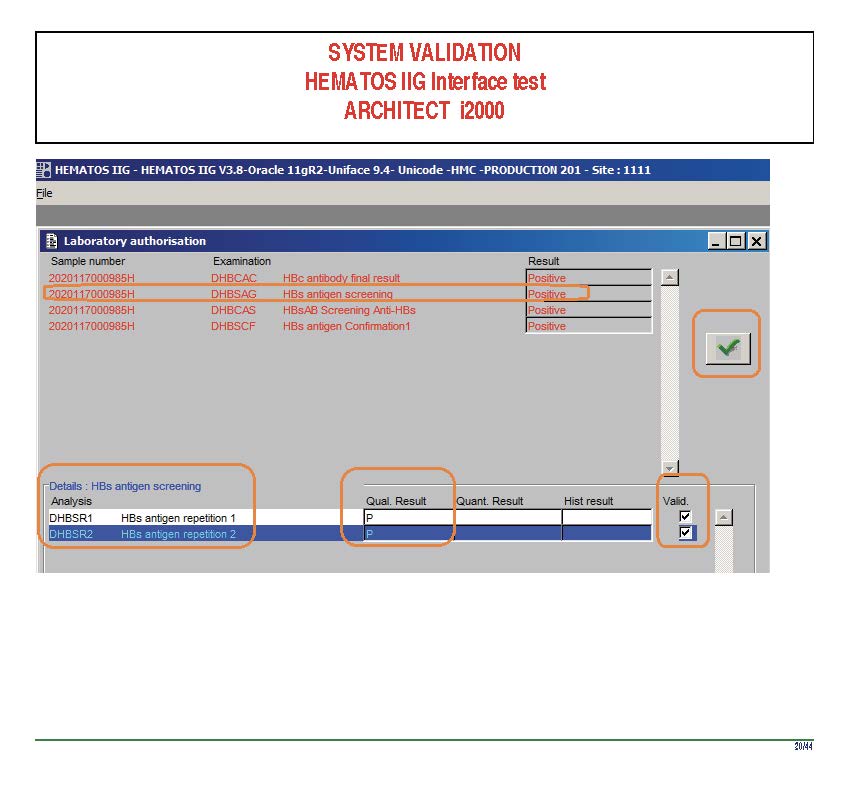
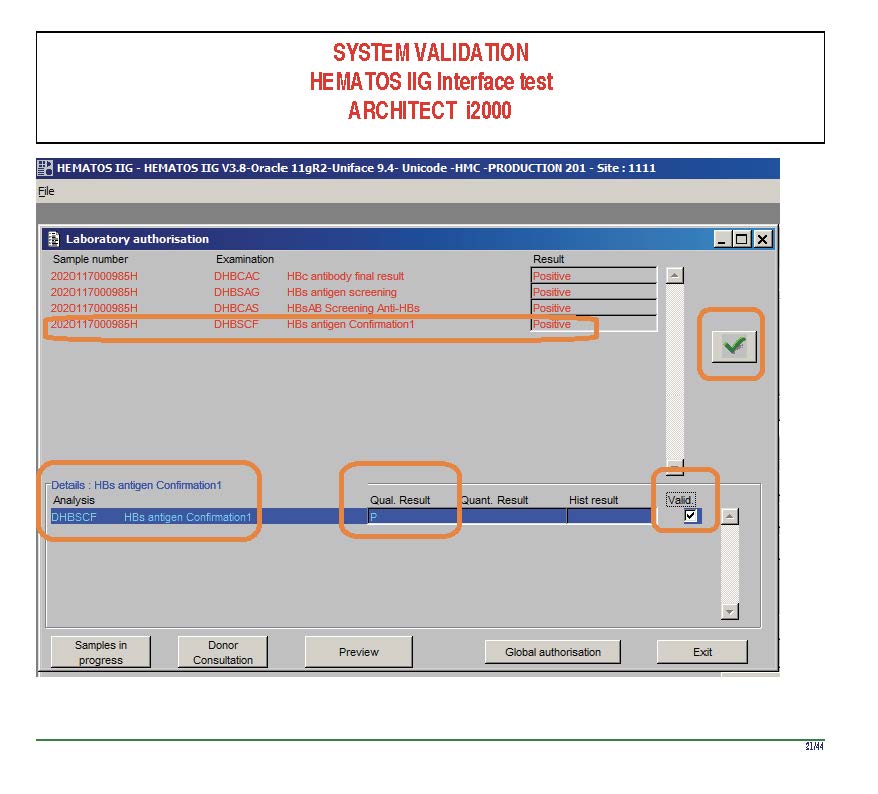
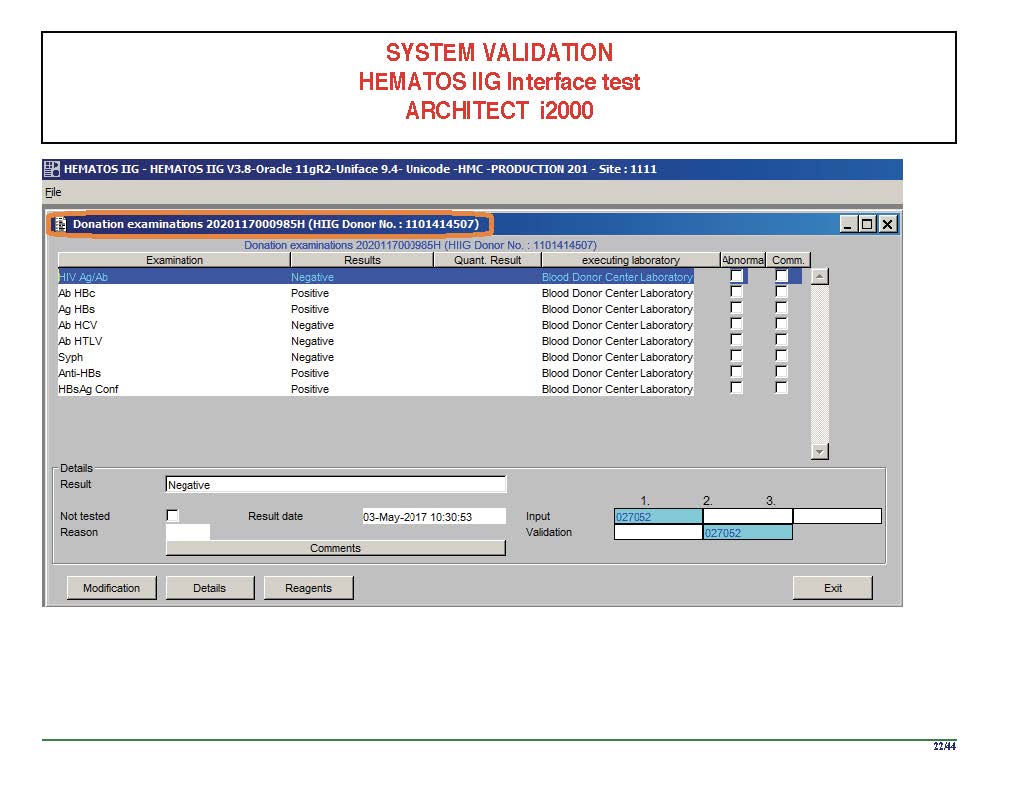
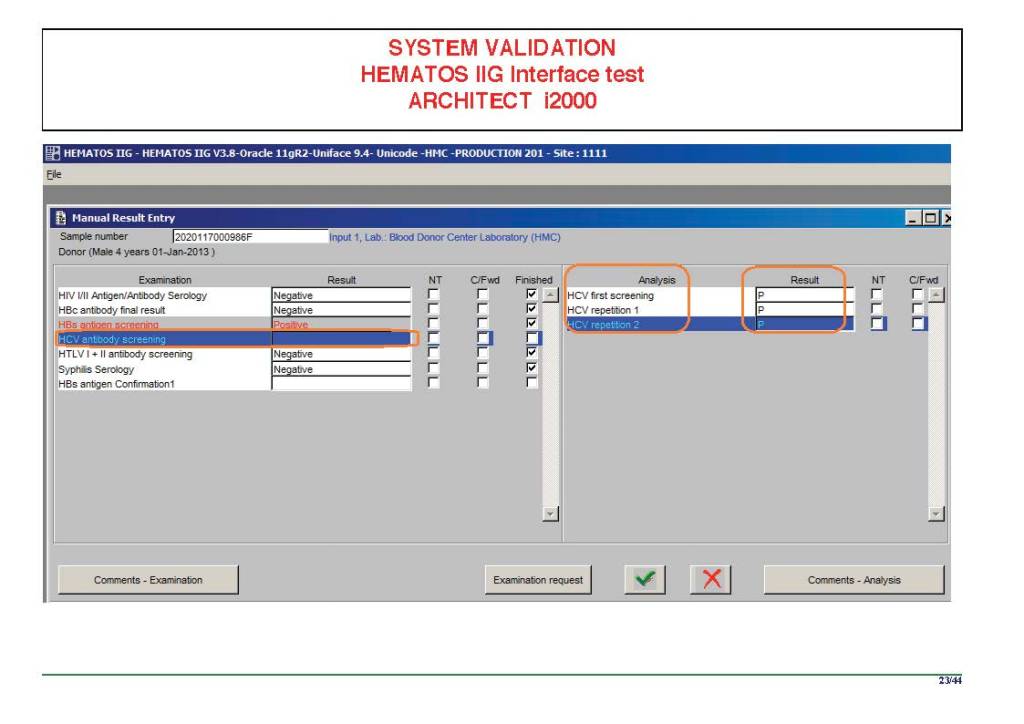
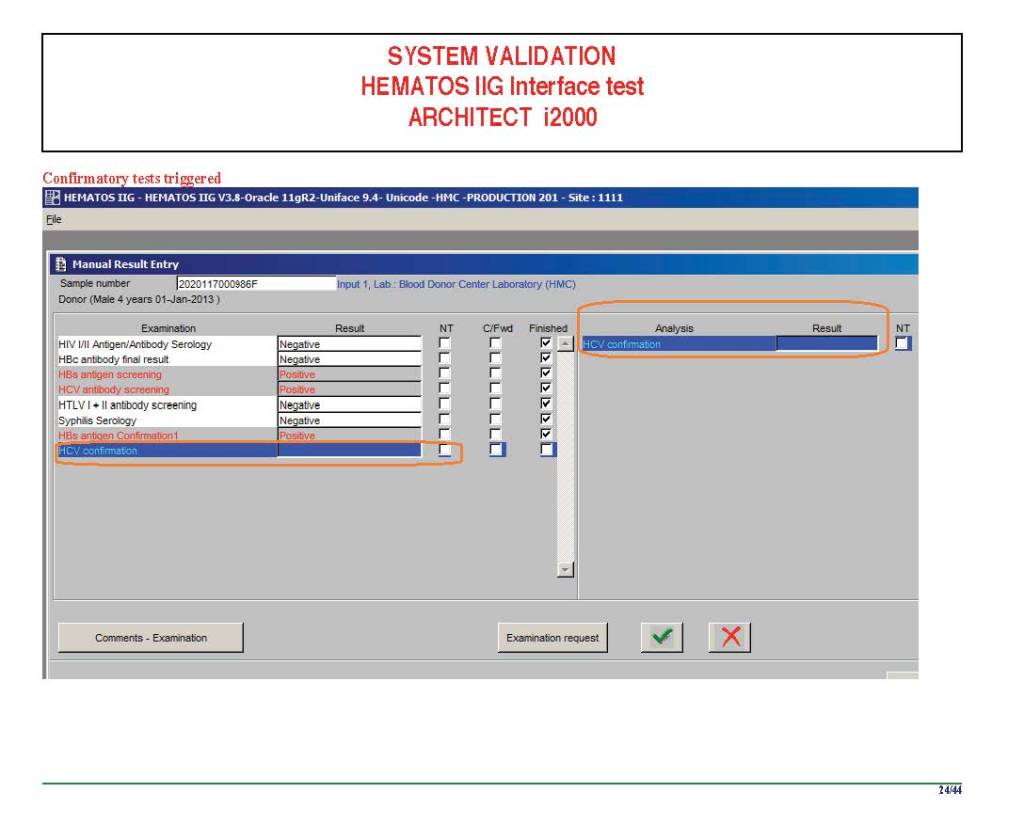
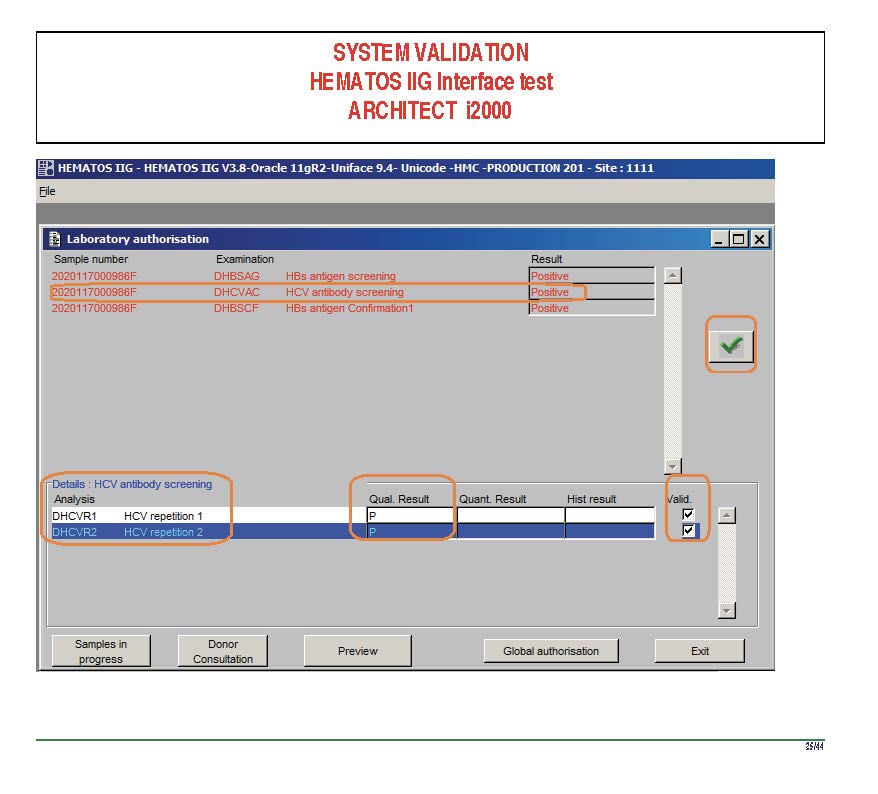
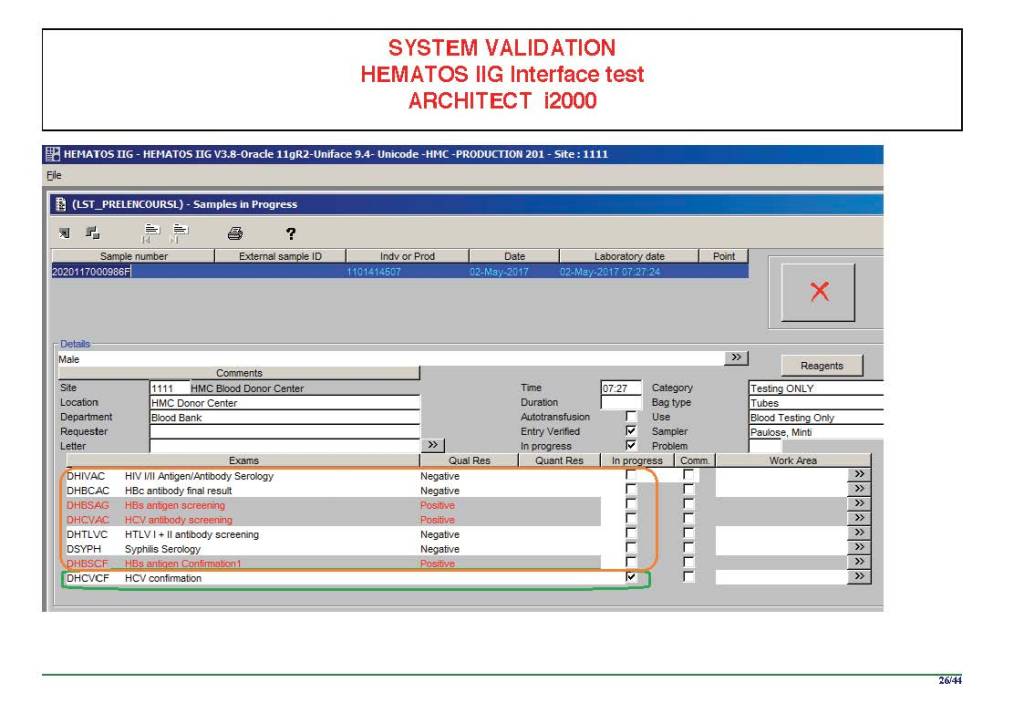
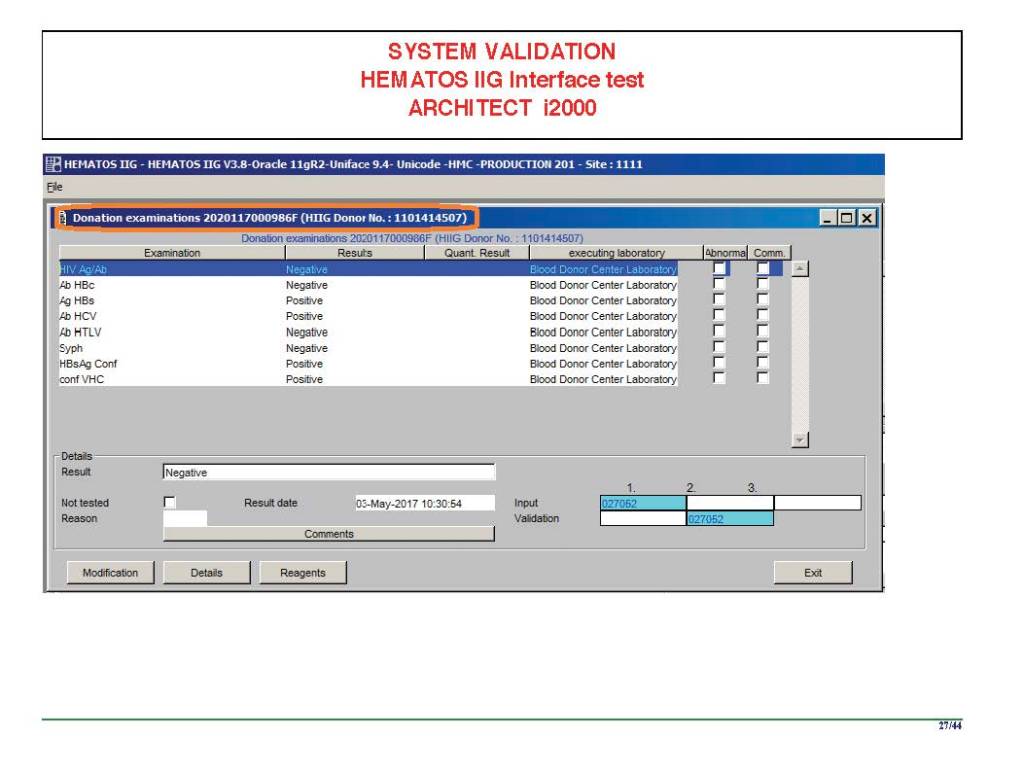
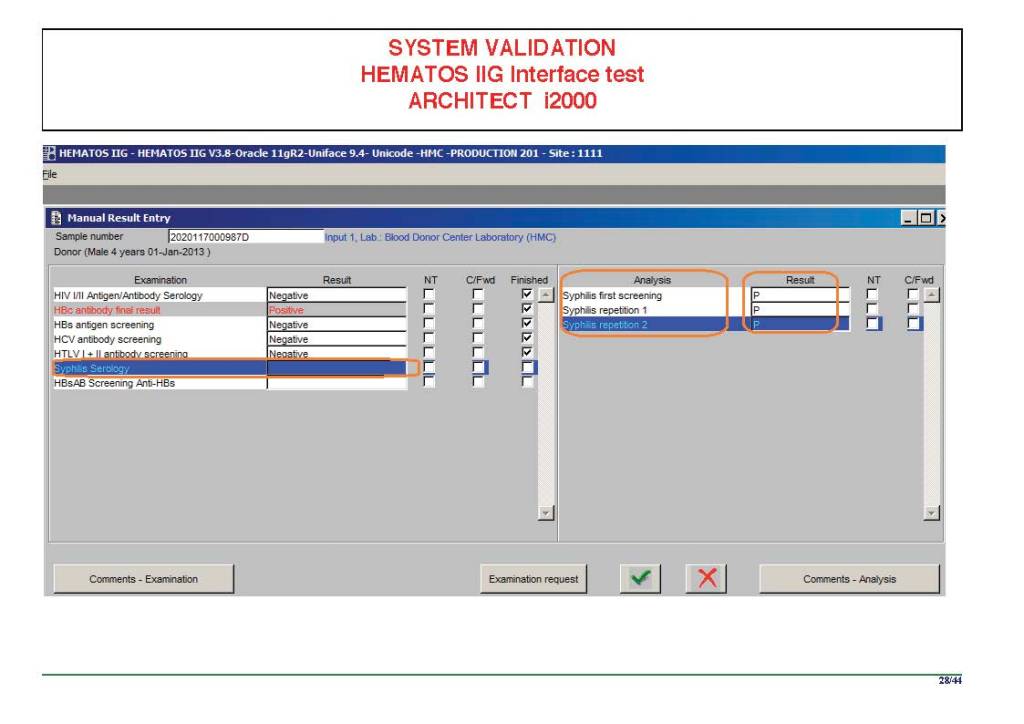
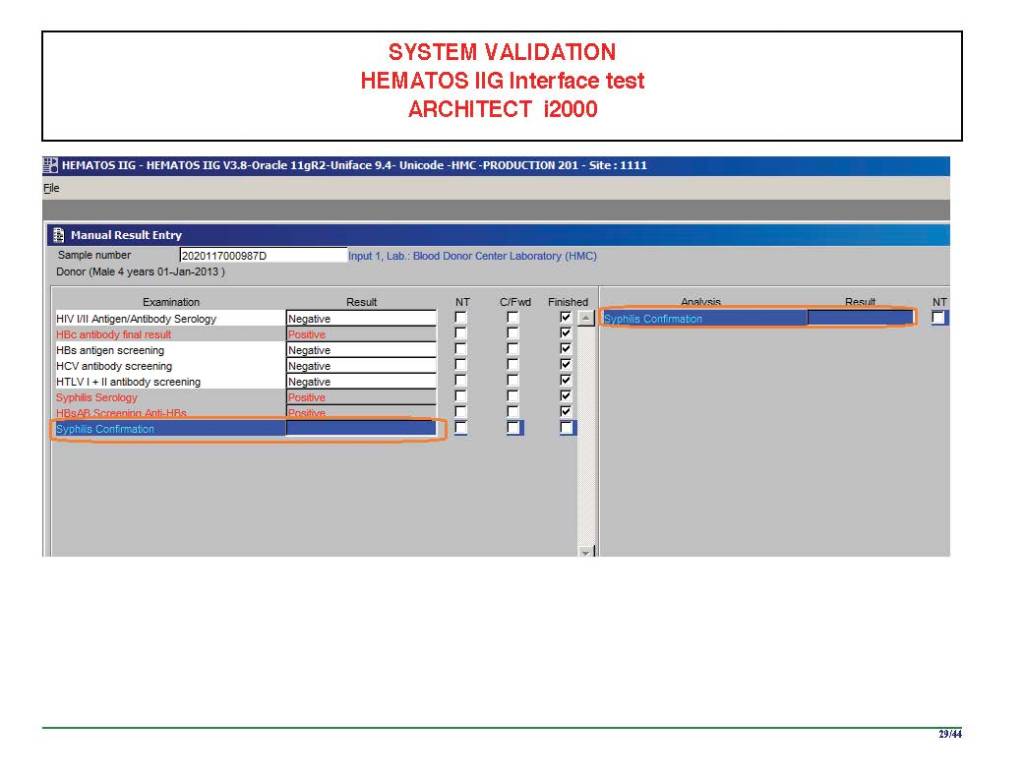
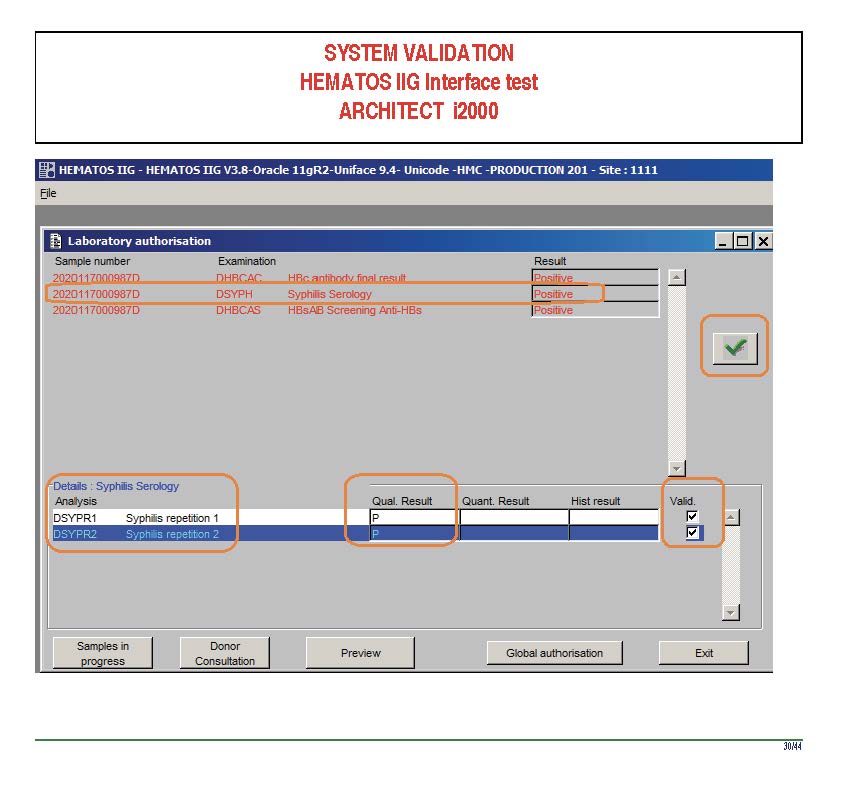
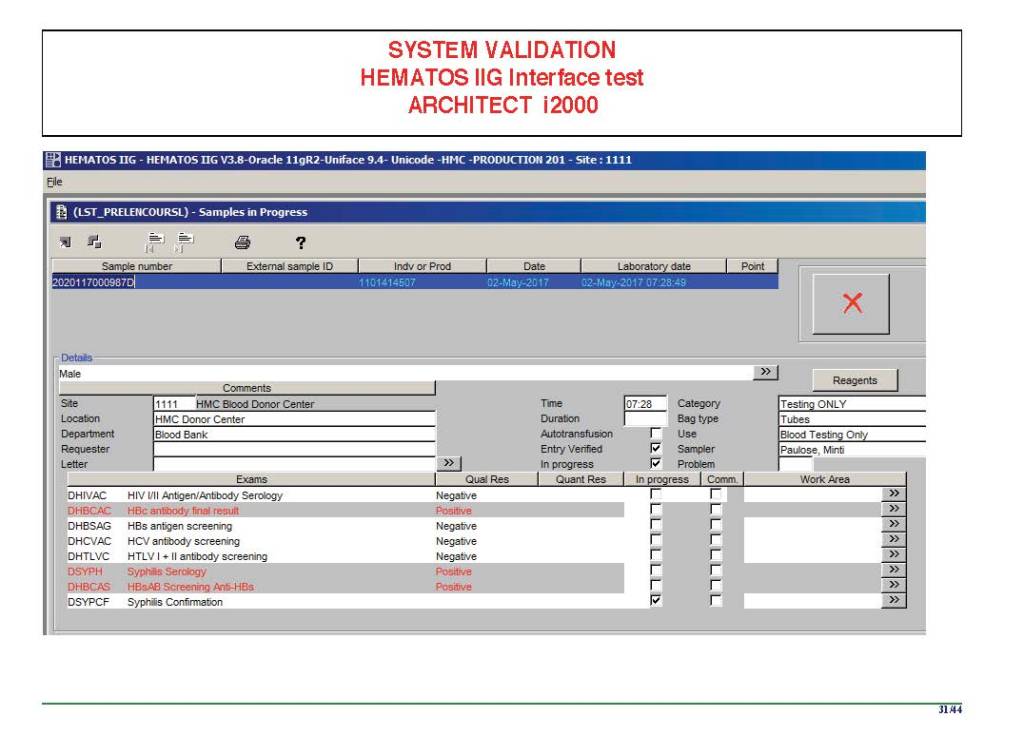
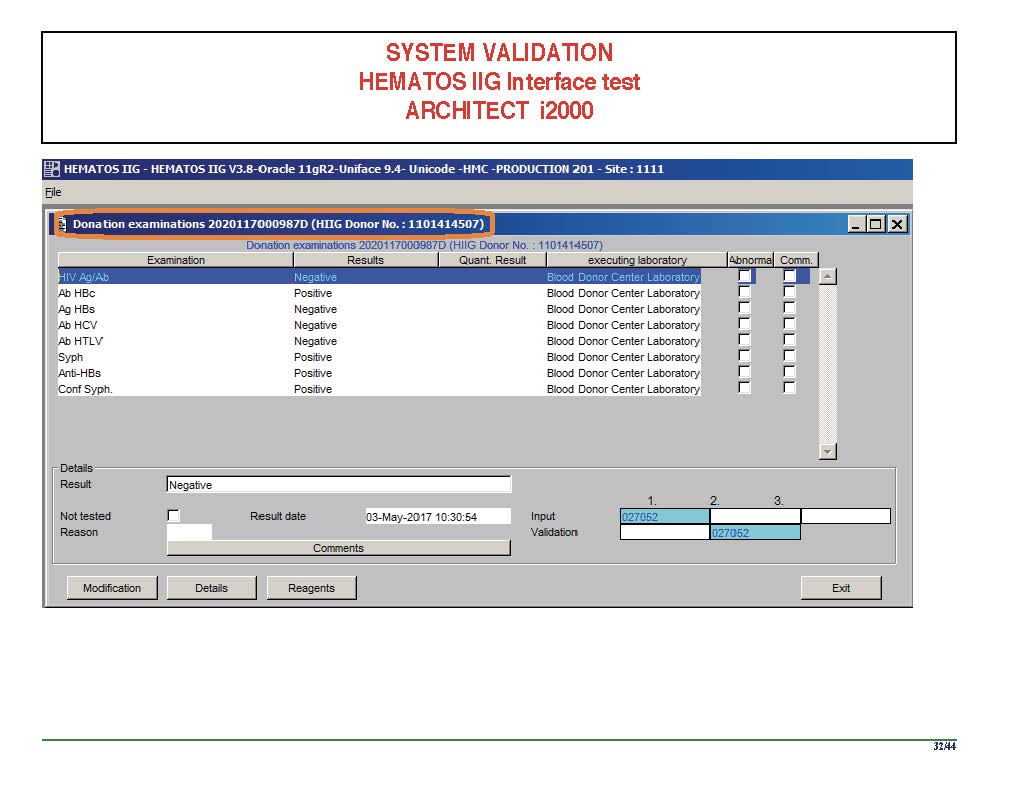
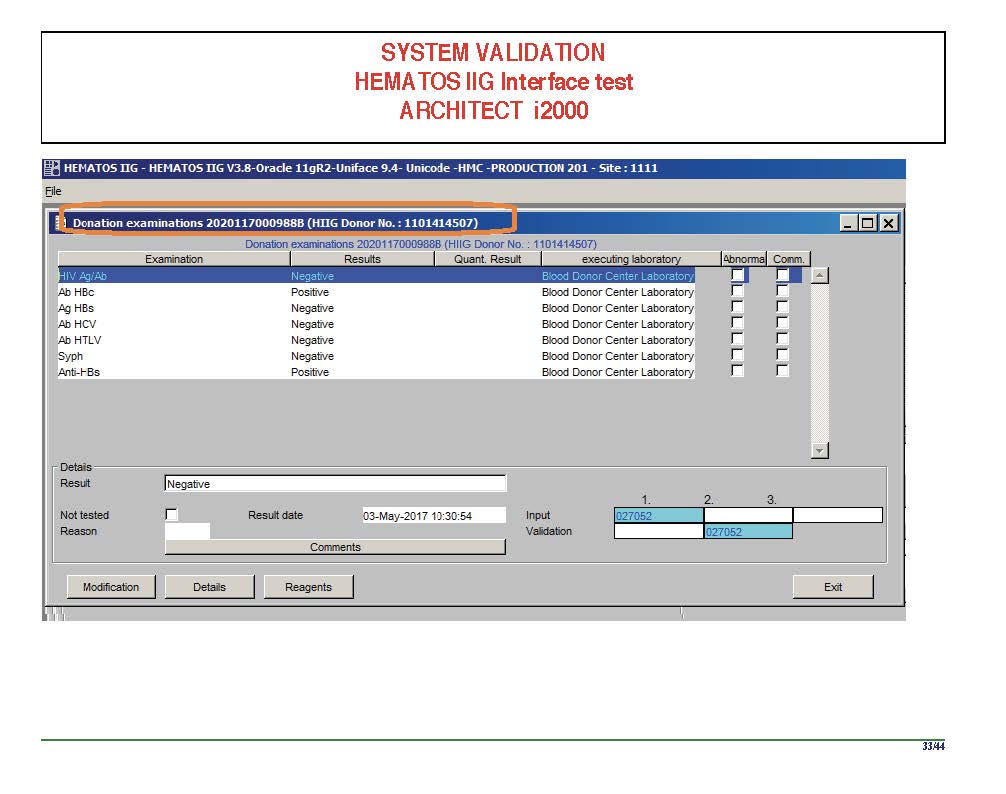
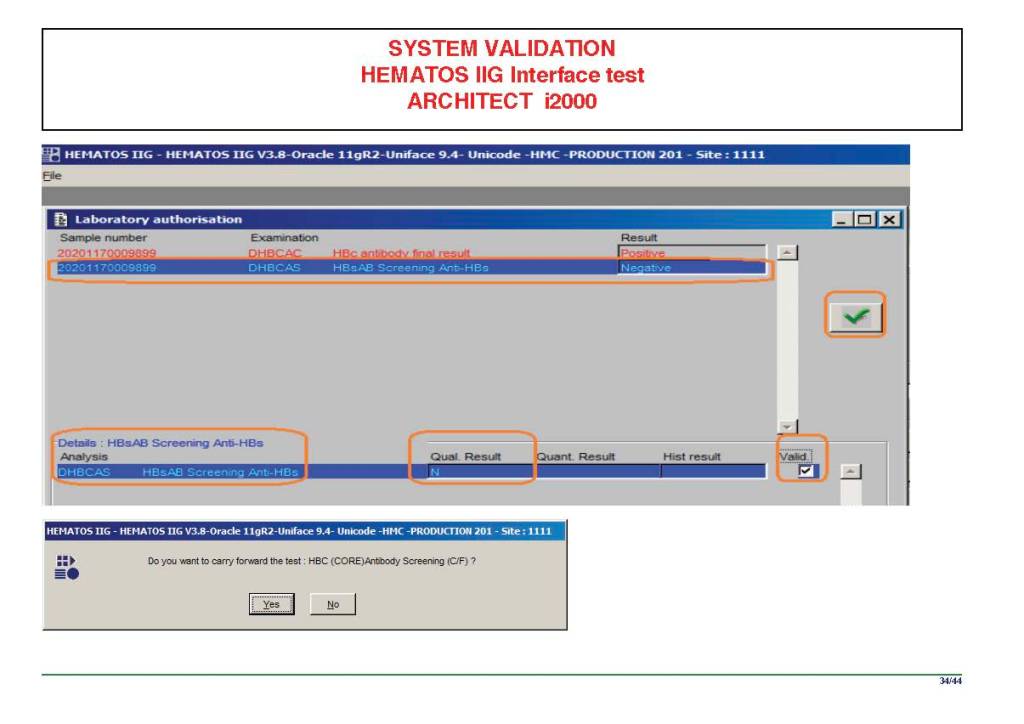
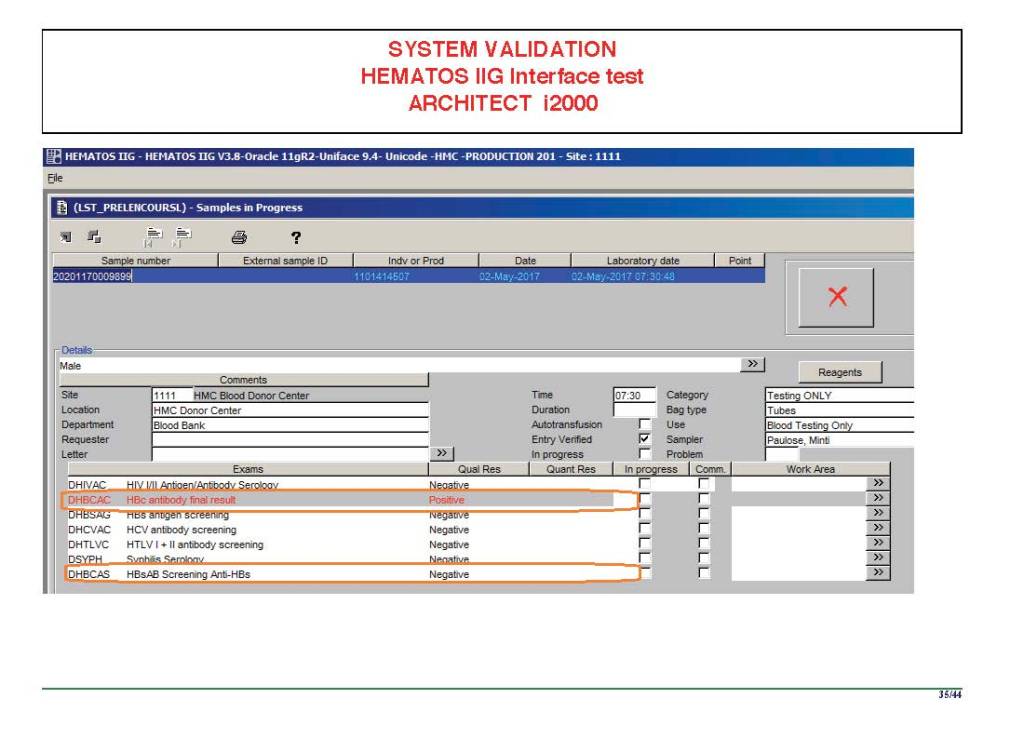
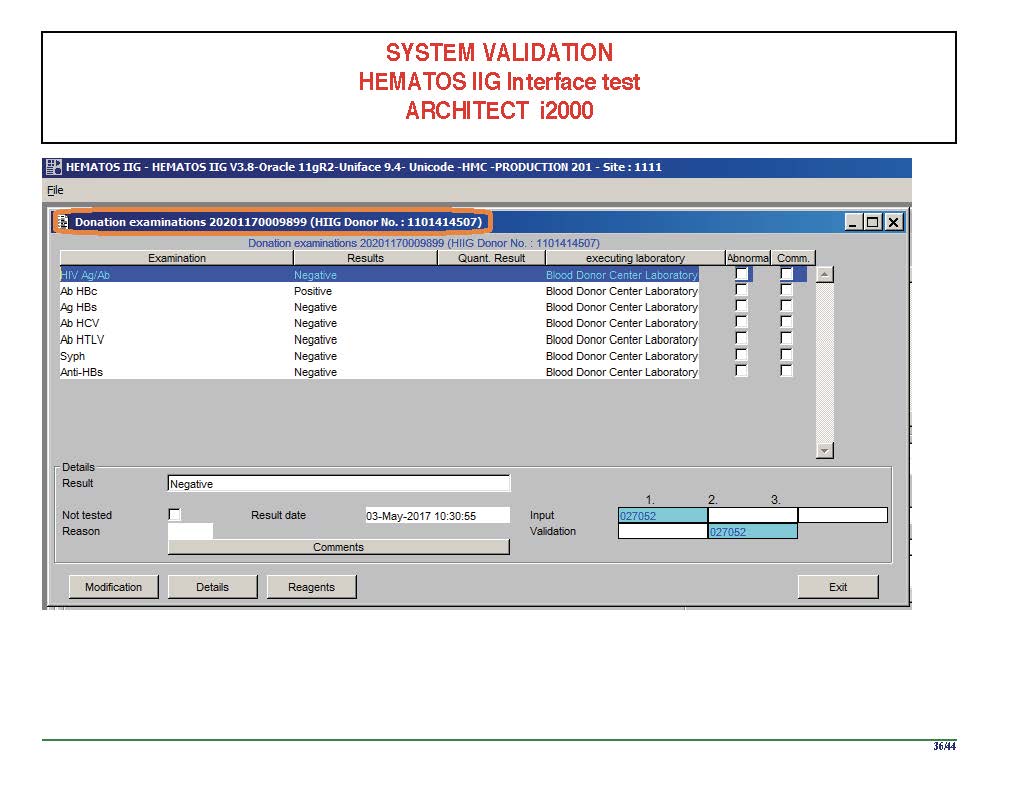
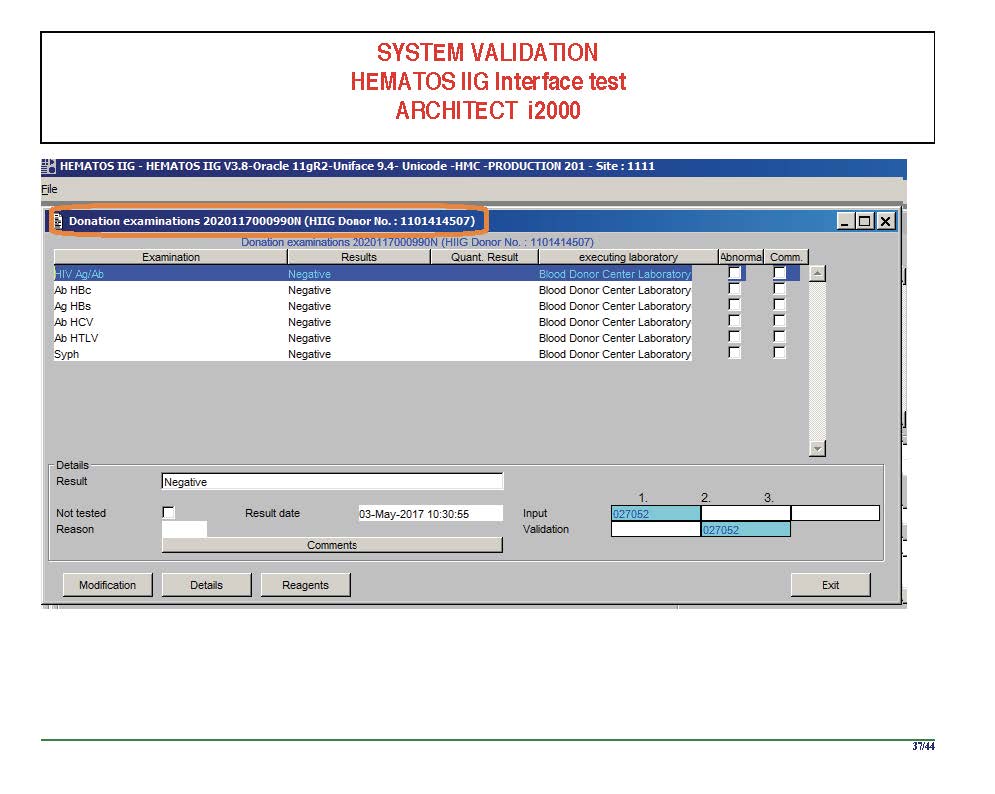
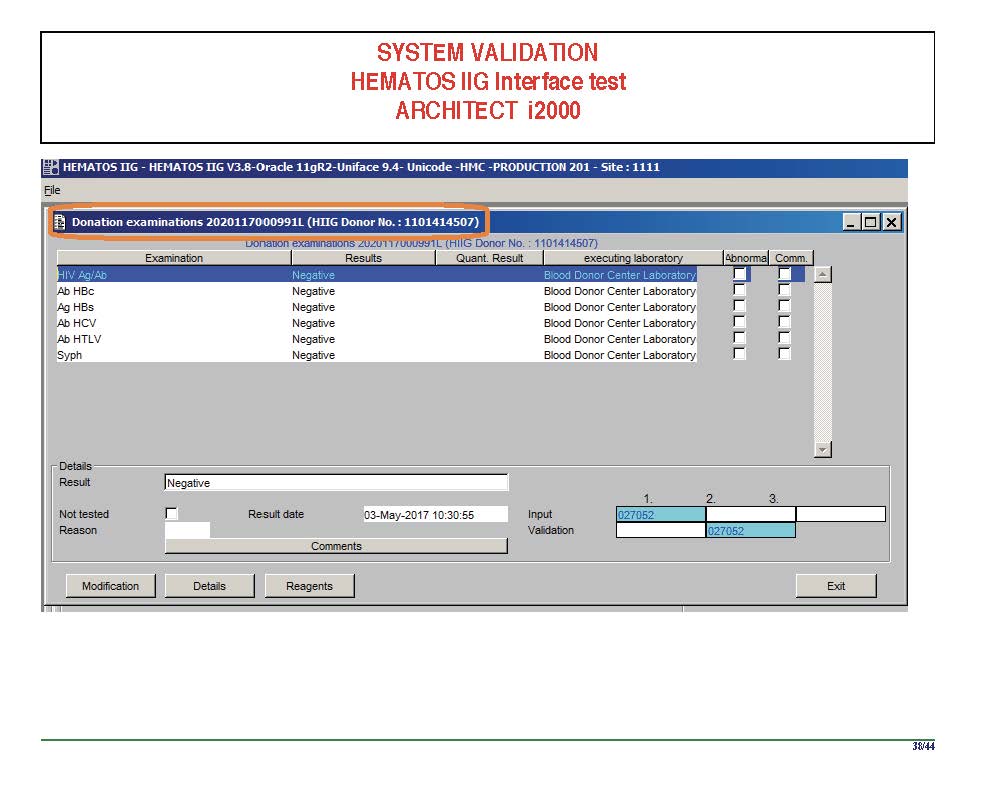
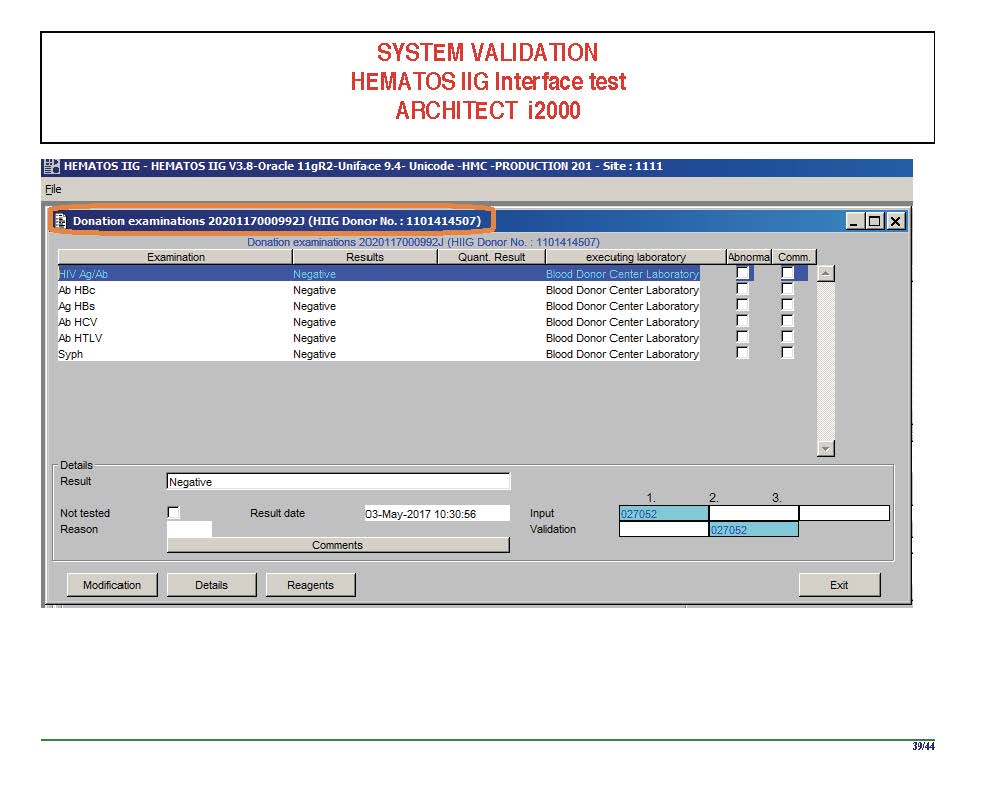
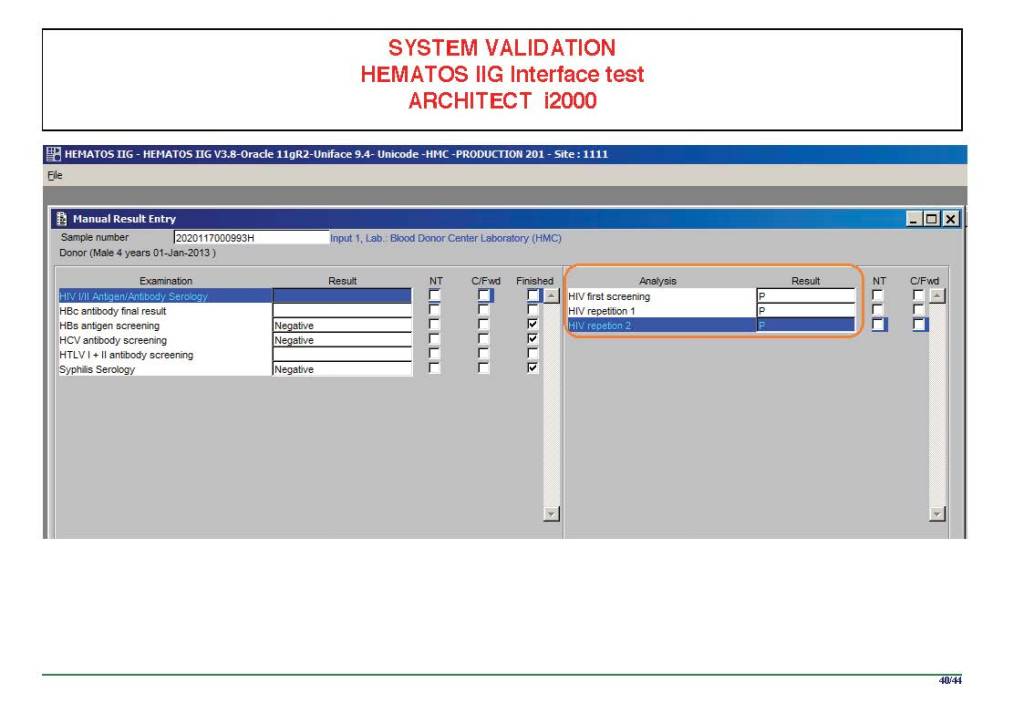
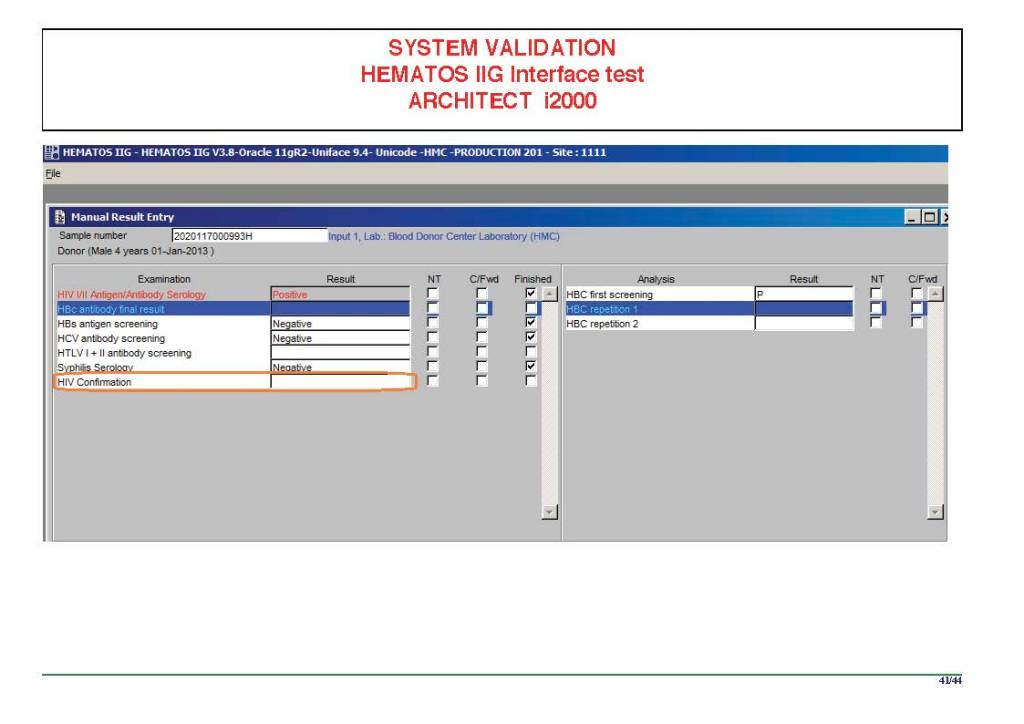
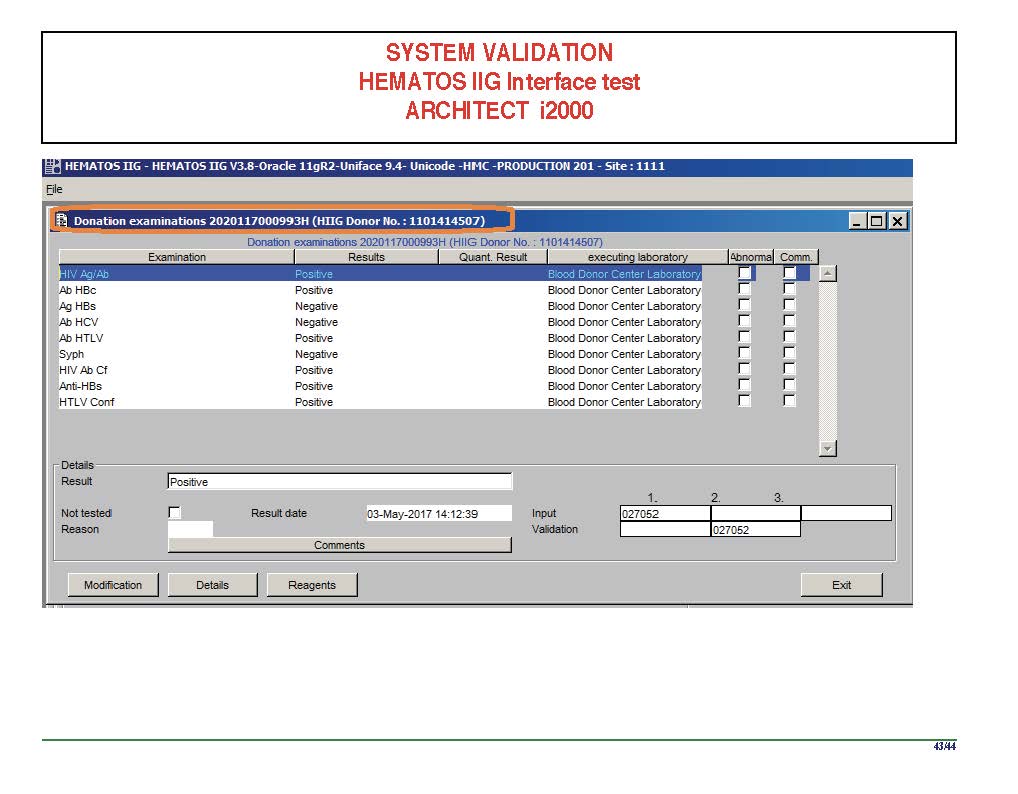
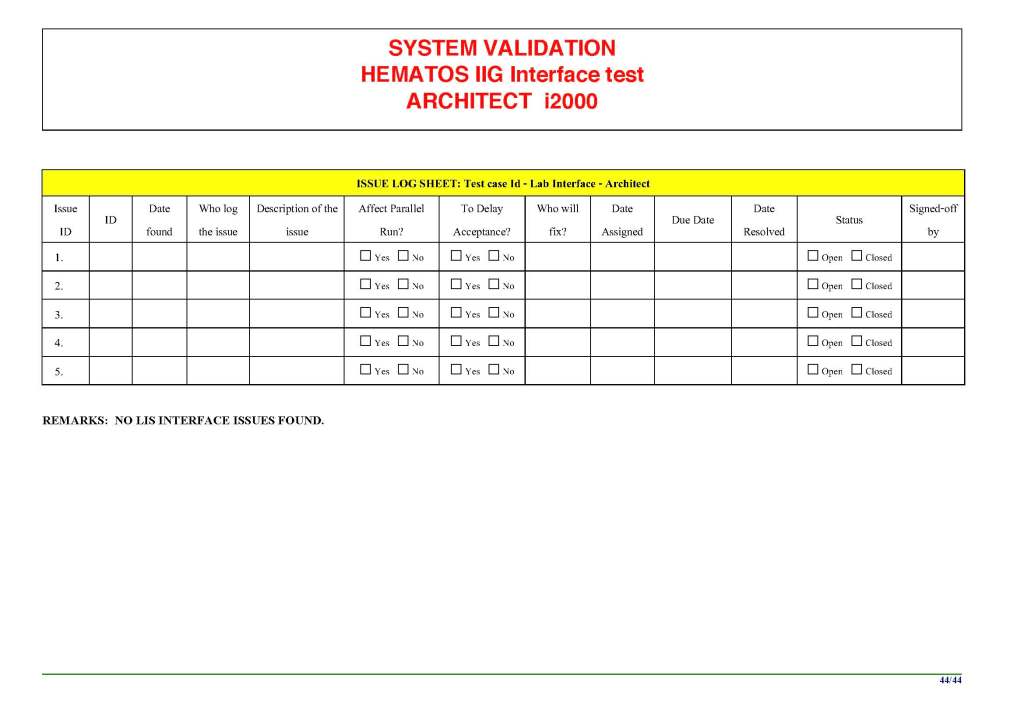
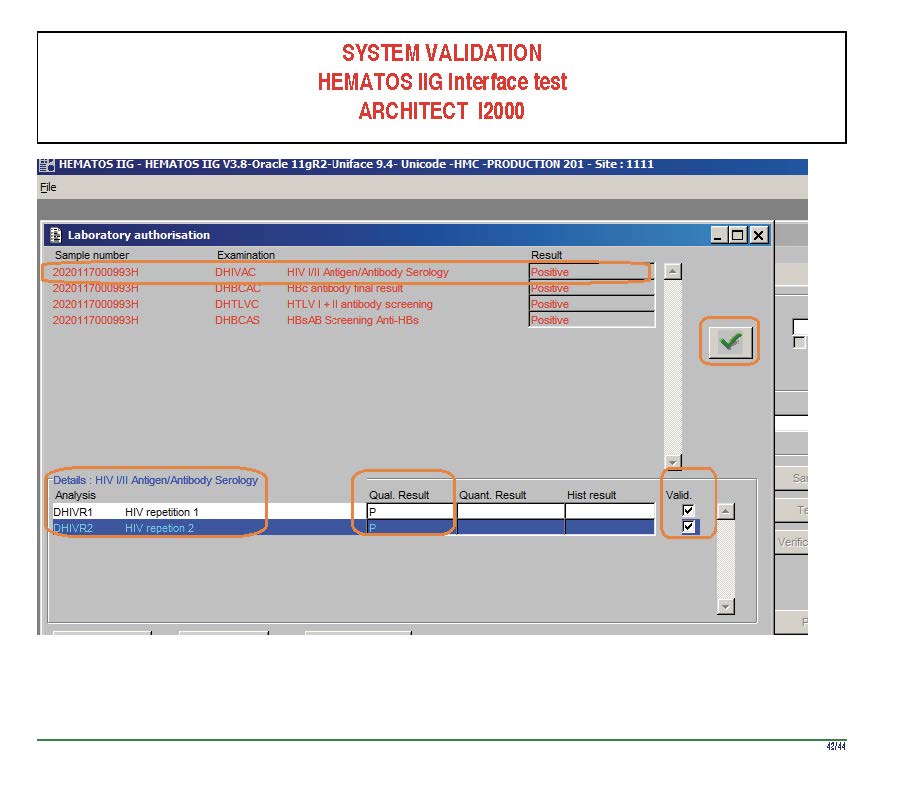
I am attaching a copy of our Abbott Architect interface as updated a few years ago.  Again, here I wrote the validation protocol and assigned the tasks to the Medinfo Super Users.  To perform this EIA testing, we still had to register donors and collect and then export the specimens to the donor marker testing laboratory before the actual interface testing could begin.  This was all done in a special test domain separate from the production domain.

I made the validation criteria and reviewed all data as Division Head of Laboratory Information Systems.  Representative screen shots were made.  All data was sent to me.  My final acceptance was required before the interface could be activated.

Automated component processing (Reveos) and component modification are more complicated and will be covered in a future post.

Attachment:

Abbott Architect Interface

To Be Continued:

24/6/20

Processes and Software Building 5: Processes

Processes and Software Building—Part Five

This post is mainly on building processes for a non-turnkey system such as the Medinfo Hematos IIG software that I have worked with in several countries, but there will be a few words about turnkey systems for general laboratories.

This has been a collaborative effort between the software vendor’s engineers, my Super Users, and myself.  This pluralistic approach has been most productive.

A turnkey system has pretty much already defined most of the basic processes—those have been specifically approved by a regulatory agency such as US FDA.  There is little customization except formatting screen and reports.  Instrument interfaces are also mainly predefined.  This requires much less thought and planning than a custom-built system designed on the sites actual workflows, but it can be an exercise of putting a round peg in a square hole.  You don’t always get what you want.

In the locations where I collaborated in setting up the Medinfo Hematos IIG program, we did not follow US FDA but mainly the Council of Europe CE standards since this was much more customizable and applicable to our needs (KSA and Qatar).  We could modify and add additional criteria specific to our country and region (e.g. rules for donor qualification for local pathogens).  This has always been my preferred approach.

Start with a frame of reference (CE) and then try to optimize it for our local needs.  Unfortunately for blood banking, FDA has many fewer approved options than other regions, including in the preparation of blood components (e.g. prohibiting the use of pooled buffy coat platelets, automated blood component production such as Reveos, and use of world-class pathogen-inactivation technologies) such as Mirasol.

If you invested the time to make a detailed workflow across all processes and tests, much of this can be readily translated into the software processes, but first you must study the flows and determine where you can optimize them.  This requires that you study the options in the new software to see what you can use best.

I always liked Occam’s Razor, i.e. “ntia non sunt multiplicanda praeter necessitatem,”—the simpler the better as long as it meets your needs.  If the manual processes are working well and can be translated into the new system, do so.  If they need changes for optimization, then do so only if necessary.

Most of my career has been spent overseas with staff from many different countries and backgrounds, most of whom were not native in English.  The wording of the processes is very important.  Think of the additional obstacle of working with a complicated software in your non-mother tongue!  Also consider the differences between American English, British English, and international English.  I always made the Super Users read my proposed specifications and then asked them to repeat what I wrote/said.

There were many surprises discovered.  I think of the Aesop’s fable about the mother who gave birth to an ugly baby looking like a monkey.  Still, to that mother her baby was the most beautiful baby and she entered him into a beauty contest.  In other words, to the mother her child is perfect!!

It is most important to use the manufacturer’s recommendations to build tests and for the special automated processing and pathogen-inactivation processes.  For example, we had multiple ABO and D typing tests—they did not necessarily agree on what were acceptable results for automated release of results.  The same is true for many other tests. Use the manufacturer’s recommendations.

Example:  One method for Rh(D) typing stated that only results in {0, 2+, 3+, 4+} were acceptable—all other results required manual review and/or additional testing.  Another only accepted results in {0,3,4}.  Thus we had to build separate D typing processes for each methodology.

If we changed equipment at one site to that used at another site, we didn’t have to modify our software to accommodate this.  Even if you didn’t have the equipment or reagents at one site, you could always build it into the system and not activate the settings until needed.

Another consideration is whether to offer all the processes globally or restricted to one site.  I favor allowing access to all methodologies at all sites—in case of a disaster where tests had to performed at another site.   This means that if you send an order over an interface from the hospital system to the blood bank system, that at the receiving (blood bank) end, you would choose which methodology to use, i.e. it is not a one-to-one but rather a one to many mapping.

Finally, the issue of middleware.  Many instruments offer this, but one faces the problem about support and regression errors when you either update the middleware software or the blood bank computer software.  Medinfo itself could serve as the middleware so there was less chance of errors when updating the software.  In fact, I have never used any middleware when using Medinfo.

Instrument interfaces will be a future topic.

To Be Continued:

23/6/20